
Unlock a new era of connectivity (exclusive to Solterra models)
We're excited to introduce the latest update to the Subaru Care App!
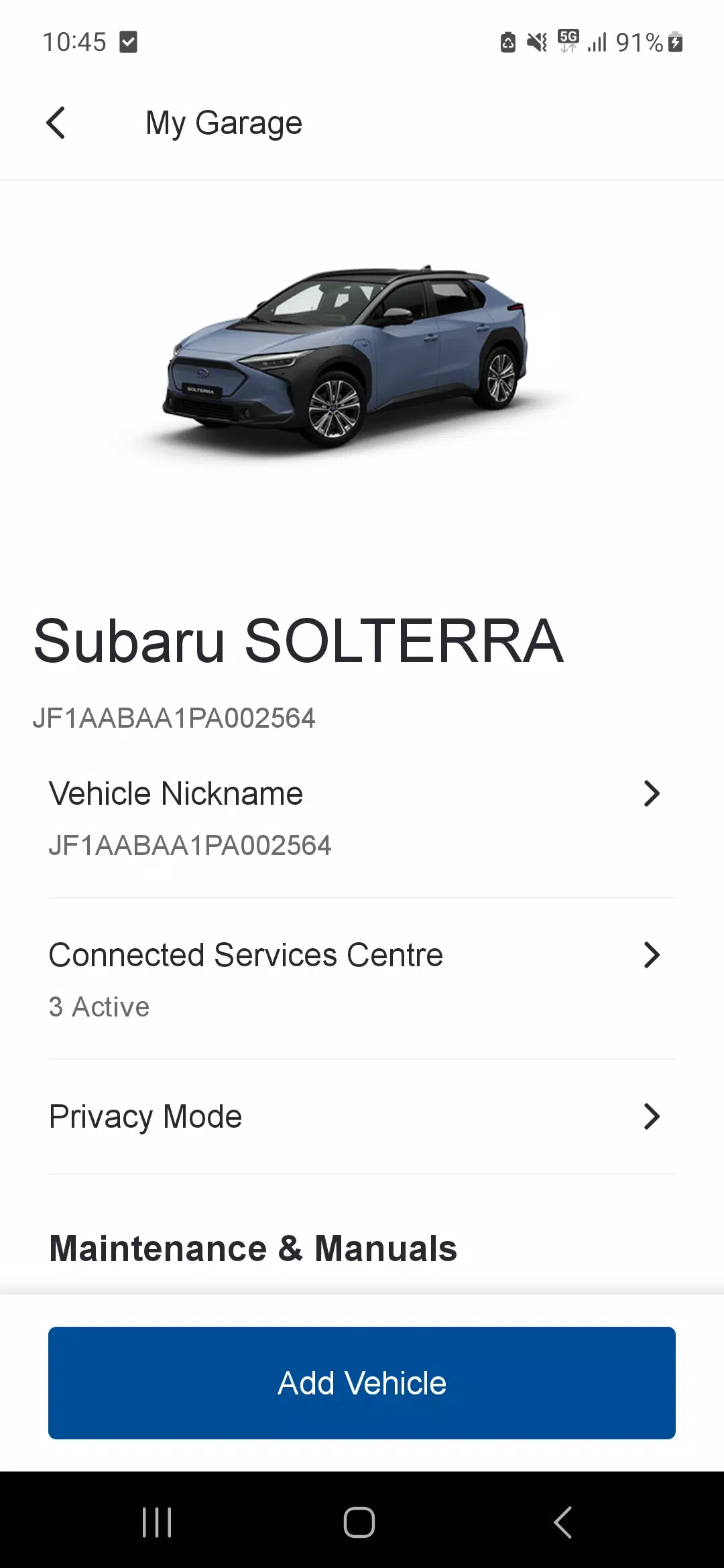
The SUBARU Care mobile app* elevates your driving experience with advanced connectivity features designed specifically for the Subaru Solterra.
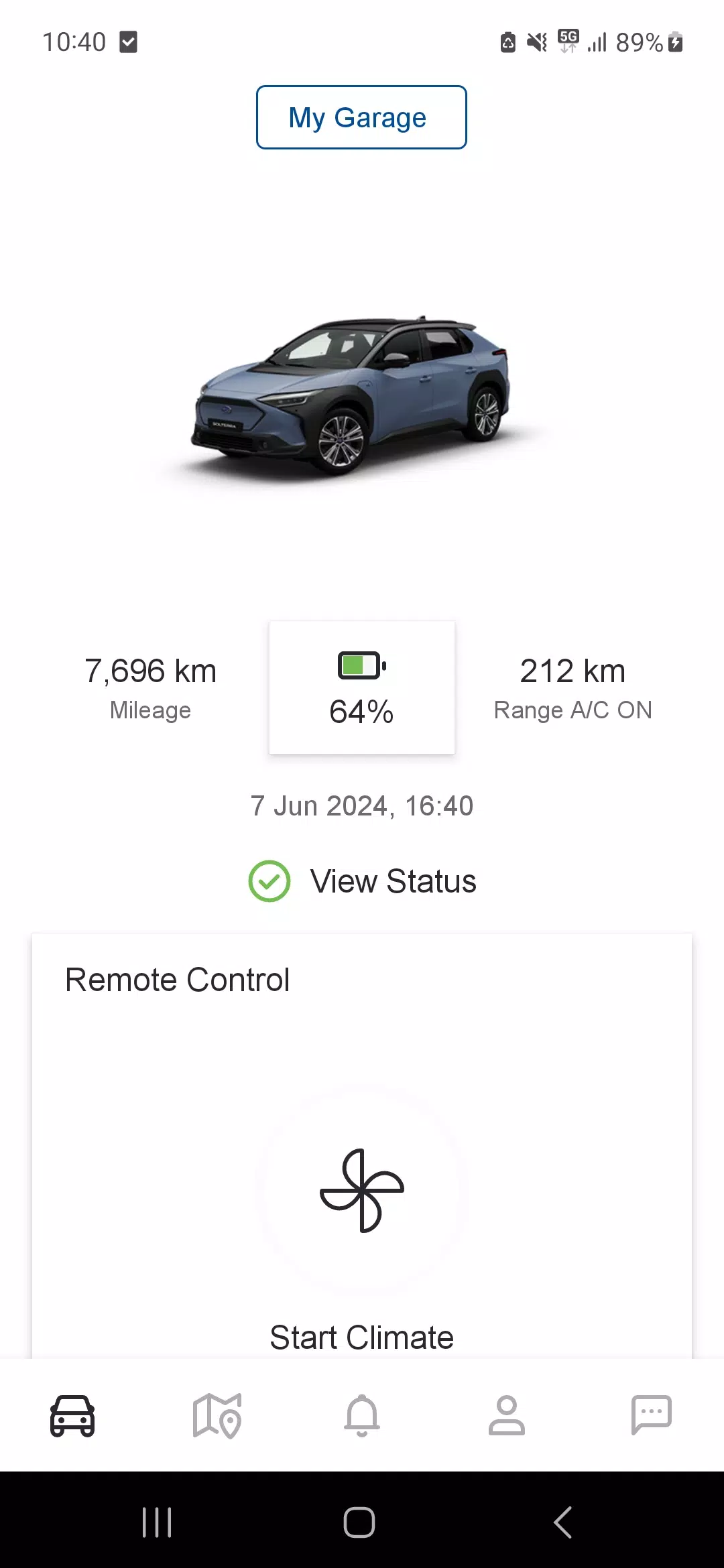
By seamlessly integrating with your vehicle's multimedia system, this app allows remote monitoring and control of various functions – from checking battery status to adjusting cabin temperature and securing your doors remotely.
Download now to maintain constant connection with your Subaru Solterra, no matter where you are.
SUBARU Care Key Features
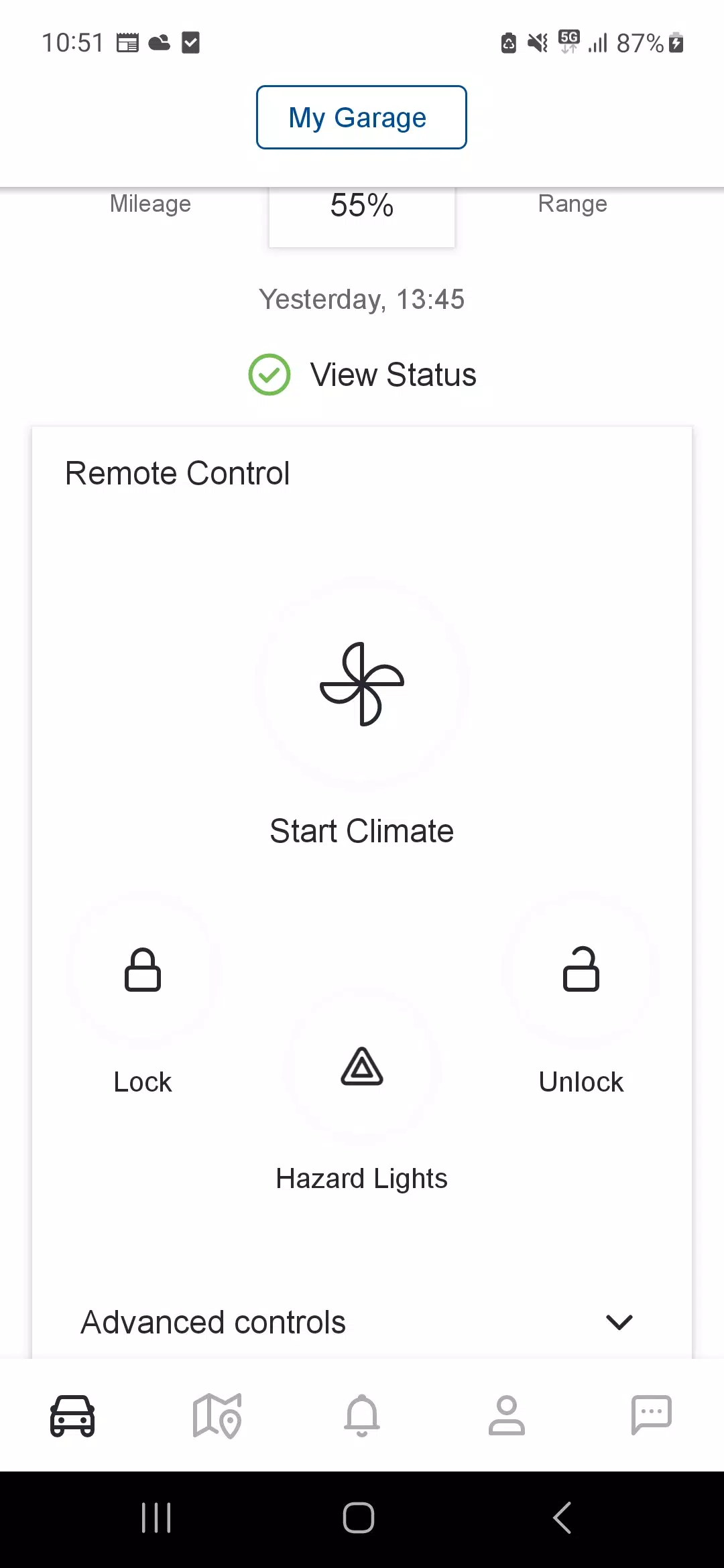
Climate Control: Pre-set your ideal cabin temperature or schedule automatic pre-conditioning for cold/hot days, including windshield defrosting to prepare your Solterra before each trip.
Battery Management: Monitor charge levels and optimize charging schedules for maximum efficiency.
SUBARU CHARGING NETWORK: Easily locate charging stations near you or along planned routes for worry-free journeys.
Find My Car: Quickly locate your parked vehicle and temporarily activate hazard lights for easier identification.
Vehicle Security: Receive alerts about unlocked doors or forgotten keys, with the ability to lock your car remotely.
Warning Notifications: Stay informed about important vehicle alerts and access detailed information when needed.
Driving Insights: Analyze trip data to enhance your driving efficiency and performance.
Discover more at www.subaru.eu/connected-services
*Compatible with Subaru Solterra only.
Latest Version 2.9.0 Updates
Updated October 29, 2024
Includes performance enhancements and minor bug fixes. Update now to experience the improvements!