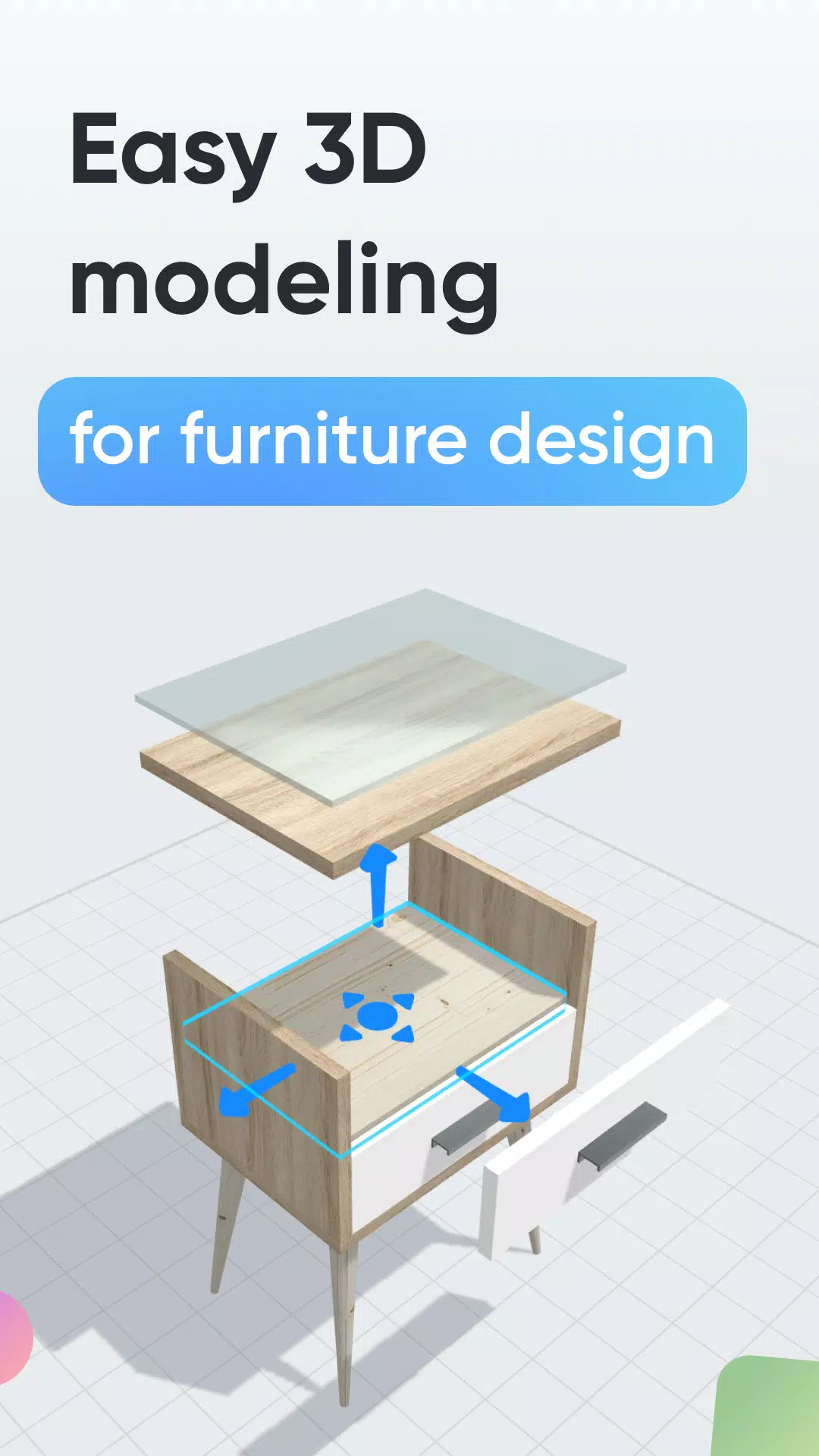
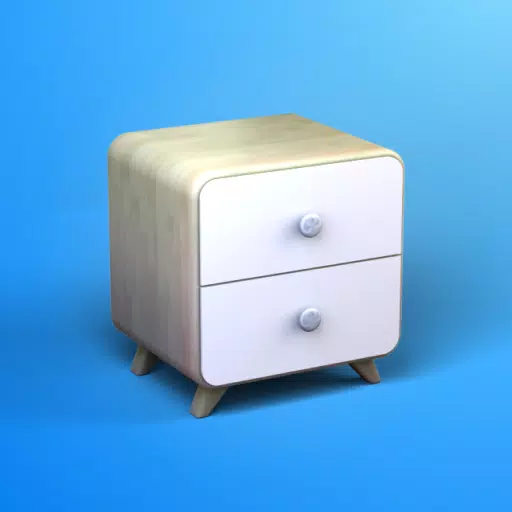
Easily design custom furniture, woodworking, and DIY projects with intuitive 3D modeling.
Looking to craft a unique piece of furniture or outfit a room yourself? Moblo is the ideal 3D modeling tool for your upcoming projects. Perfect for designing furniture in 3D with ease, it also supports more intricate interior designs. Visualize your ideas quickly and place them in your home using augmented reality.
Whether you're new to 3D modeling or have experience, Moblo offers user-friendly software for custom furniture projects. Its interface works seamlessly with touch and mouse, making it simple and accessible for everyone.
Common furniture and fittings designed with Moblo:
- Custom shelving
- Bookcase
- Wardrobe
- TV stand
- Desk
- Children's bed
- Kitchen
- Bedroom
- Wooden furniture
- …
How to create:
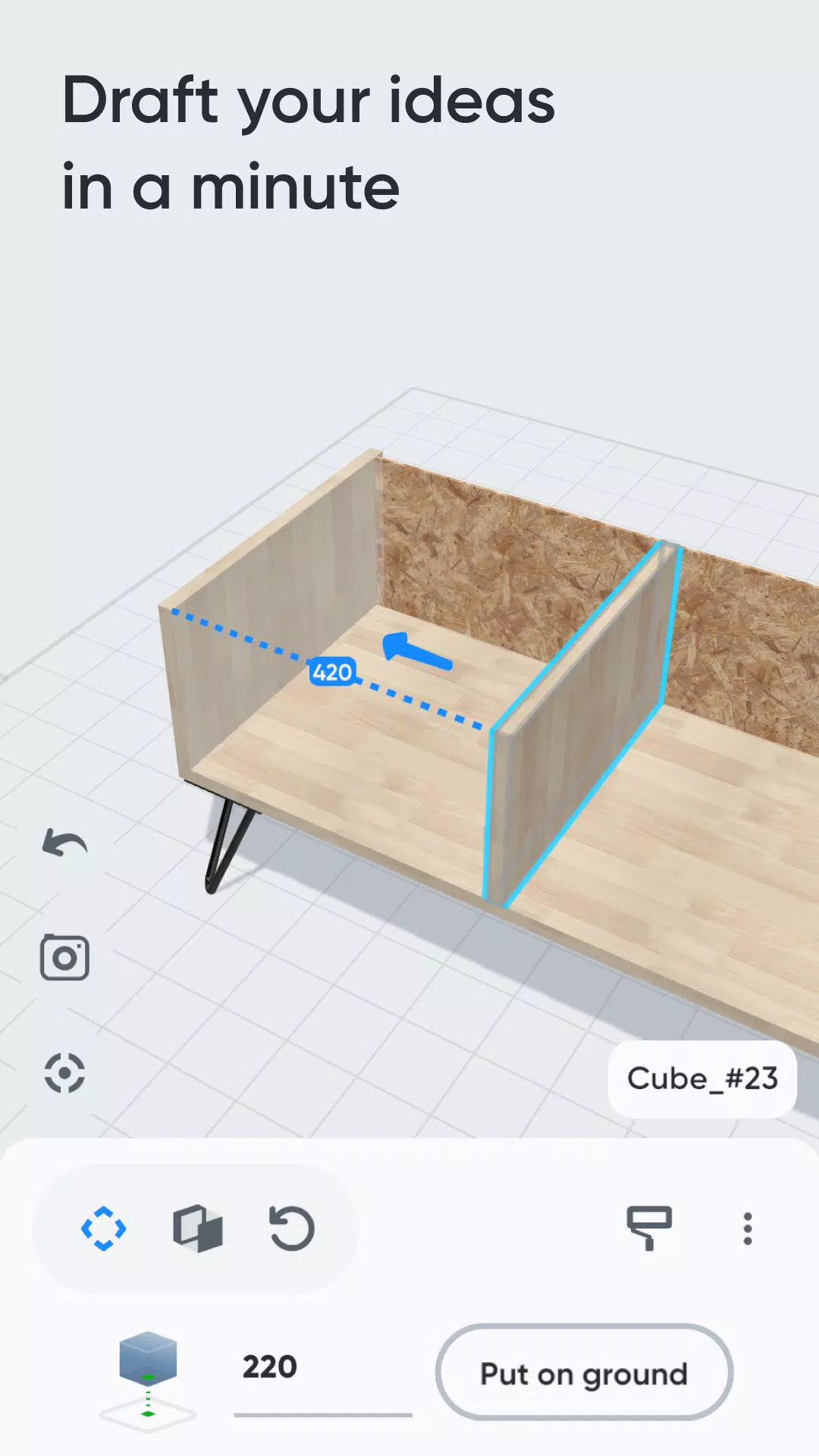
1 - 3D modeling
Build your future furniture in 3D with an intuitive interface and ready-to-use components like primitive shapes, feet, and handles.
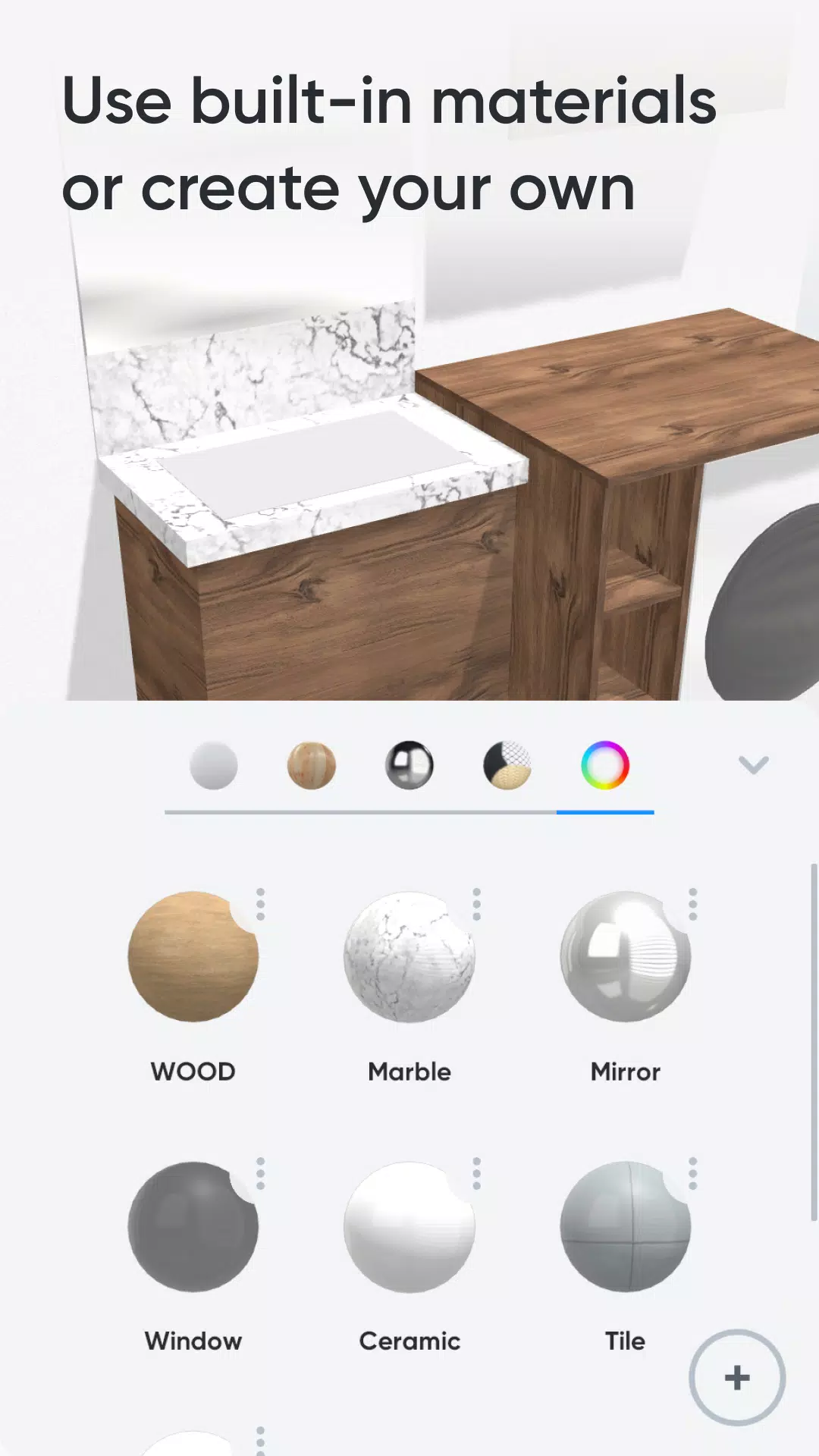
2 - Customize colors and materials
Select materials from our library (paint, wood, metal, glass) for your 3D furniture, or design your own using a simple editor.
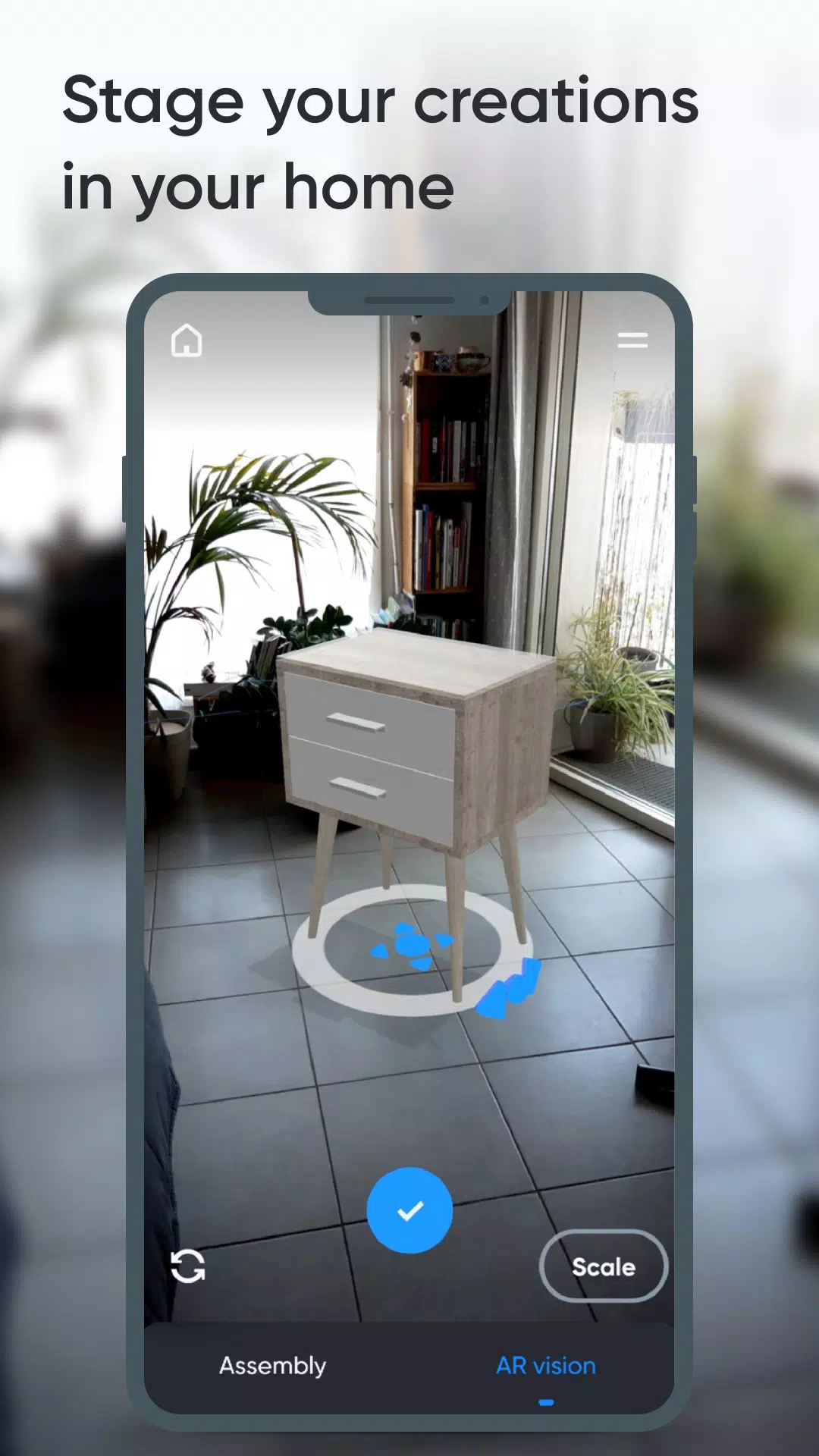
3 - Augmented reality
Use your phone's camera to place your 3D furniture in your home with augmented reality and fine-tune your design.
Key features:
- 3D assembly (move, reshape, rotate)
- Duplicate, hide, or lock elements.
- Materials library (paint, wood, metal, glass, and more)
- Custom materials editor (color, texture, shine, reflection, opacity)
- Augmented reality preview.
- Parts list.
- Notes for parts.
- Photo capture.
Premium Features:
- Work on multiple projects at once.
- Unlimited parts per project.
- Access to all part shapes.
- Full library materials access.
- Export parts list as .csv (compatible with Microsoft Excel or Google Sheets)
- Share creations with other Moblo users.