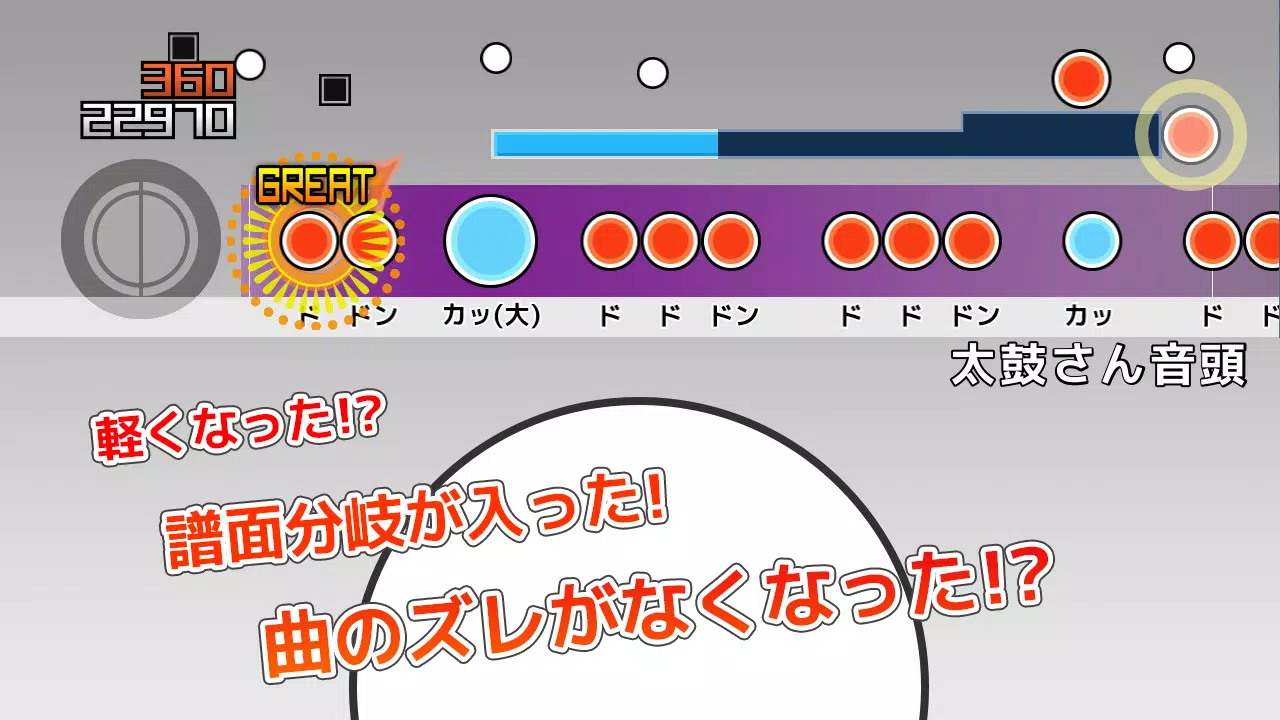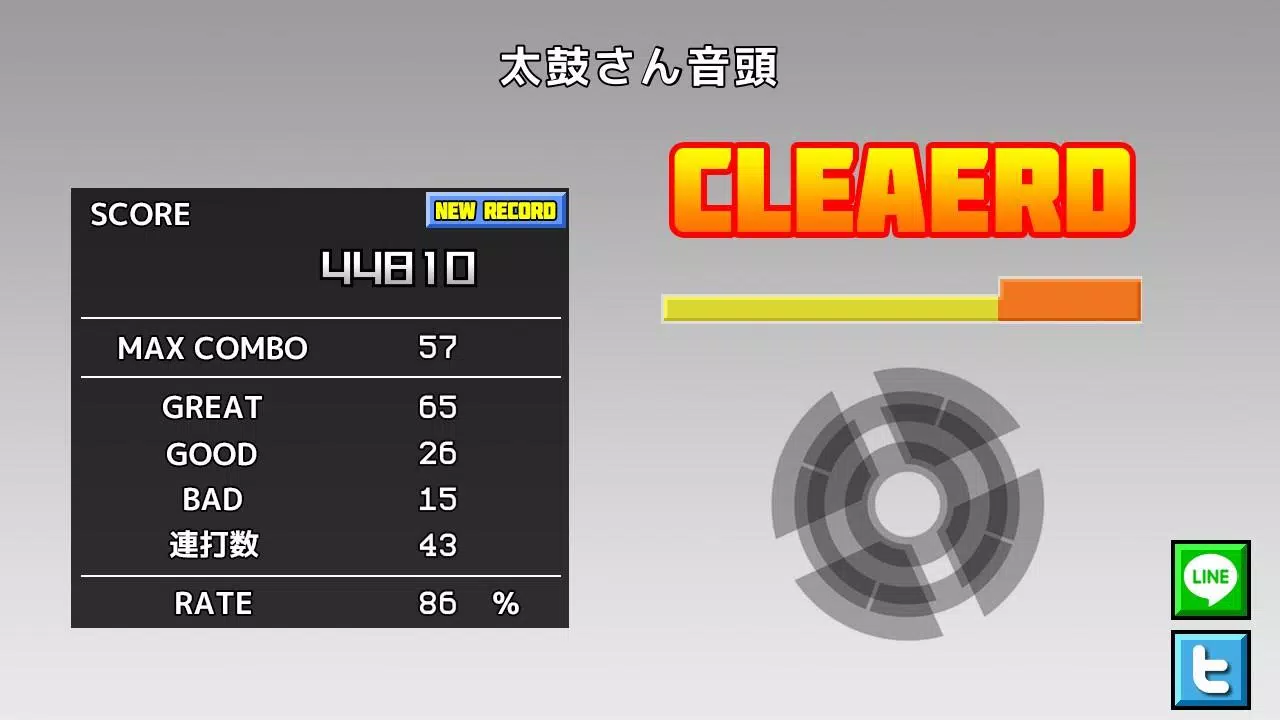

It is an application that allows you to play TJA files from "Taiko Sanjiro 2".
This app enables playback of TJA files created by the PC software "Taiko Sanjiro 2".
We support a wide range of Android devices, but cannot test every model. We apologize for any inconvenience if your device fails to launch.
Please note that we do not provide support for obtaining TJA files or skins. Thank you for your understanding.
How to Add Songs
- A "TJA" folder is automatically created in the root directory of your device's internal storage or SD card upon first launch.
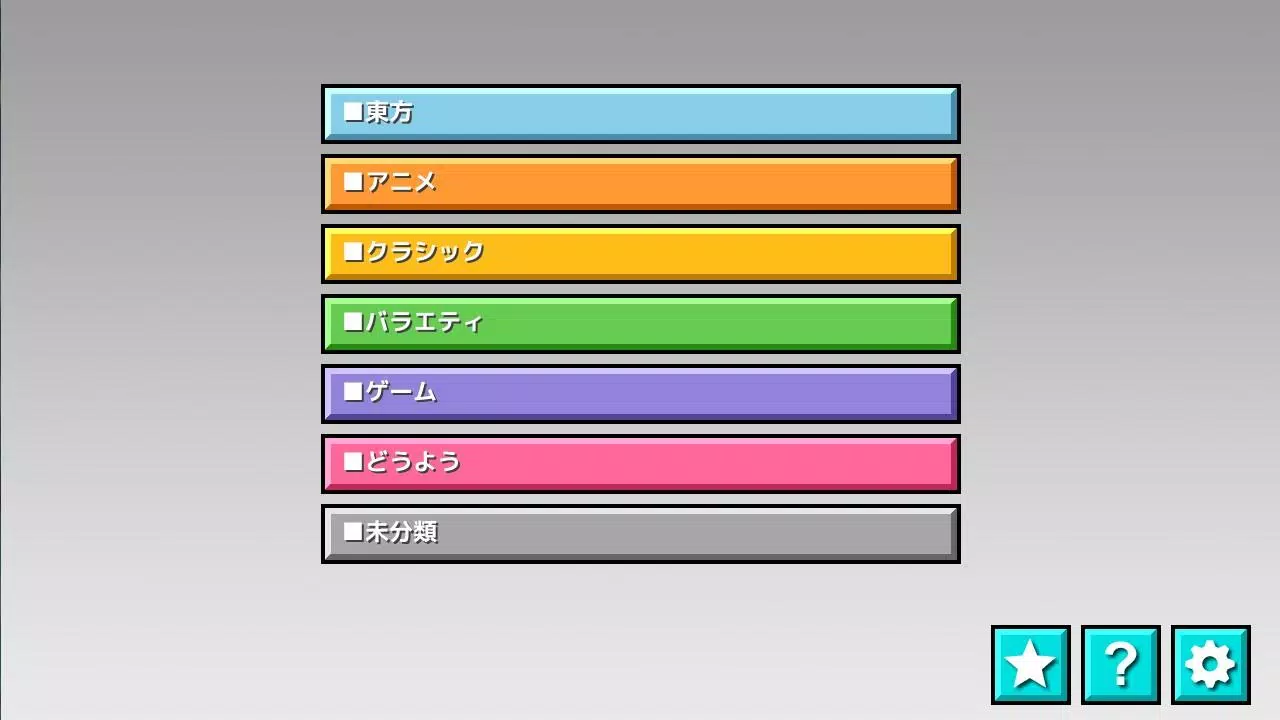
- Create a genre-specific subfolder within the "TJA" directory and place your TJA files inside it.
- If no
genre.inifile exists within the folder, the songs will be categorized under "Uncategorized". - Note: High scores may not save correctly on Android 4.4 or later versions due to storage permission changes.
- A new "Record Location" option has been added to Settings; please select your preferred package path.
How to Install Skins
- Skins are compatible with data from "Taiko Sanjiro 2" (partial compatibility).
- Note: Skins designed for the original "Taiko-san Jiro" (*1) are not supported.
- The app reads
theme-default/default.csvto configure skin settings. - Please be aware that performance may vary depending on your device model and skin complexity.
Contents of genre.ini
(This file is required for the folder to be recognized as a valid genre directory)
[Genre]
GenreName=Your Genre Name Here
GenreColor=#66cc66
FontColor=#ffffffff
Help: http://chaos3.iruka.us/daijiro_help/ja/
What's New in Version 1.4.4
Last updated: June 29, 2023
- Android Security Update: Due to stricter folder access permissions on Android, the app can no longer read external folders outside its private directory.
- If you have upgraded, please use a file manager to copy your existing
/TJAfolder intoAndroid/data/com.daijiro.taiko2/files/TJA. - Bug Fixes: Various issues resolved for improved stability.