Easy Drawing and Painting App
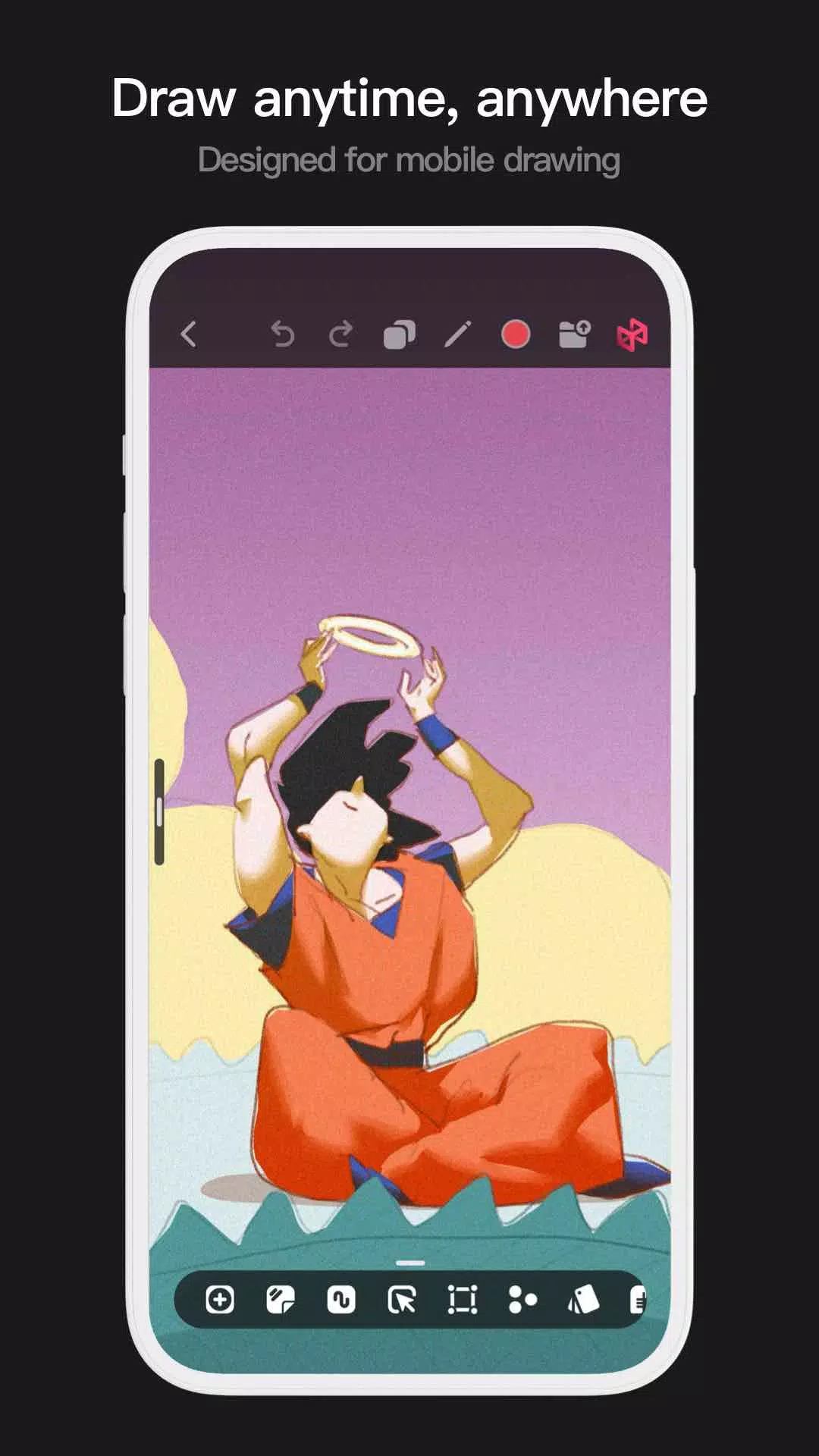
Pofi Brush is a mobile art tool designed for creators. It offers a rich painting experience to unlock your creative potential.
With dozens of beautifully crafted brushes, a full suite of layer and color tools, an intuitive interface, and a powerful 2D Artistic Engine, Pofi Brush provides a complete, free digital studio. Whether you're a beginner or a pro, create stunning sketches, illustrations, comics, and cartoons on your phone or tablet and bring your ideas to life anywhere.
Powerful 2D Artistic Engine
Our custom-built 2D Artistic Engine is optimized for 64-bit multi-core processors. It's cross-platform, supports large HD canvases and multiple layers, and delivers smooth performance for the best painting experience.
- Canvas sizes up to 4k × 4k px for crisp, lifelike artwork.
- Mobile-optimized, easy-to-use interface.
- Optimized for 64-bit multicore processors for fluid drawing.
- Use an electronic pen for realistic, low-latency strokes.
- Auto-save and save on exit.
- Full feature support on phones and tablets.
Professional Brush Editor
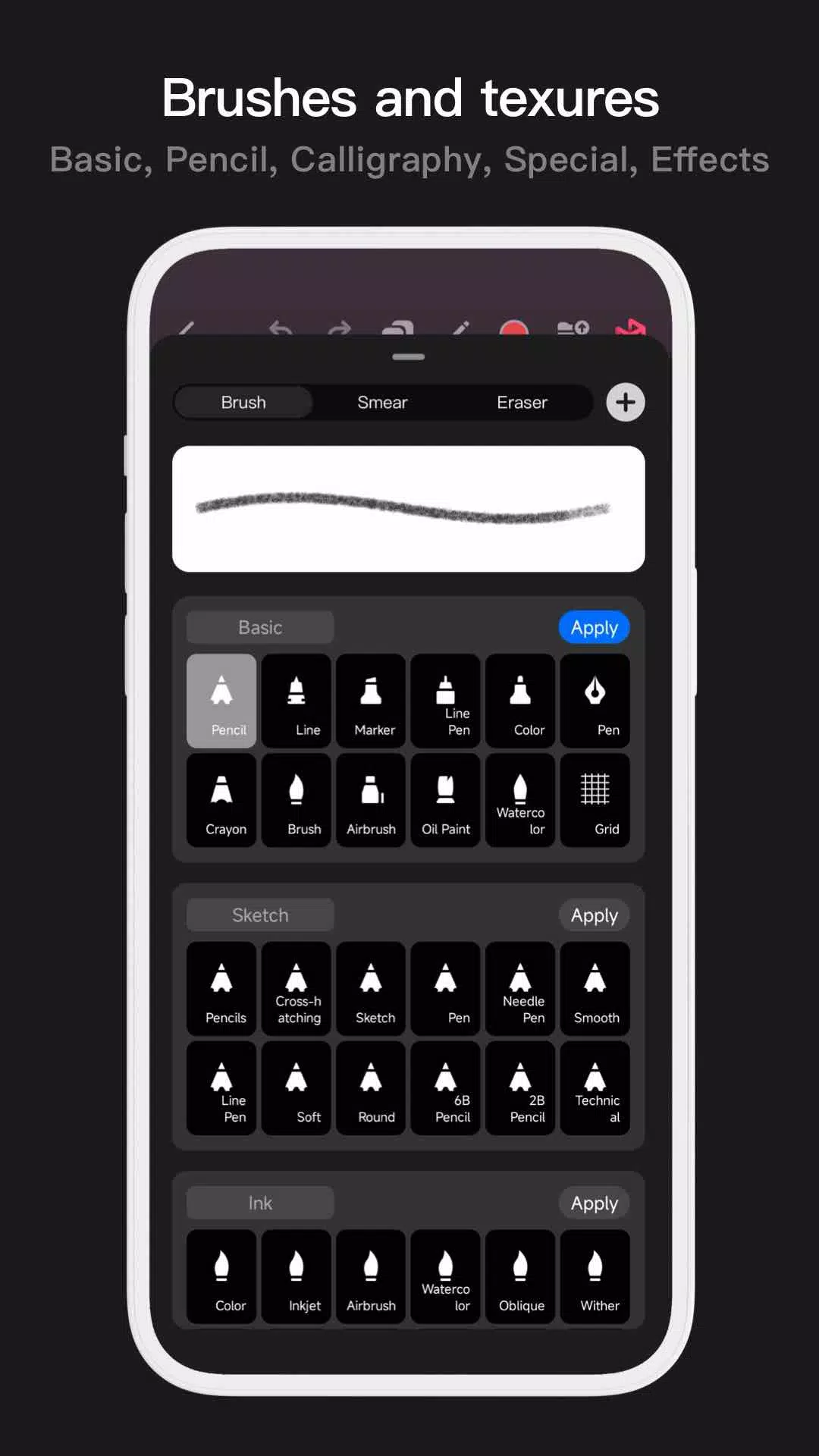
Pofi Brush comes with dozens of preset creative brushes. Each offers over 40 customizable settings, letting you fine-tune brushes to your style or design your own from scratch.
- Dozens of pre-designed brushes for sketching, inking, textures, and special effects.
- Each brush has Brush, Eraser, and Smudge modes.
- Over 40 settings per brush, plus libraries of nib shapes and textures.
- Organize brushes into groups for easy management.
- Anti-flutter stroke settings for smoother brush flow.
- Finger-painting simulates pressure for precise control without a stylus.
- Full electronic pen support uses tilt, pressure, and speed for a natural feel.
Advanced Multi-layer System
Pofi Brush features a robust layer system with grouping, effects, and adjustments for precise control over complex artwork.
- Quickly preview and locate layers with Layer Preview.
- Drag, drop, group, merge, and delete multiple layers with ease.
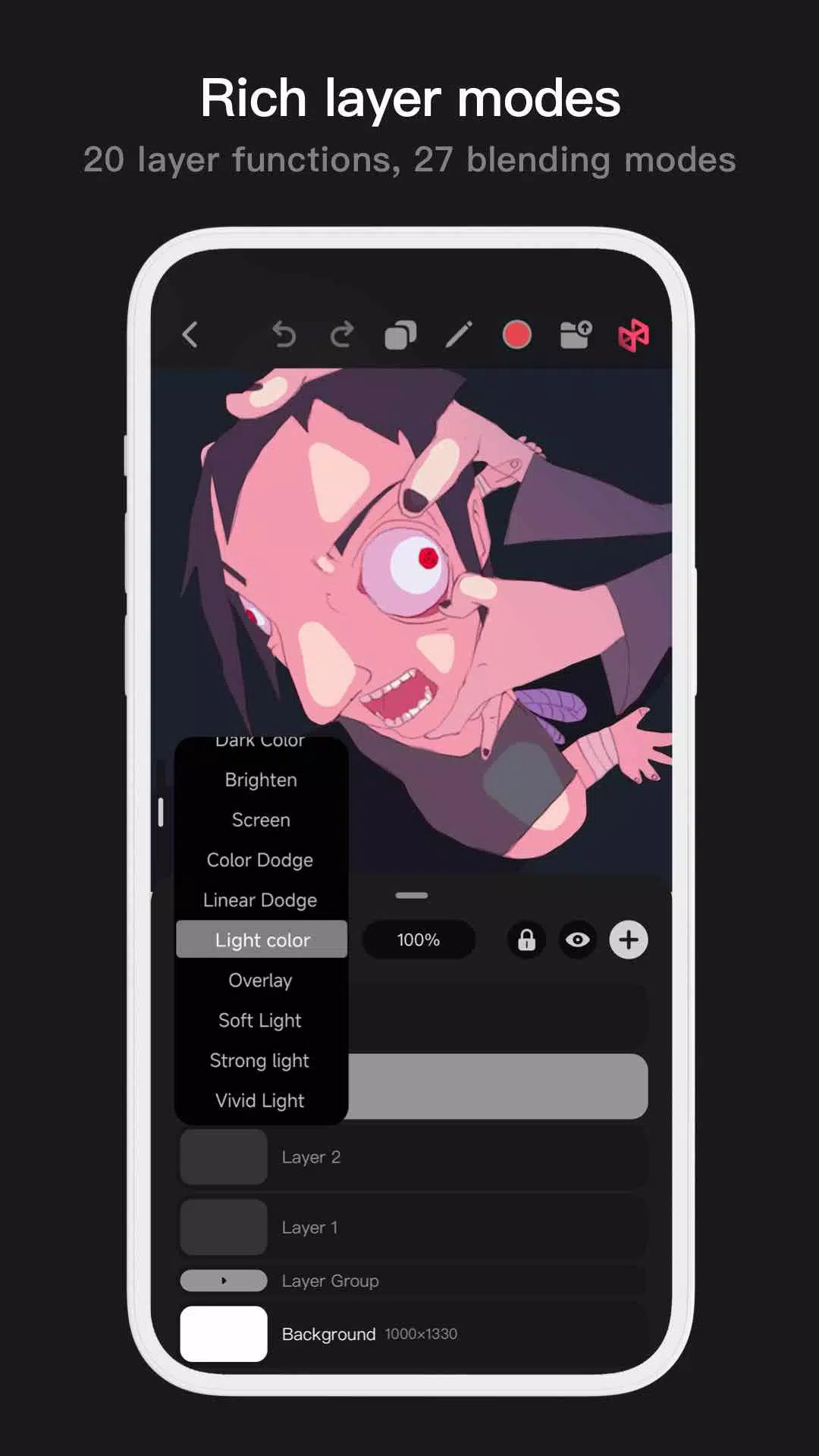
- 20 layer functions: reorder, show/hide, lock, adjust opacity, multi-select, and group/ungroup.
- 27 layer blending modes: Standard, Darken, Multiply, Color Burn, Linear Burn, Lighten, Screen, Color Dodge, Linear Dodge, Overlay, Soft Light, Hard Light, and more.
Full-featured Color Tools
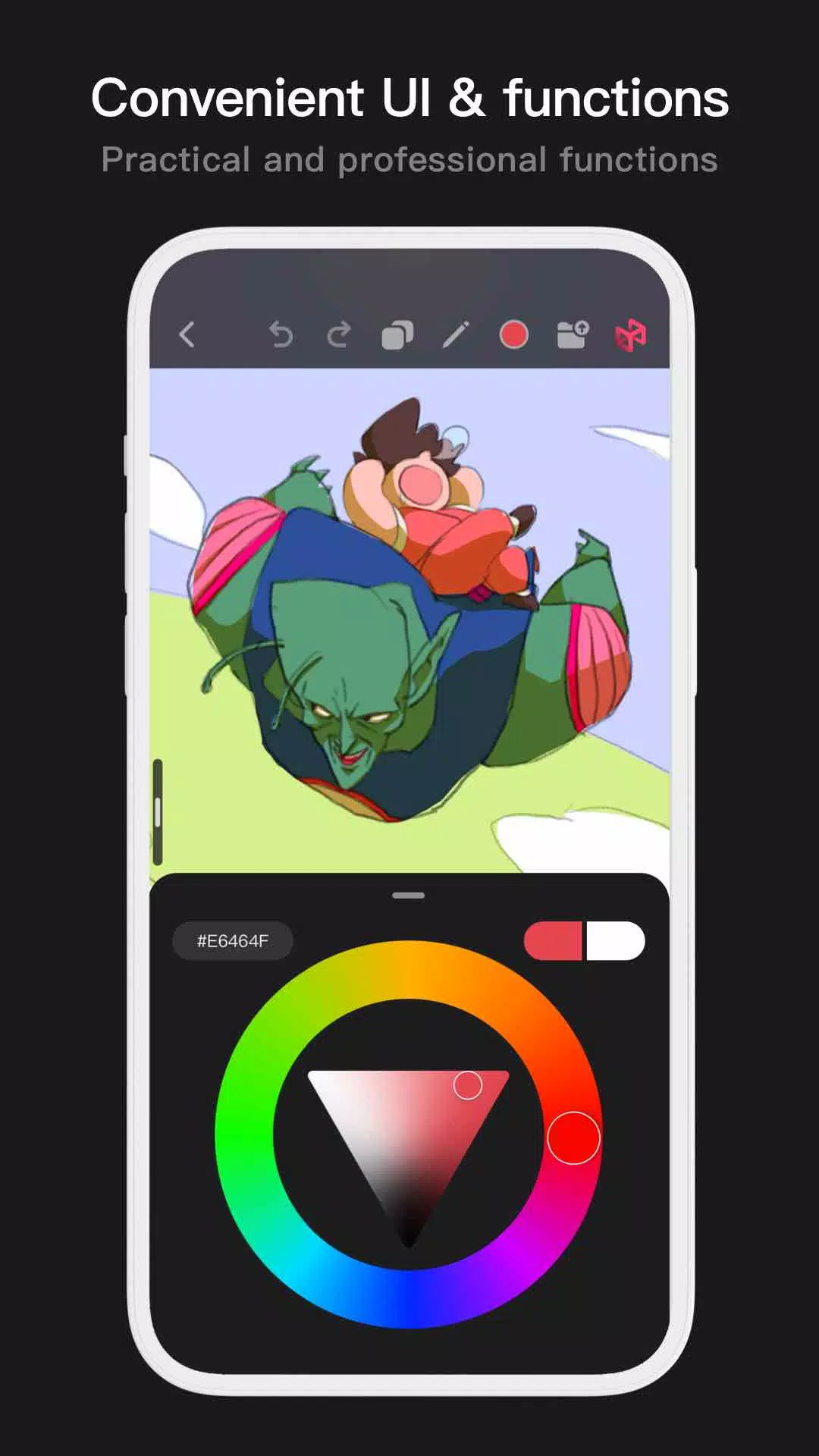
Access a variety of color panels and tools to quickly find the perfect hues for your work.
- 4 color panels: circular wheel, square palette, HSB values, and grouped color swatches.
- 2 color pickers: hex code input and long-press to sample.
- 6 swatch functions: create groups, rename, reorder groups, sort colors, overlay swatches, and delete.
More Highlights
- Phone interface supports half-screen and full-screen expansion.
- Tablet interface supports expanded view and draggable panels.
- Rotate and zoom the canvas.
- Auto-save and recovery on exit.
- Export images as PNG or JPG files.
For questions or feedback, contact us at [email protected].
Privacy : https://brush.pofiapp.com/agreement/privacy