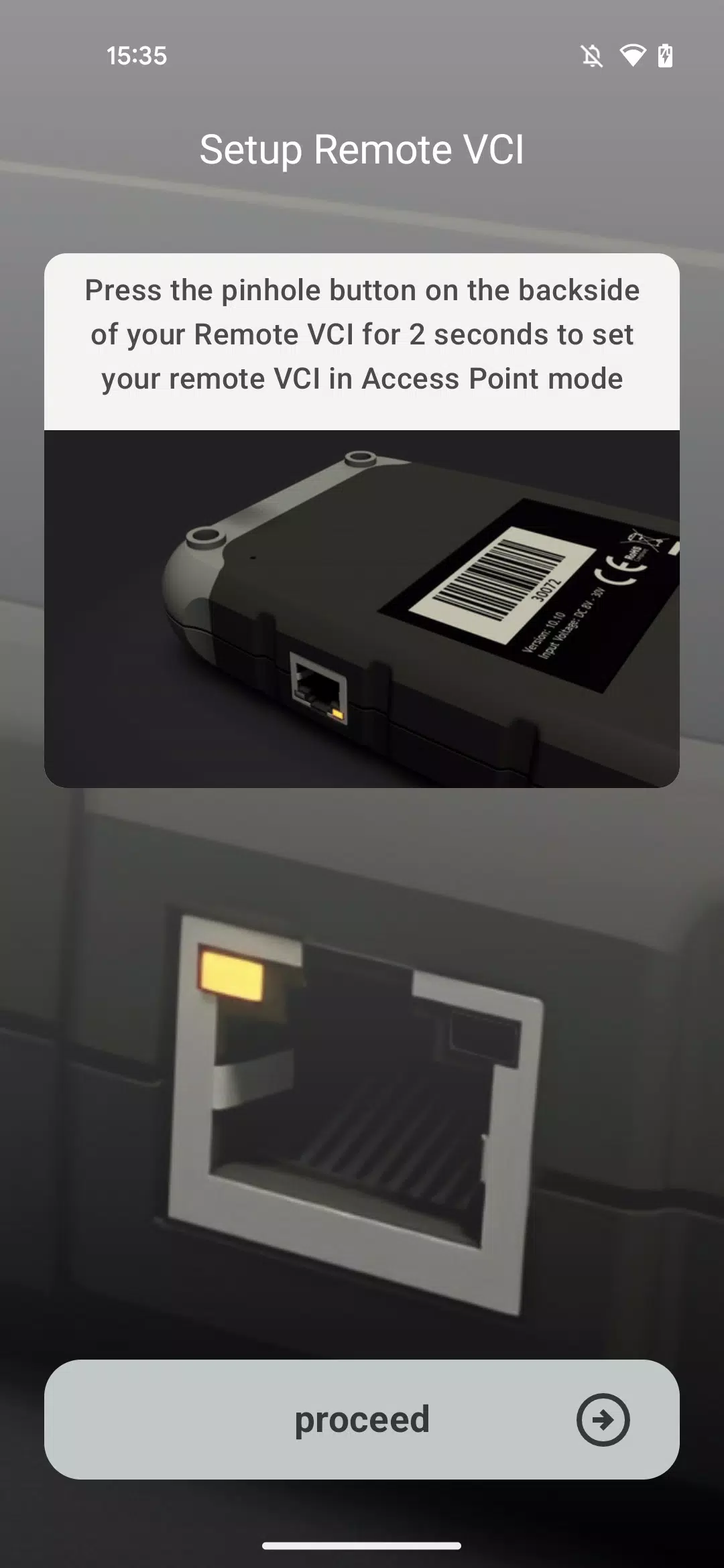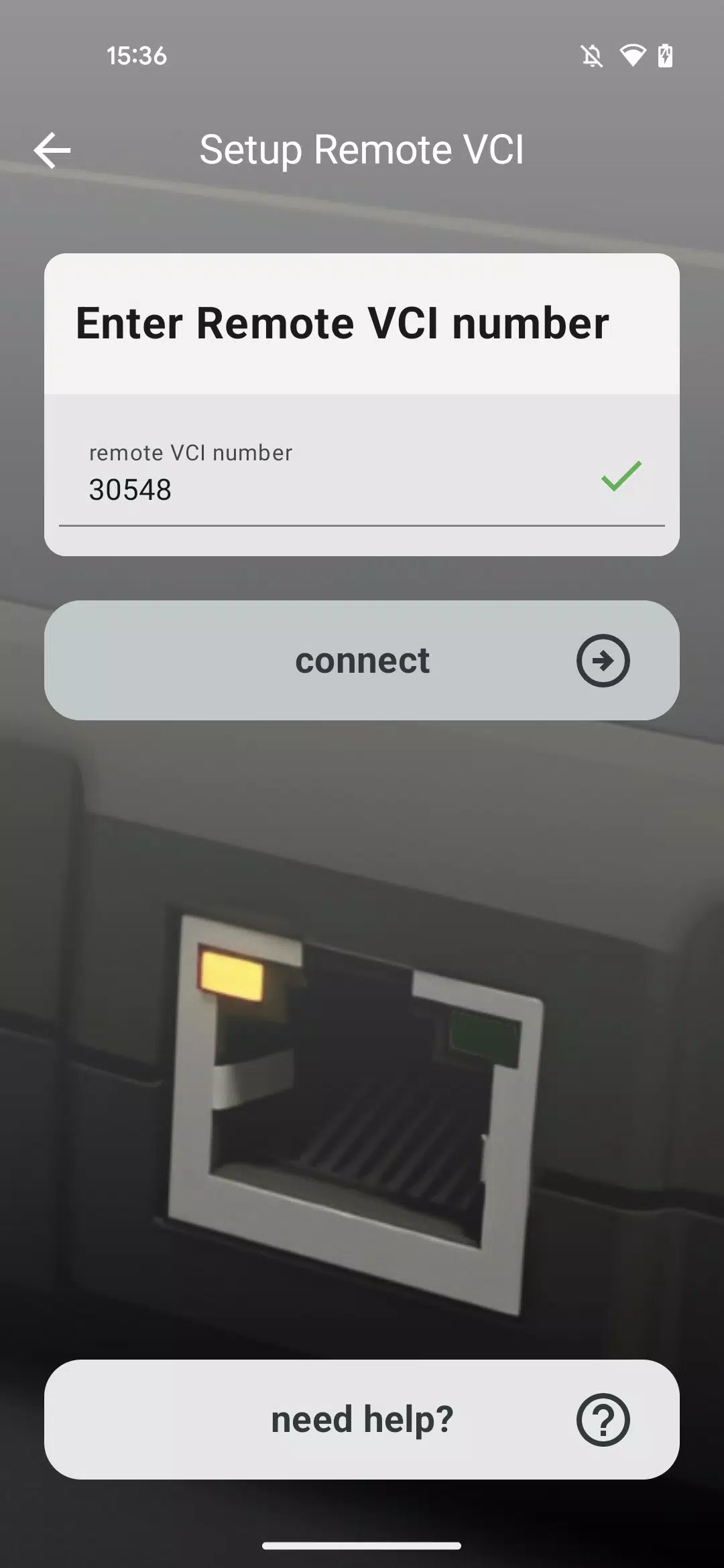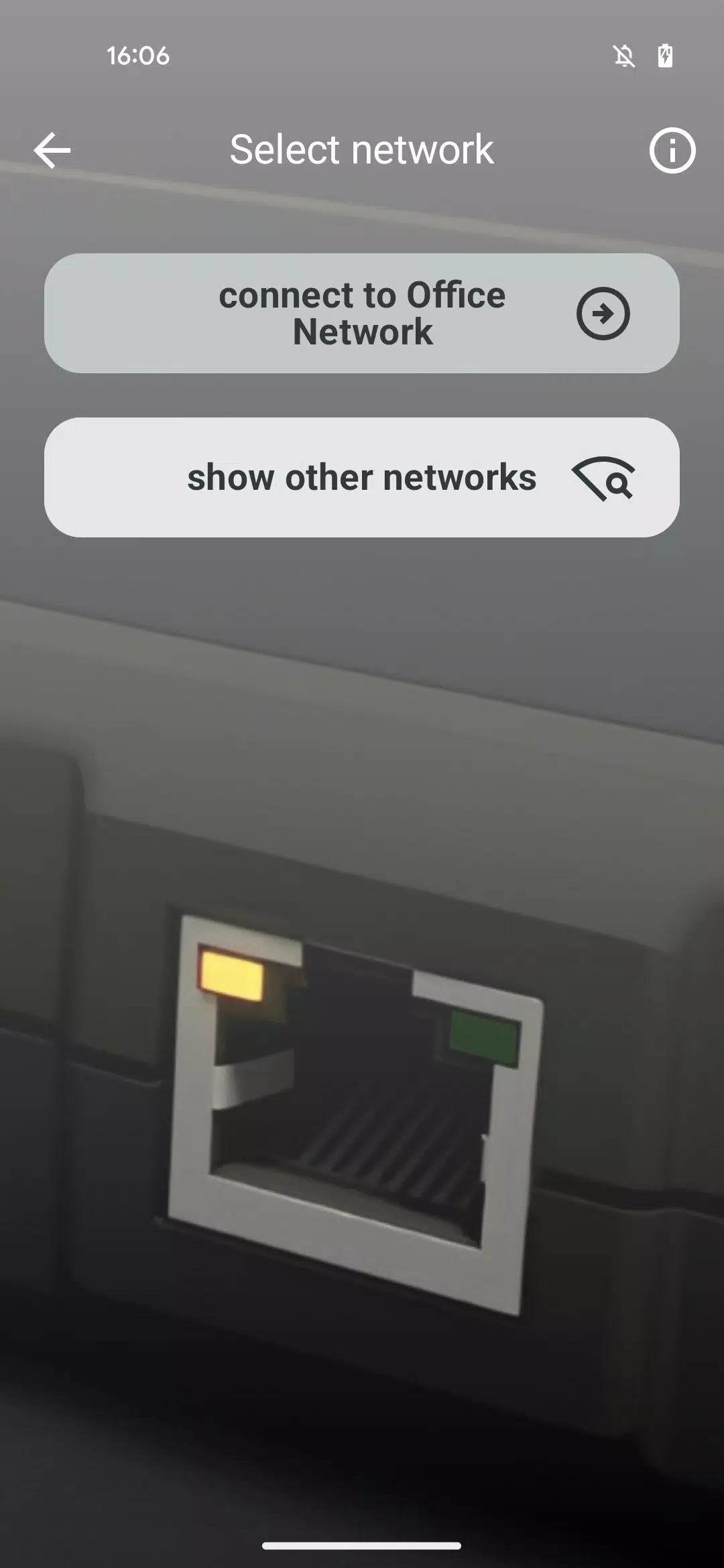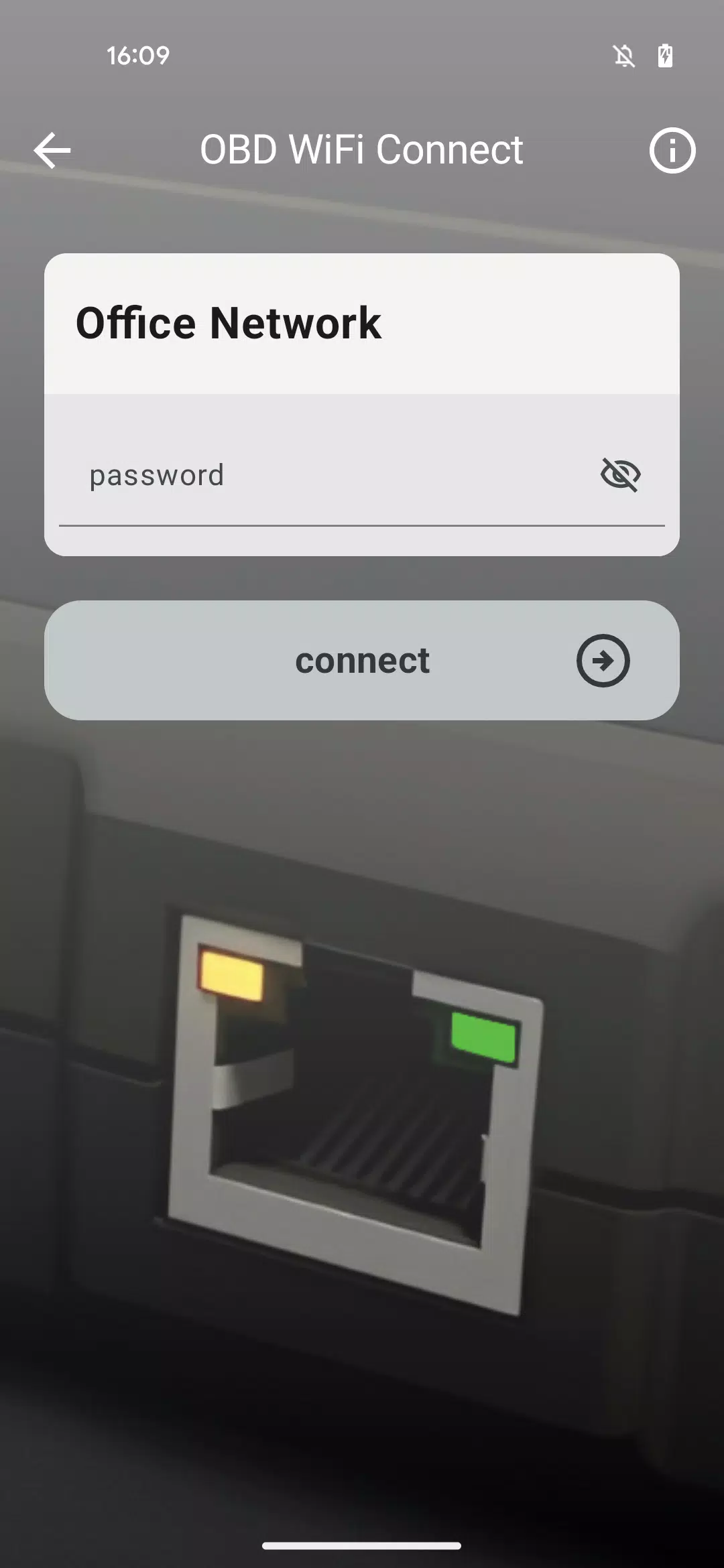

Easily link your Remote VCI to your workshop's Wi-Fi network with this dedicated app.
Our specialized application simplifies connecting your Remote VCI to your workshop's wireless network.
The intuitive guide walks you through selecting the right Wi-Fi network and entering credentials, enabling automatic connection for your Remote VCI.
Ensure you have your Wi-Fi login information readily available before starting.
For troubleshooting assistance, consult the Need Help section within the app during the connection process.
For mission-critical operations like full control unit flashing, we advise using a wired LAN connection instead of Wi-Fi for enhanced stability.
What's New in Version 1.1.2
Latest update: November 10, 2024
Introducing OBD WiFi Connect – your solution for seamless Remote VCI setup and operation.