
Artecture lets you sketch, draw, and paint like never before.
Artecture empowers you to sketch, draw, and paint in ways you’ve never experienced. Whether you're a beginner or a professional artist, Artecture offers all the tools you need. Enjoy over 30 high-quality, realistic tools, and customize them to suit your style. You'll love it—it's created by art lovers, for art lovers like you. It's simple, beautiful, and fun all at once. Create everything from quick notes and architectural sketches to cartoons, illustrations, watercolors, and oil paintings. It feels incredibly real. Best of all, it's completely free—no ads and no download requests.
Download it today and enjoy a natural, authentic drawing, painting, and sketching experience on a digital canvas.
Join the Artecture artist community on Facebook to share your work and learn more!
Facebook:
Page Name: Artecture Digital Art Community
Link: https://www.facebook.com/artecture.digiart
Main Features:
• All the drawing tools you need, including Pencil (for realistic sketches), Marker Pen, Oil Brush, Oil Blend brush, Oil Real brush, Water Color, Airbrush, Palette Knife (with color mixing), Paint Roller, Paint Tube, Eraser, Flood Fill, Glitter Tube, Far Brush, Gradient Brush, Fill Pattern for Every Tool, and more.
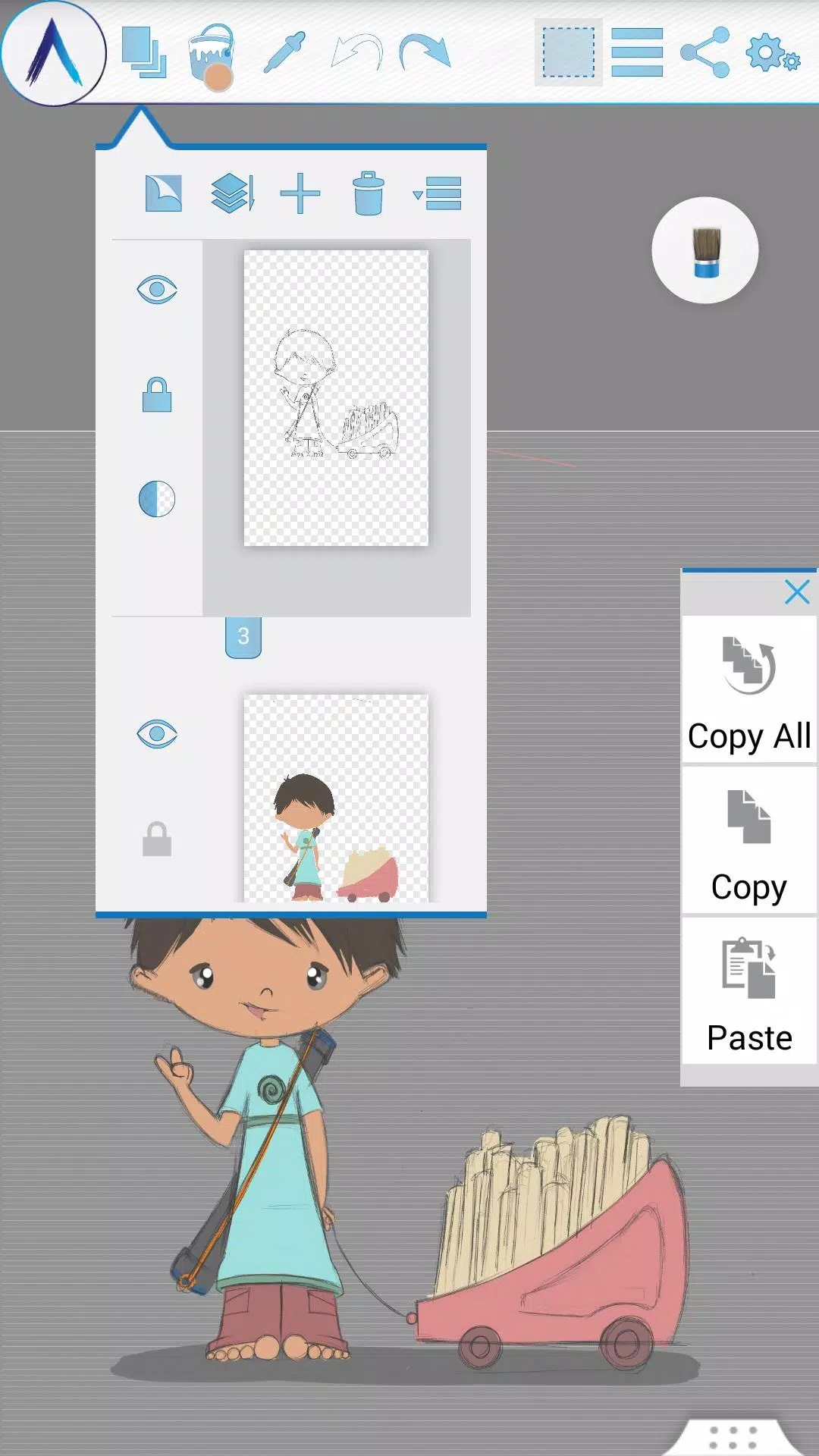
• Multi-Layer support with create, remove, lock, visibility, opacity, reordering, and merge options.
• Apply image effects like Sepia, Inverse, Blur, Gray, Bright, and Colorize to selected layers.
• Symmetry tools: Vertical, Horizontal, and Concentric symmetry with adjustable center points.
• Tracing with automatic color pick, Template Coloring, and Image Import/Export.
• Draw geometric shapes including Freehand, Line, Rectangle, and Circle.
• Pen-Only mode with Palm Rejection.
• Rotate the canvas as you work.
• Multi-Touch shortcuts for quick actions.
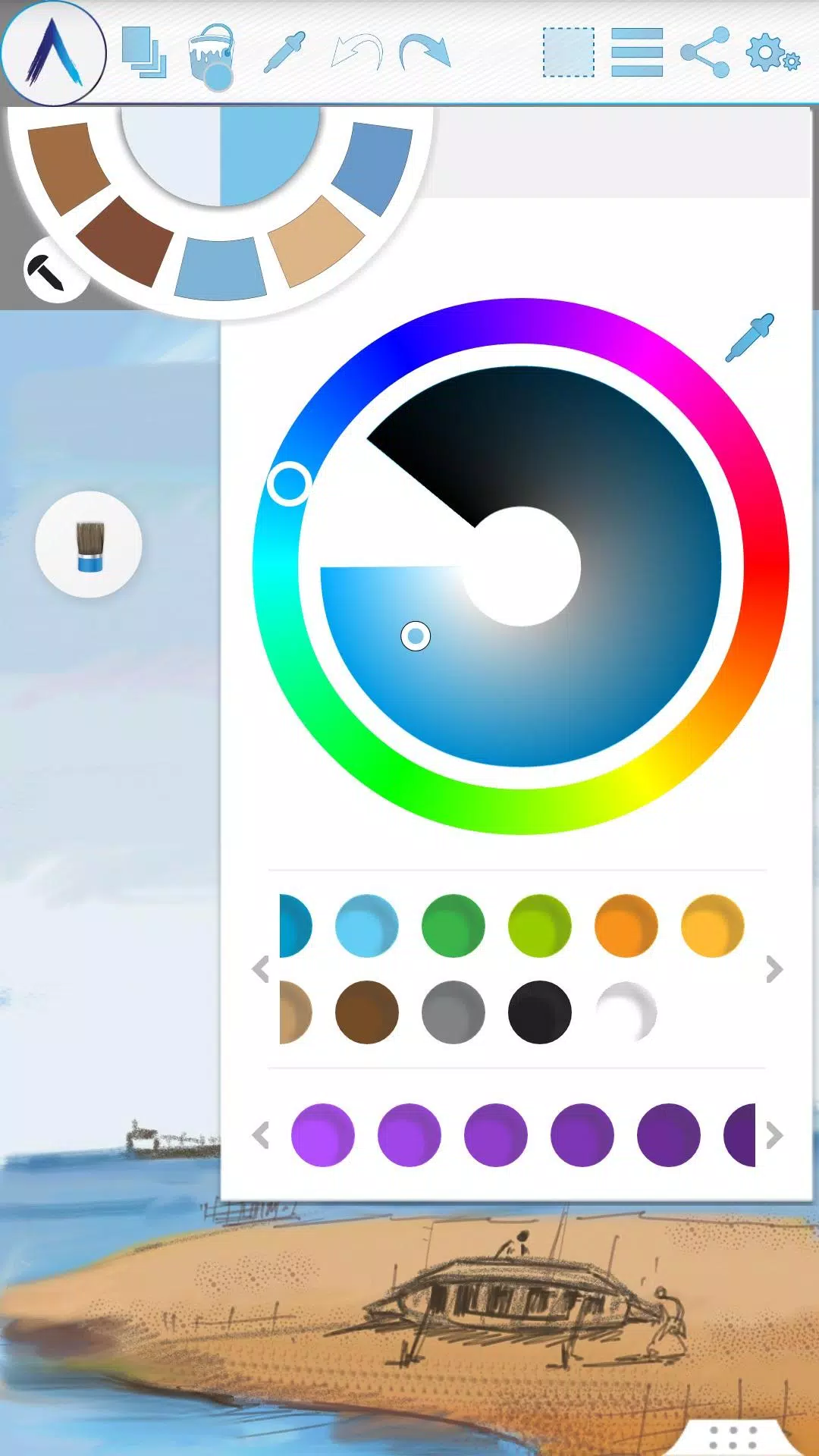
• Color Palette with default favorites and a custom color picker.
• Floating favorite Color and Tool Palette.
• Rectangular and Freehand selection tools.
• Copy, Paste, Rotate, and Mirror selected areas.
• Insert and edit Text with resizing, rotation, and mirroring options.
• Export artworks to standard formats like JPEG, PNG, and BMP.
• Auto-save artwork progress.
• Open your last drawing with tool preferences intact.
• Customize the canvas with Static backgrounds using Textures, Colors, or Images.
• Tool presets for quick access.
Storage:
• Artworks are saved by default in the “Artecture” folder on your device in .bme format. This format is only viewable in the Artecture Gallery. You can also export artworks to .bmp format. To reuse a .bmp file, use the insert option.
• You can change the storage location. The Gallery will detect .bme files from all selected locations on your device.
Sharing:
• Upload artworks directly to Facebook and PenUp from the canvas or gallery.
• Share via Bluetooth, Wi-Fi Direct.
• Email, send, or save your work via MMS, email, SHAREit, and other installed apps.
Help & Support:
A quick reference guide covers the app basics.
Need assistance? Email us anytime at: [email protected]
Specialty:
• This digital painting tool is free but delivers advanced performance.
• No ads—enjoy an uninterrupted creative experience.
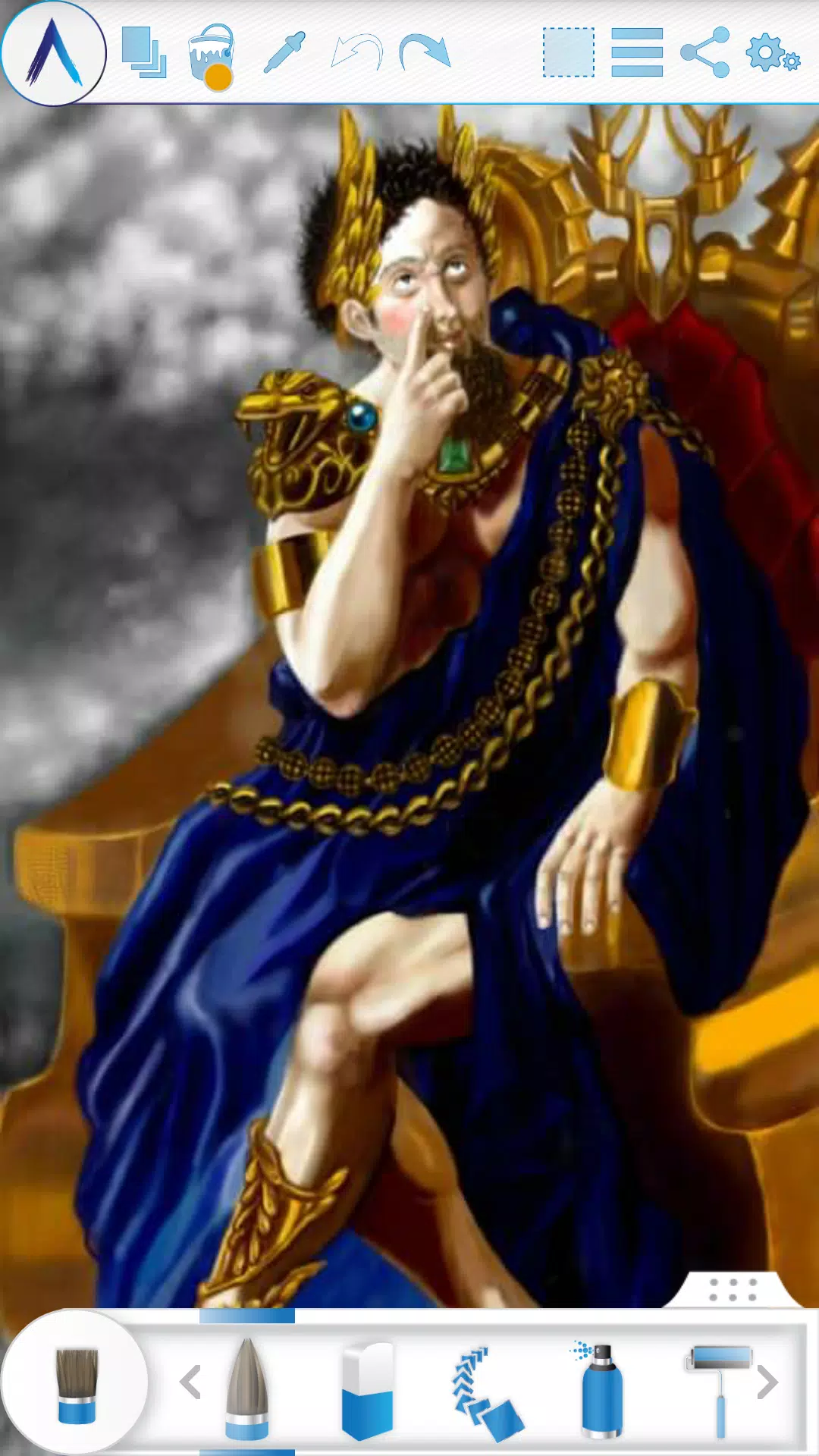
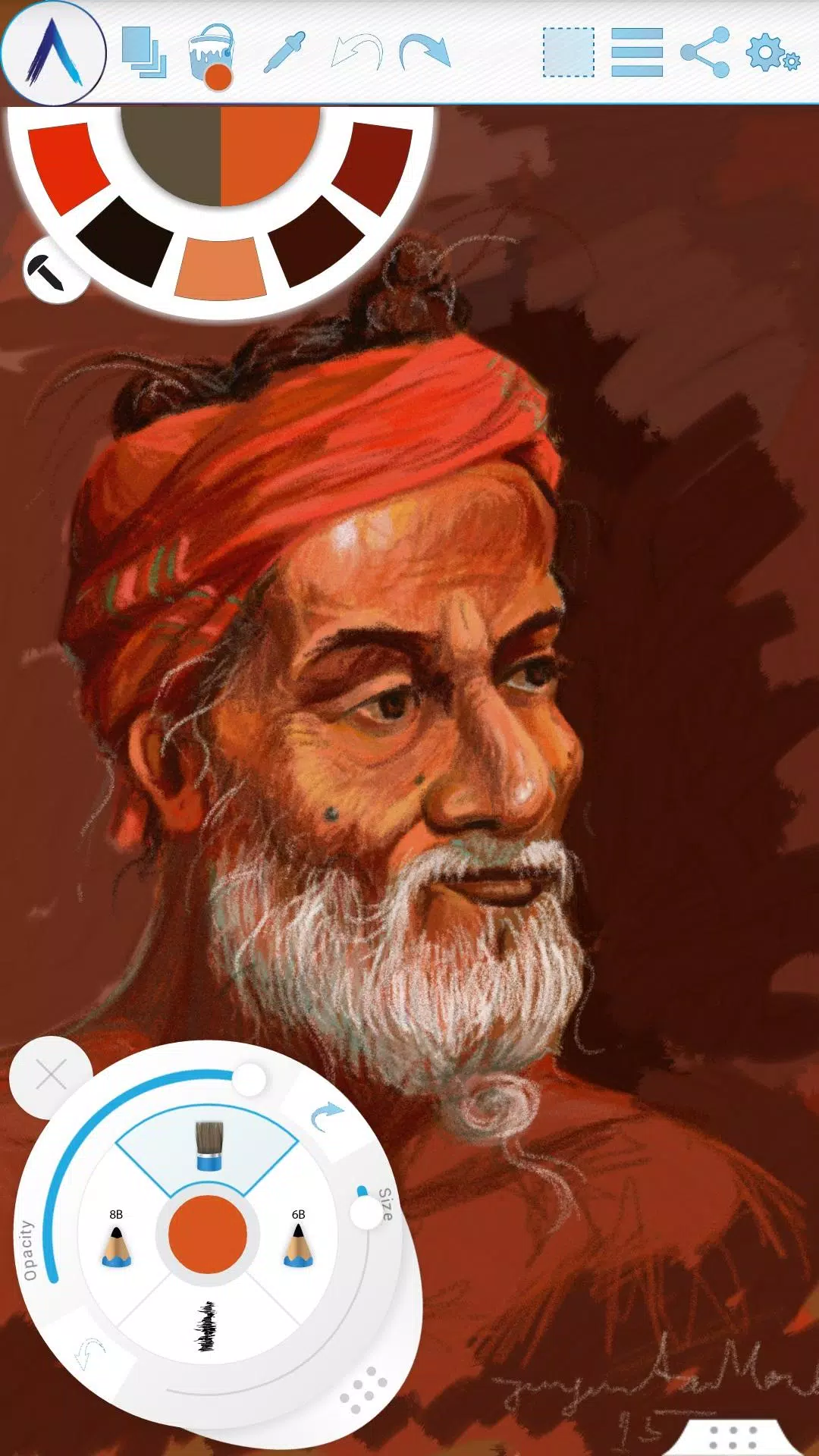
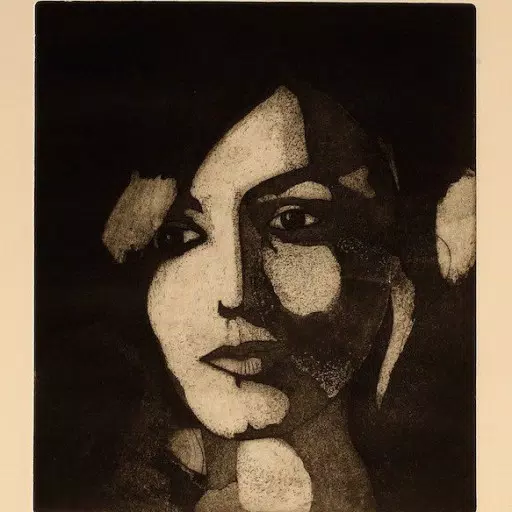
Screenshots in Artecture feature works by students and professors from the Fine Art department at Dhaka University. We thank them for allowing us to showcase their art.
Special thanks to Mr. Gar Cia for permitting us to display his artwork in our screenshots.
Permissions:
The following permissions are needed for app functionality.
Required permissions
Storage: Used to save drawing files.
Optional permissions
None
### What's New in the Latest Version 5.2.0.4
Last updated on Feb 8, 2019
Version Number: 5.2.0.4
• Fixed “Permission required” error on non-Samsung devices
• Resolved crashes and save issues
Version Number: 5.2.0.2
• Added dynamic permission handling
• Various bug fixes
Version Number: 5.1.2.0
• Auto Save: Progress is saved automatically at intervals
• Bug Fixes: Minor issues resolved
Artecture
分類 : 藝術與設計
大小 : 25.9 MB
版本號 : 5.2.0.4
開發者 : Samsung R&D Institute Bangladesh
圍名 : com.samsung.android.sdrawing
更新日期 : Aug 01,2026
5.0
應用說明
螢幕截圖
用戶評價
發表評價




熱門新聞
更多
最新應用
更多



最新新聞
更多
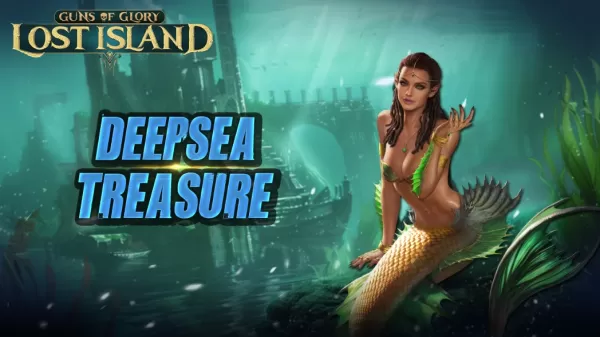
揭秘《榮耀之槍》深海寶藏活動
《怪物獵人Now》第五季以激動人心的全新“巔峰”活動落下帷幕。享受雙倍獎勵、頂級怪物登場以及諸多其他福利。行動要快——該活動限時開放,時間為6月9日至6月17日。隨著春季接近尾聲,Niantic 為其熱門增強現實(AR)遊戲《怪物獵人Now》結束第五季並不令人意外。但玩家無需只是等待後續內容,一個全新的活動已經到來,以壯觀的方式為本賽季畫上句號!《怪物獵人Now》第五季“巔峰”活動將於6月9日至17日舉行。在此期間,雄火龍、斬龍、彩鳥和斬龍的活躍度將有所提升。 elusive 的霞龍也將出現在“
我們已找到字謎線索 Break the law, by one's own admission 的五字母答案,該線索出現在 2026 年 5 月 30 日的《紐約時報字謎》中。我們將協助您破解這一棘手線索,助您輕鬆完成拼圖。Break the law, by one's own admission 字謎答案↓40. ????? 點選/點選 ? 方塊以顯示一個字母。在下面查詢更多線索、提示和資訊。隱藏 啟用提示 點選/點選 ? 方塊以顯示一個字母。在下面查詢更多線索、提示和資訊。有用提示提示 1:
《Bloomtown: A Different Story》現已登陸移動端。在暑期度假期間,探索一座迷人的 1960 年代小鎮。並透過與惡魔勢力戰鬥來拯救世界!JRPG 型別以其塑造了現代遊戲風格的邪典經典而聞名。《Mother》(在西方稱為《Earthbound》)和《真·女神轉生:Persona》系列便是其中的典型代表。那麼,將它們的元素融合在一起會得到什麼?答案就是《Bloomtown: A Different Story》,現已在移動裝置上提供。這款畫素藝術風格的 JRPG 在去年首次亮
熱門應用