
Video Converter Key Features:
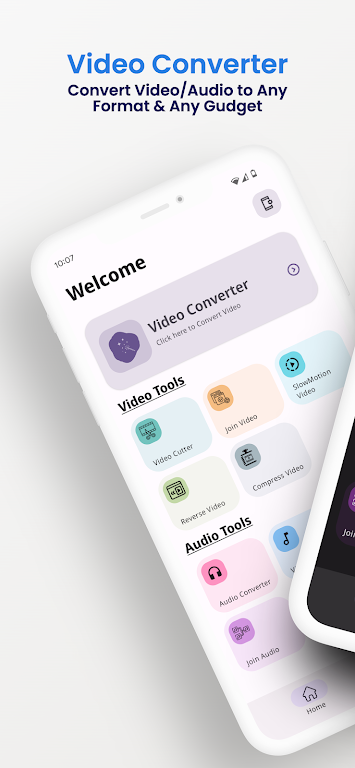
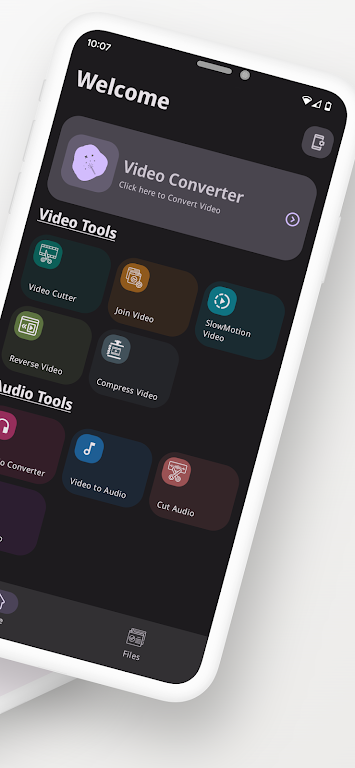
⭐ Intuitive Design: The app's straightforward interface makes navigation a breeze, ensuring conversions are completed quickly and easily.
⭐ Advanced Customization: A wealth of advanced options allows for precise control over the conversion process, including output filenames, audio/video codec and bitrate adjustments, metadata addition, and file trimming.
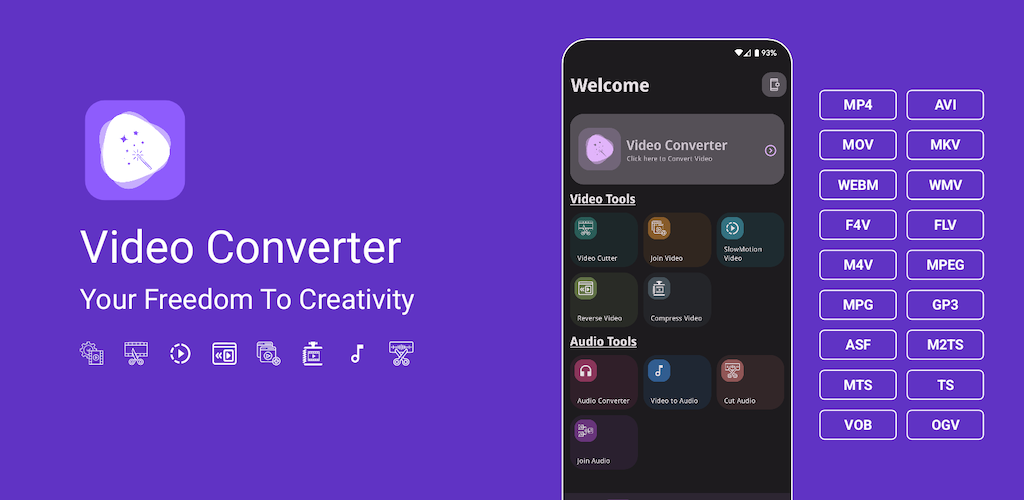
⭐ Extensive Format Support: This app handles a wide variety of input and output formats, including 3gp, aac, avi, and many more.
⭐ Optimized Performance: The app detects your device's CPU architecture, installing the appropriate codec package for optimal conversion speed and efficiency.
Frequently Asked Questions:
⭐ Is the app free?
Yes, this is a free version with an optional pro key purchase to remove ads and unlock all features at a low price.
⭐ Can I customize output settings?
Absolutely! Adjust codecs, bitrates, and other settings to achieve your desired results.
⭐ Does the app support all file types?
Yes, it supports nearly all multimedia file types for input conversion.
Summary:
Video Converter is a powerful yet user-friendly app offering a smooth and efficient multimedia conversion experience. Its intuitive design, advanced features, wide format compatibility, and CPU optimization make it a comprehensive solution for all your conversion needs. Download now and simplify your mobile multimedia workflow!