PP Park! – Your handy app for locating metered parking spots
+++++++++++++++++++++++++++++++++++
For users experiencing launch issues on Android 11
June 15, 2021
+++++++++++++++++++++++++++++++++++
Some Android 11 devices may crash upon launching the app.
Performing a "Clear Storage" action often resolves this issue—give it a try.
Note: This will delete your "parking lot posting history," which cannot be recovered.
【Steps】
1. Open "Settings"
2. Navigate to "Apps & Notifications"
3. Select "PP Park!" from the app list
4. Tap "Storage & Cache"
5. Choose "Clear Storage"
This bug stems from Android 11, and Google is reportedly addressing the issue.
While Google and device manufacturers may release fixes, similar problems persist globally.
We apologize for the inconvenience—if you encounter this issue, please use "Clear Storage."
+++++++++++++++++++++++++++++++
PP Park!
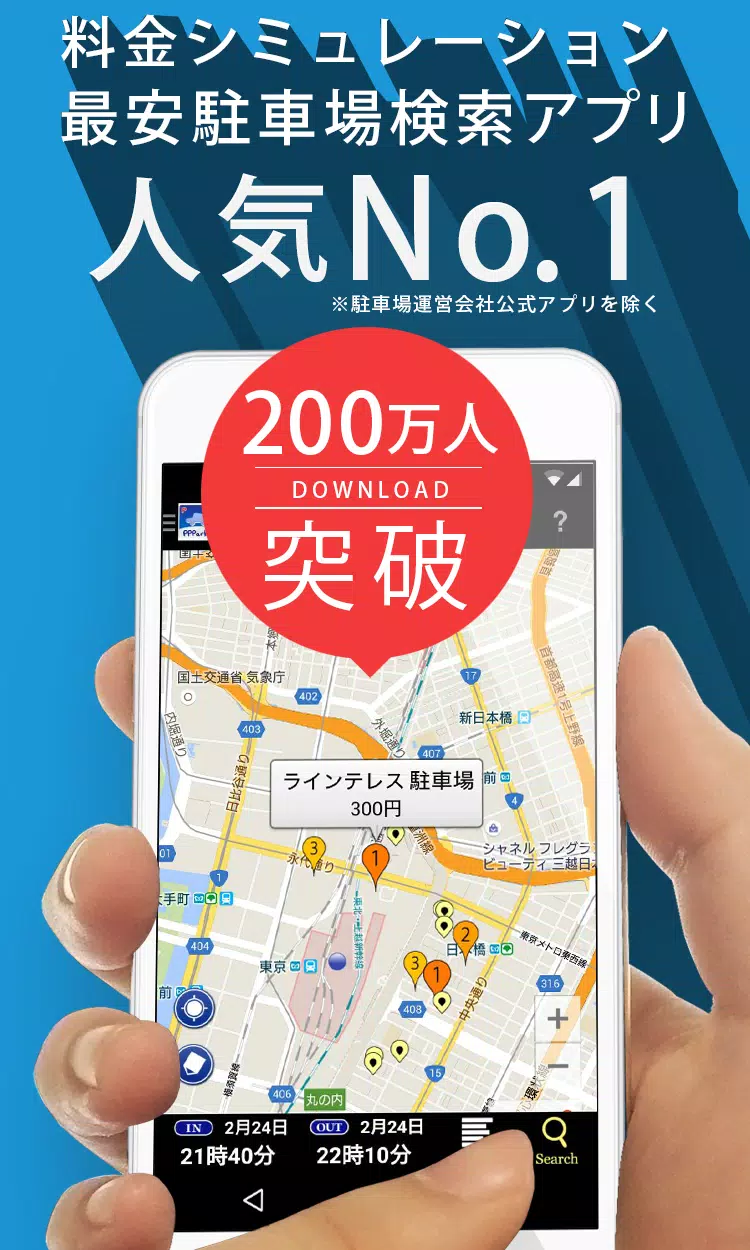
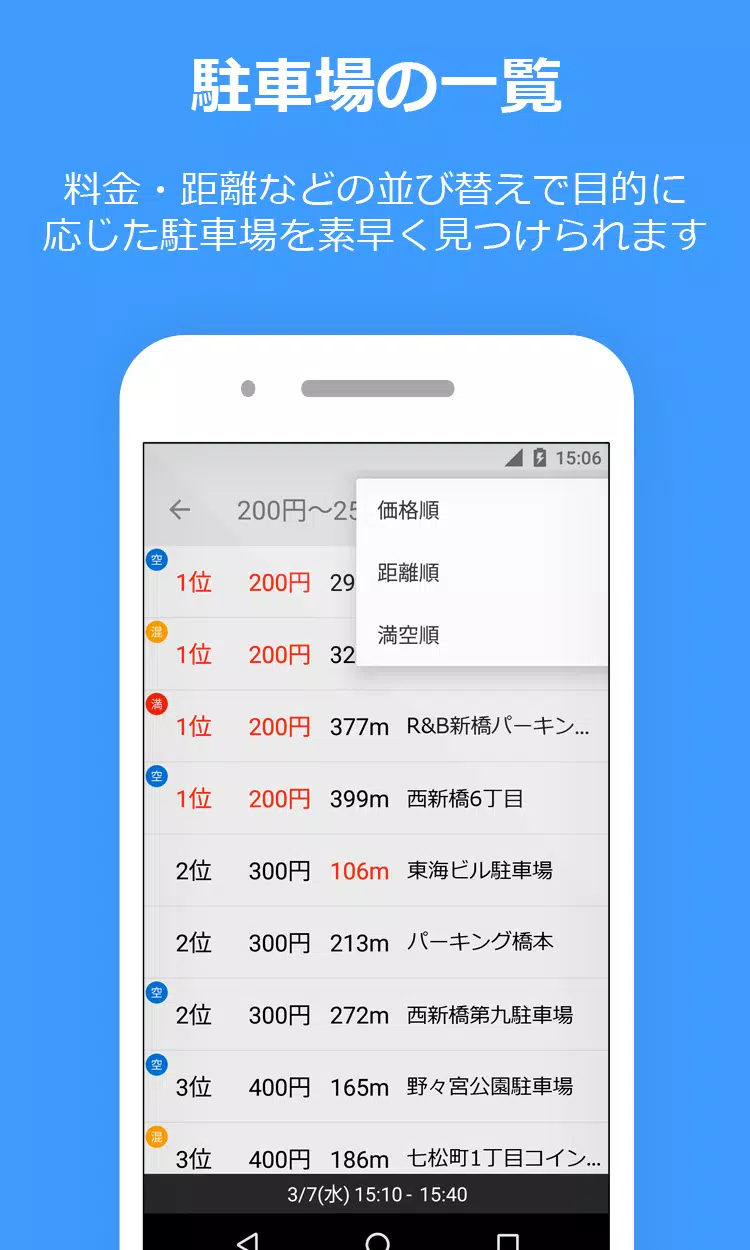
Find nearby coin-operated parking spots sorted by price—fast and easy.
Never overpay for parking again!
--------------------------------
Key Features of PP Park!
--------------------------------
■ Automatic price calculation for affordable parking
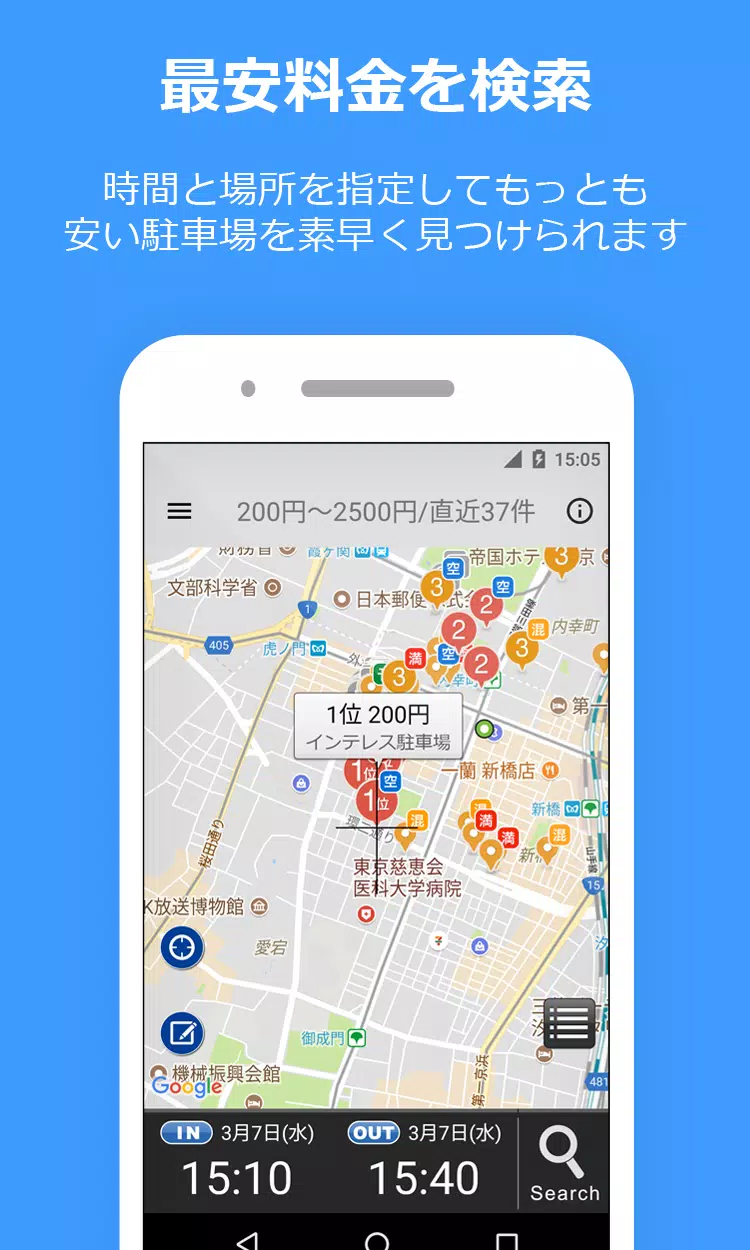
Enter your parking timeframe (e.g., "Today, 2:20 PM to 7:00 PM") to see cost-sorted results instantly.
■ Includes maximum rate discounts!
■ Covers reservation-based and shared parking!
・ Akippa
・ Special P (Toku P)
・ TOHOGAS parking (Okazaki city only)
■ Street parking support!
Shows time-limited street parking near your search location.
Ideal for quick stops during errands or work.
Marked by light green lines/circles on the map.
・ Tokyo
・ Kanagawa
・ Osaka
* Street parking allows roadside stops but exceeding time limits incurs violations.
Please park responsibly.
* Pricing, hours, and locations may differ from actual conditions—always verify onsite.
■ User-submitted parking updates
Report unlisted, price-changed, or closed parking lots!
* Note for Android 10+ users:
Posted information won't transfer during device upgrades.
--------------------------------
How to Use
--------------------------------
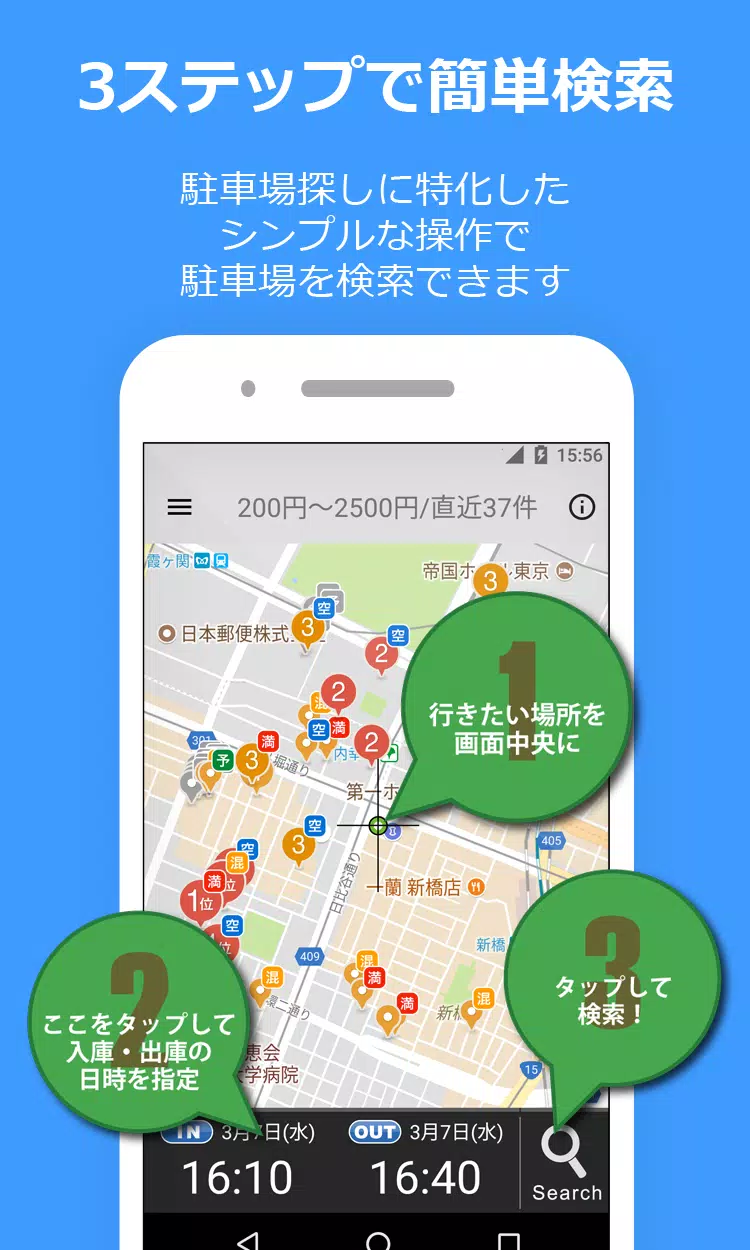
1) Display your destination on the map.
This area serves as your main search zone.
2) Enter pickup/drop-off times.
3) Tap the bottom-right "magnifying glass" to search!
4) Results appear numbered by price—easily spot the cheapest nearby option.
※Important※
Requires "Google Play Services" for Android 4.0+ devices.
Location permissions (WiFi/Bluetooth) ensure accurate results.
Always confirm pricing at the parking location.
While we prioritize data accuracy, we can't guarantee 100% alignment with real-world conditions.
--------------------------------
Parking Information Notice
--------------------------------
* Verify all pricing and details onsite.
* Despite our best efforts, some parking data may differ from reality.
--------------------------------
Bug Reports
--------------------------------
1) Report issues via Twitter or email:
For detailed reports, contact:
Twitter: @PPPark1
Email: [email protected]
2) Include your device model and OS version in reports—it helps us resolve problems faster.
--------------------------------
■ Website
https://pppark.com
https://twitter.com/PPPark1