OBD2 Diagnostics – Read and Erase Fault Codes & Access Real-Time Sensor Data
Piston gives you effortless access to your vehicle's diagnostic information right from your mobile device.
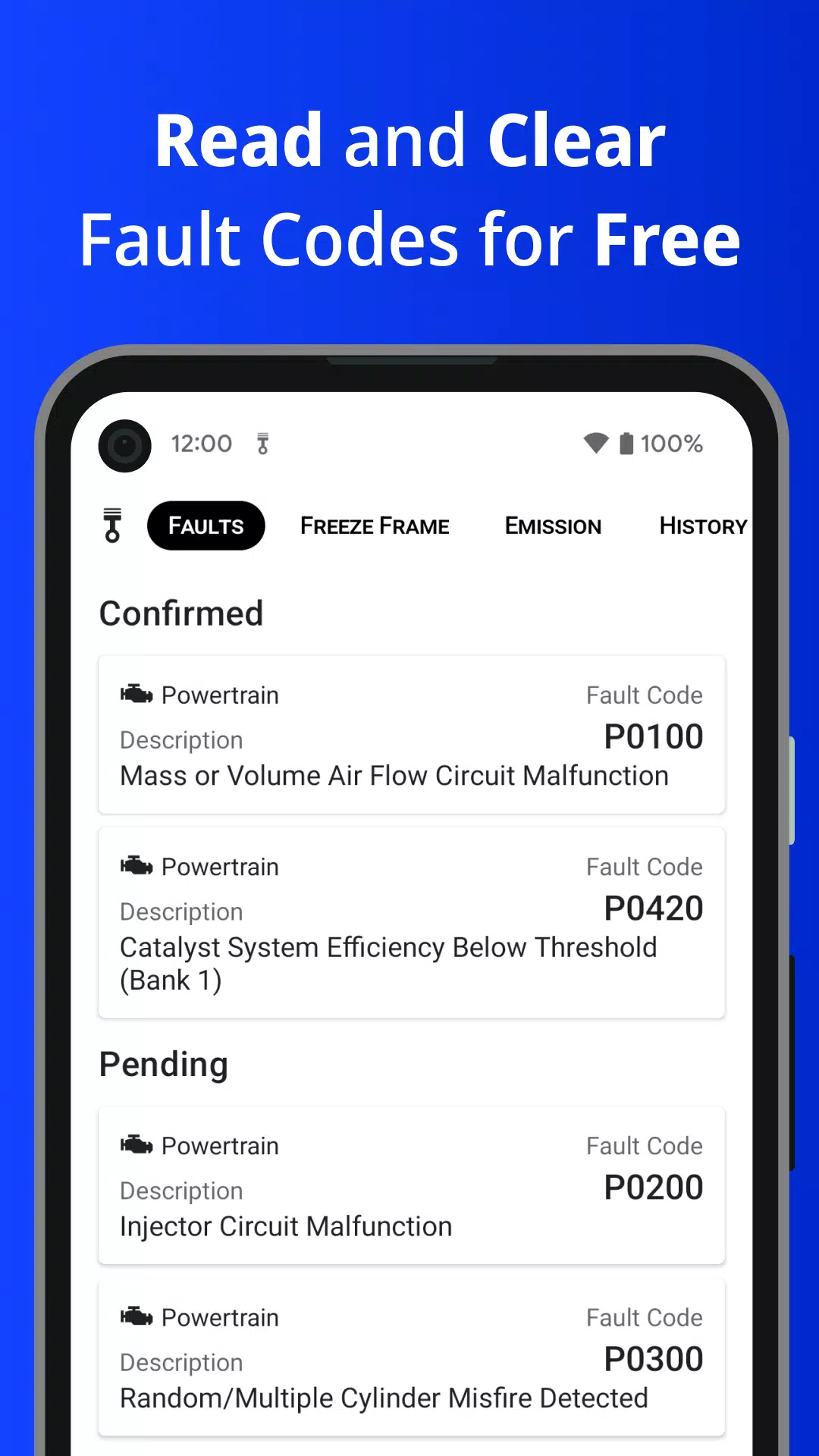
Is your Check Engine Light (MIL) illuminated? Use Piston to transform your mobile device into a professional car scanner, reading Diagnostic Trouble Codes (DTCs) and Freeze Frame data associated with the issue. This helps you accurately diagnose and resolve the problem.
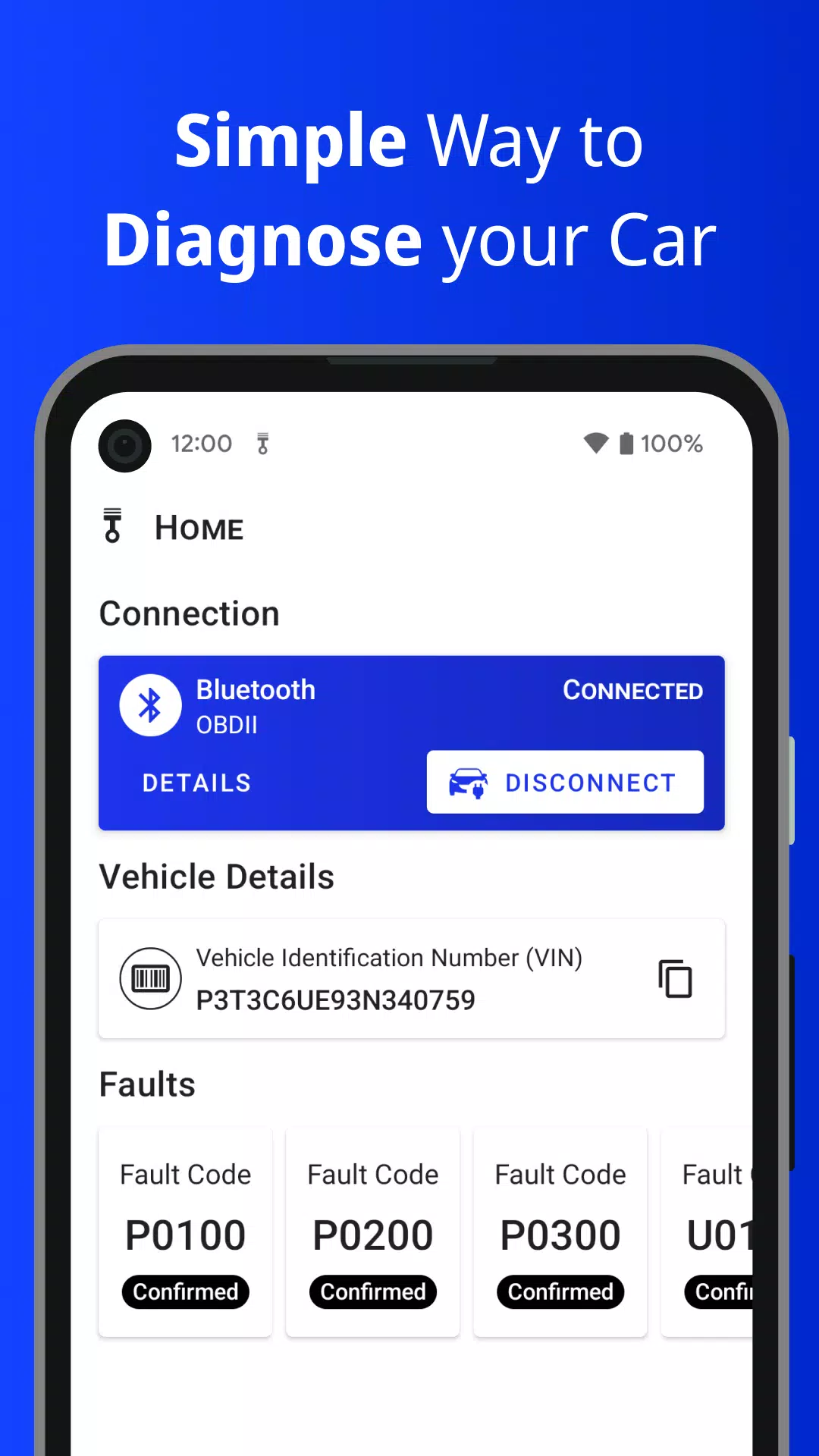
You will need a Bluetooth or WiFi adapter based on the ELM327 standard, which you plug into your vehicle's OBD2 port. Piston provides step-by-step guidance for the connection process. You can view these instructions on the Home page after initial setup or anytime via the Settings menu.
With Piston, you can:
• Read and erase Diagnostic Trouble Codes (DTCs) defined by the OBD2 standard
• Review Freeze Frame data (a snapshot of sensor readings captured when the ECU detects a malfunction)
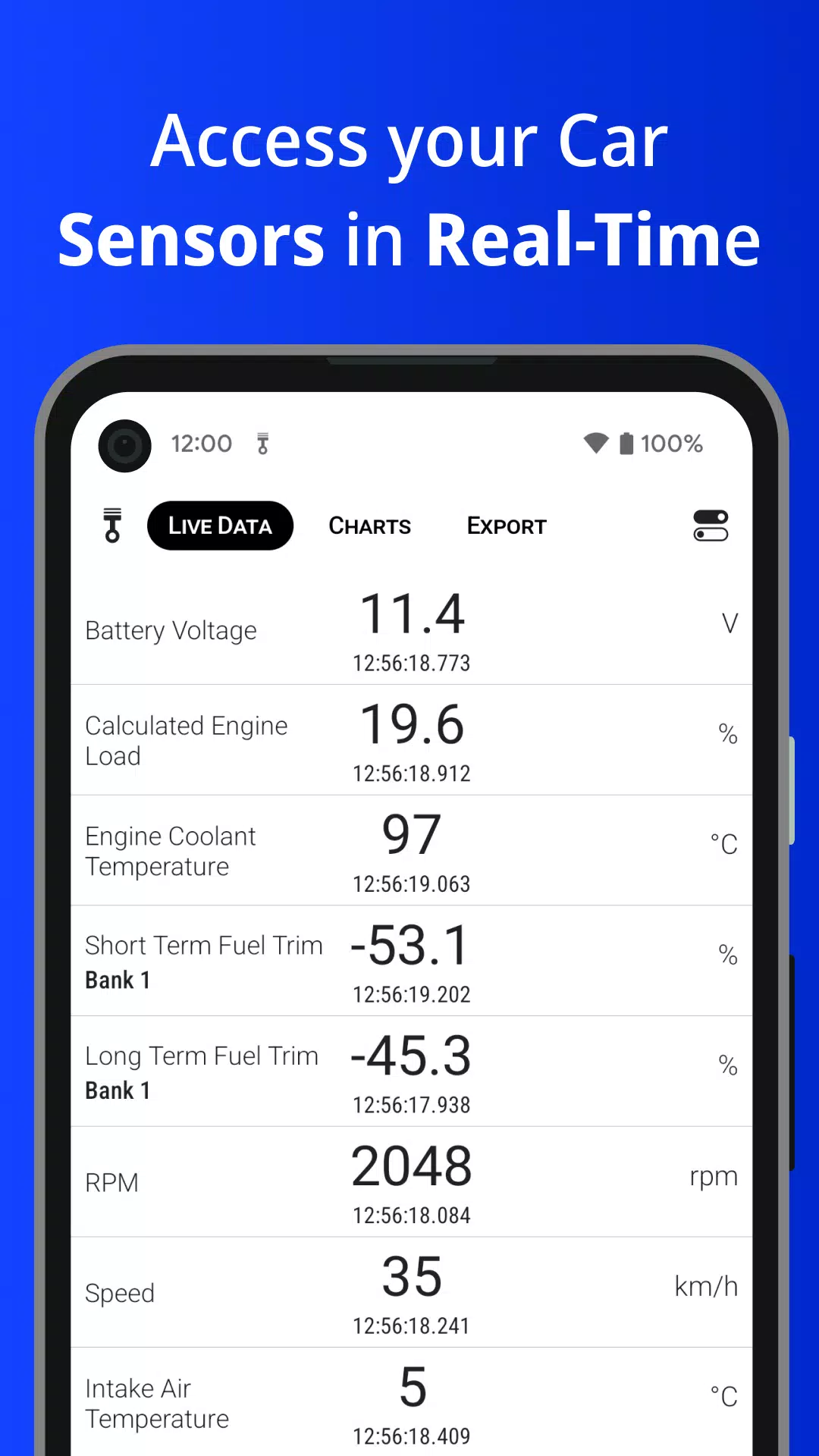
• Monitor real-time data from vehicle sensors
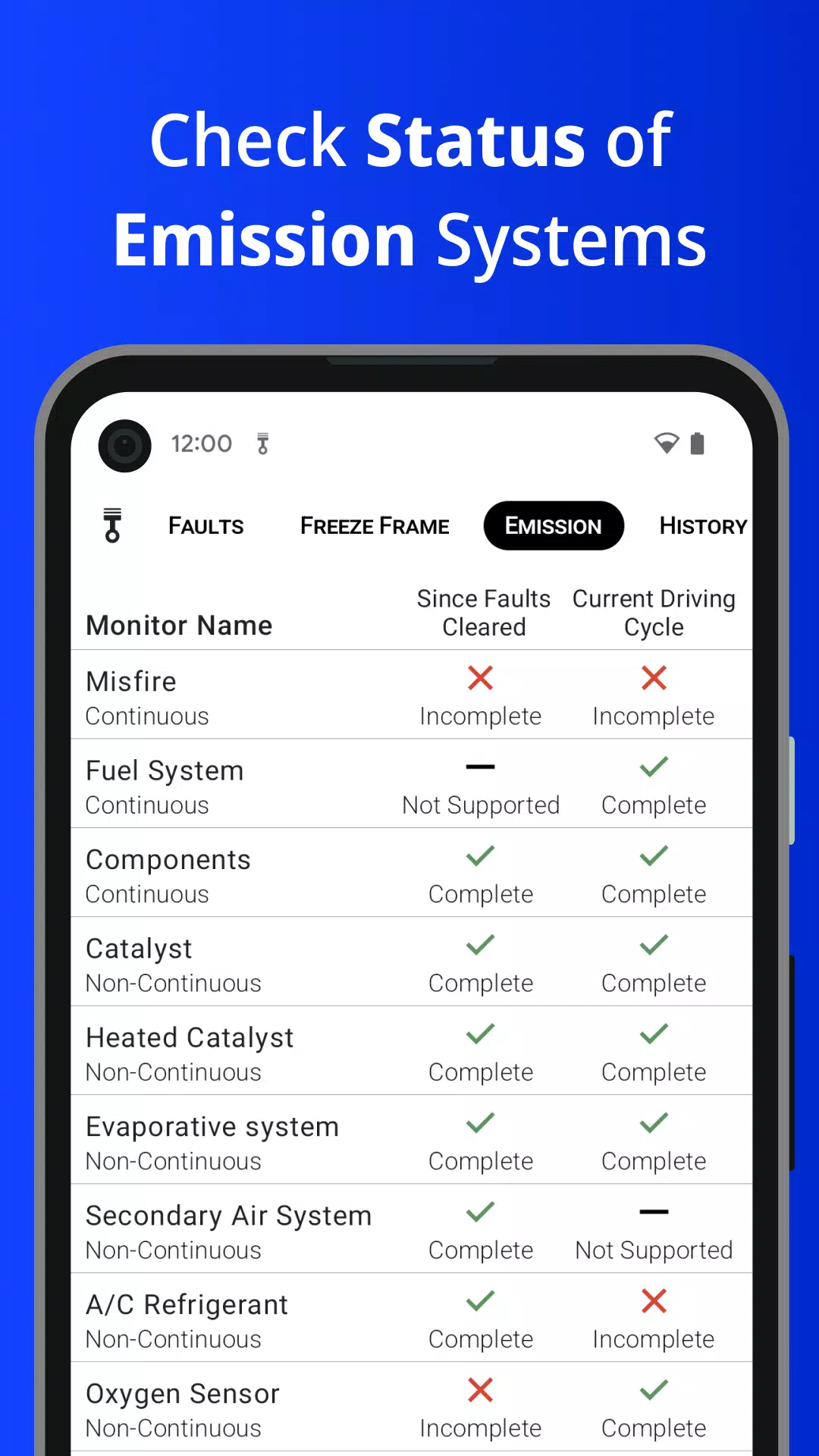
• Check the status of Readiness Monitors (emission control system checks)
• Store read DTCs in a local history
• Log in to save your DTC readings to the cloud
• View charts of sensor readouts
• Export real-time sensor data to a file
• Check your vehicle's VIN
• Review ECU details, including the OBD protocol and supported PIDs
Some features mentioned above are Premium Features, unlocked with a single in-app purchase. No recurring subscriptions!
To function as a car scanner, this application requires a separate ELM327-compatible Bluetooth or WiFi adapter. Piston works with OBD-II (also known as OBDII or OBD2) and EOBD standards.
All vehicles sold in the United States from 1996 onward are required to support the OBD2 standard.
In the European Union, EOBD became mandatory for gasoline vehicles starting in 2001 and for diesel vehicles from 2004. In Australia and New Zealand, OBD2 is required for all petrol cars manufactured from 2006 and diesel cars from 2007.
Important: This application can only access data that your vehicle supports and makes available through the OBD2 standard.
For any questions or suggestions, please contact us at [email protected].
What's New in Version 3.8.0
Last updated on Aug 2, 2024
• Android 14 support
• Enhanced Sensor Selection Screen
• Support for additional sensors (availability may vary by vehicle)