E-Tuner 4 is Edelbrock's exclusive Android application designed specifically for the Pro-Flo 4 EFI System.
This latest Android app from Edelbrock, E-Tuner 4, is dedicated to the Pro-Flo 4 EFI System.
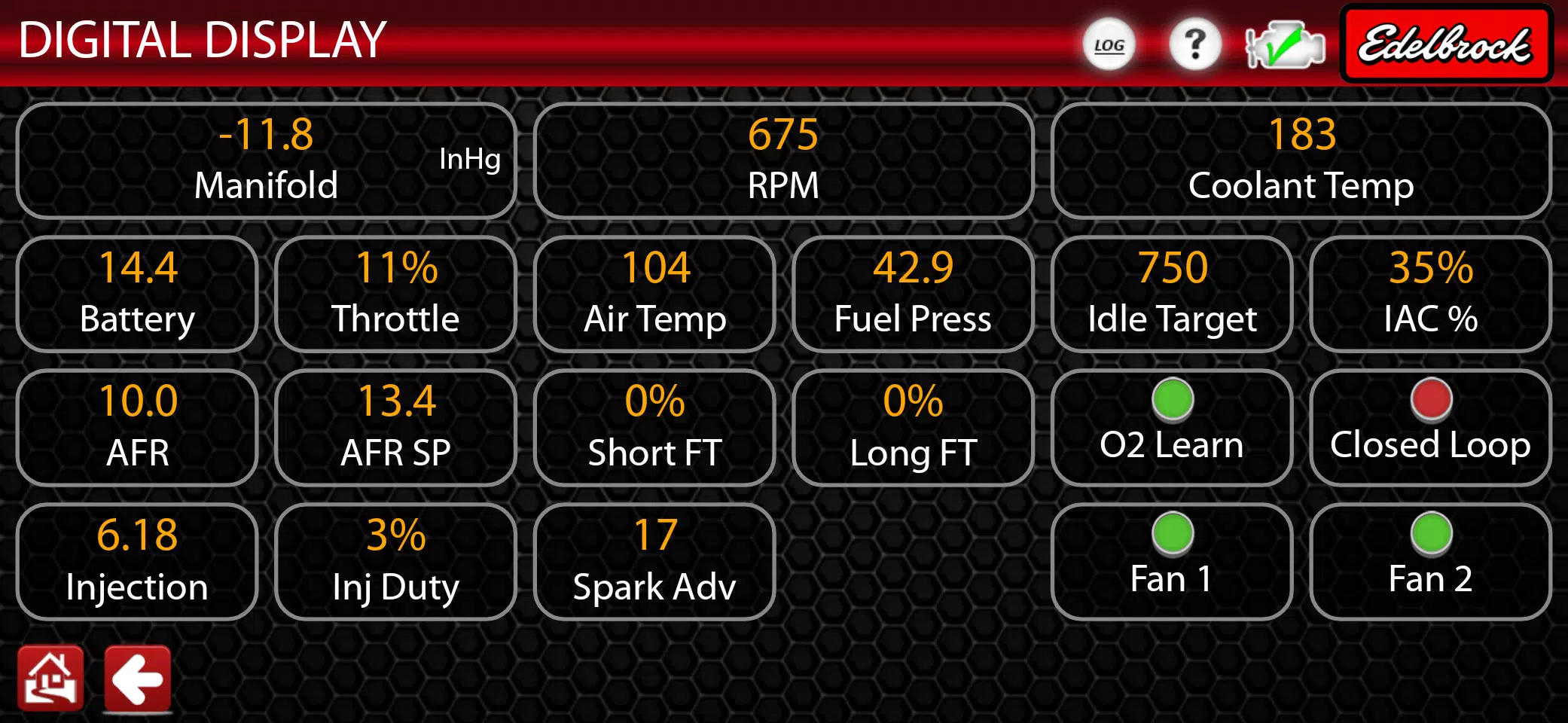
Using Bluetooth, E-Tuner 4 connects to your PF4 ECU, enabling wireless management and real-time tuning. Adjust air-fuel ratios, ignition timing, idle speed, acceleration fuel, and cold start enrichment while monitoring live engine and sensor data directly from your Android device.
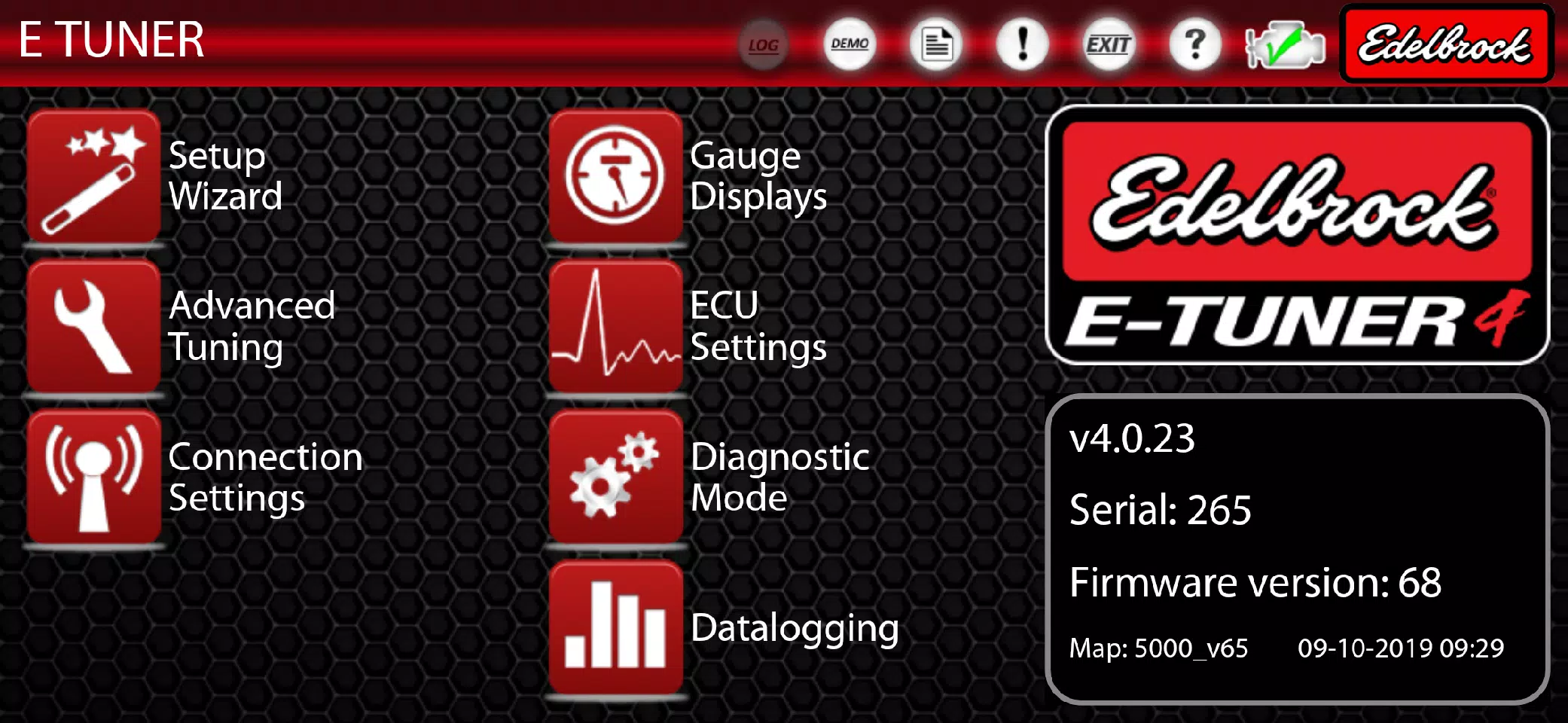
The E-Tuner 4 Setup Wizard streamlines your Pro-Flo 4 EFI installation by guiding you to select the correct base calibration for your setup. Simply provide your engine's displacement (CID), camshaft specifications, and kit details to get started.
E-Tuner 4 applies a robust base calibration, allowing your vehicle to run smoothly without immediate tuning adjustments. For fine-tuning, the "Advanced Tuning" section offers comprehensive controls to customize your calibration and achieve your desired performance. Optimize cruising efficiency by leaning the mixture or advance timing for more power—all within the Advanced Tuning menu. A dedicated diagnostic page is also available for troubleshooting.
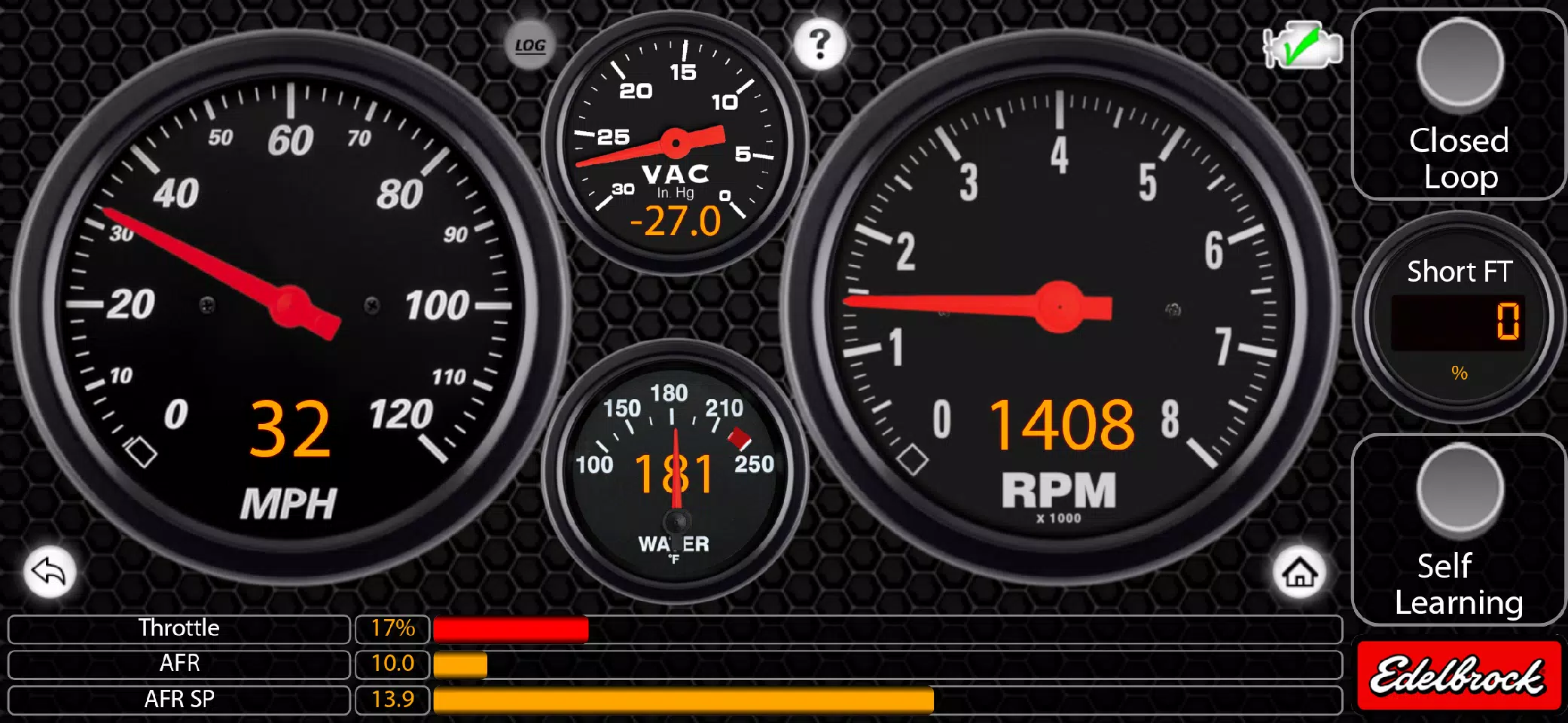
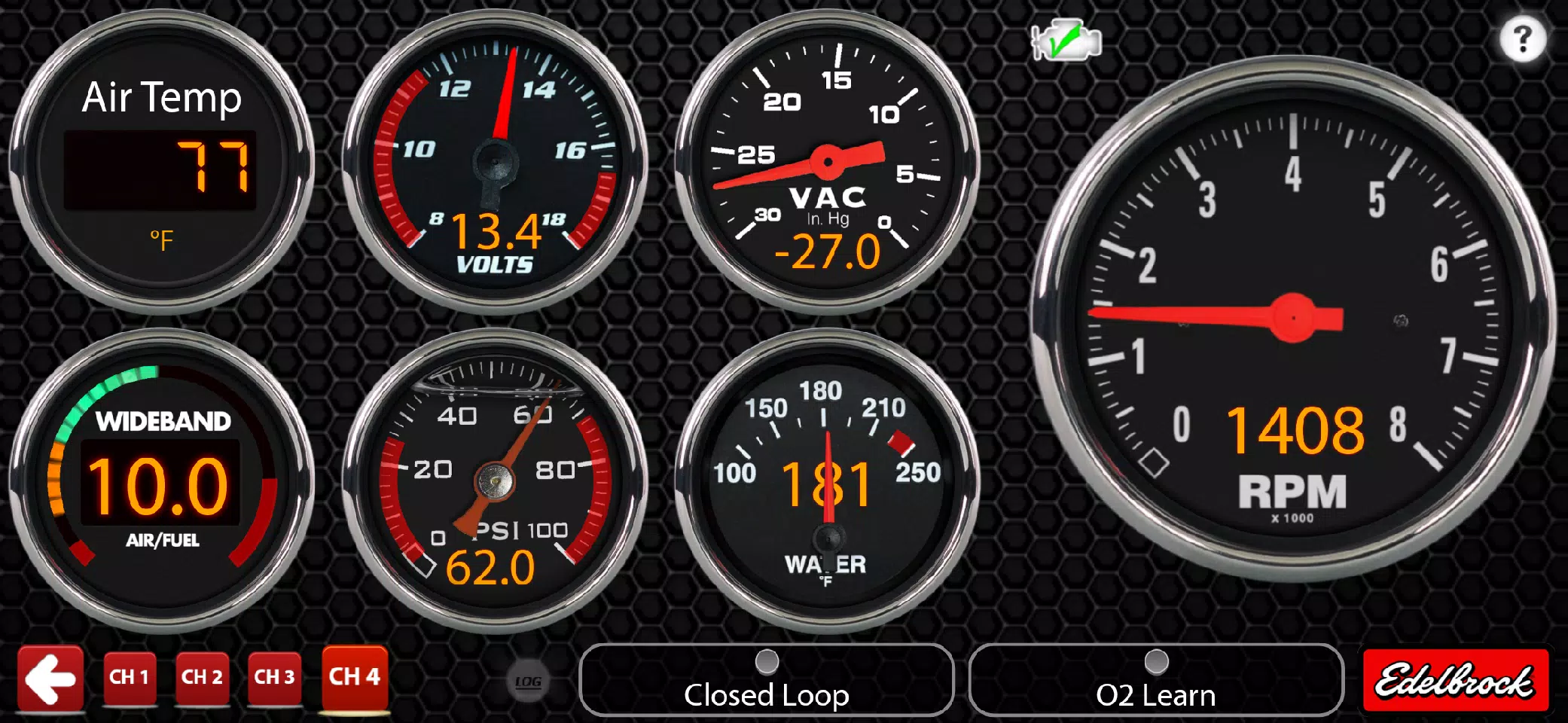
Once your system is operational, explore E-Tuner 4's dynamic gauge displays to track engine performance. Unlike traditional handheld tuners, your phone or tablet can function as a mini-dashboard after tuning is complete.
You can also experience E-Tuner 4 without an active Edelbrock EFI System by enabling "Demo Mode." This allows you to explore key features like the Setup Wizard, Advanced Tuning, and Gauge Displays to understand how the app operates.
*** Warning! ***
E-Tuner 4 is exclusively compatible with the Edelbrock Pro-Flo 4 EFI System. It is NOT compatible with V1 E-Street, V2 E-Street, Pro-Flo 3, or any other legacy Edelbrock EFI systems. If you own one of the aforementioned systems, please visit http://www.edelbrock.com/automotive/mc/efi/support.shtml to download the correct Android application files.
The E-Tuner 4 app is compatible with most devices running Android 6.0 and above. For optimal performance, use it on Android phones and tablets with screen sizes between 5 and 7 inches. Please check for updates periodically.
What's New in the Latest Version 4.0.23
Last updated on Nov 10, 2024
WHAT'S NEW: Customizable gauges (style, bezel, font, and warning limits) via long press; gauge focus by tapping; full-screen dashboards; fix for speedometer; added legacy gauges; spark control page improvements (enhanced Bluetooth stability); datalogger scaling and naming enhancements.