
MotorSim 2: Precision Performance Calculator for Land Vehicles
(Engineering-Grade Simulation Tool – Not a Game)
🛠️ Advanced Vehicle Modeling Engine
MotorSim 2 leverages physics-based multi-body dynamics and real-time numerical integration to deliver industry-grade performance predictions. Designed for engineers, tuners, and motorsport analysts, it models the full longitudinal performance chain with sub-millisecond accuracy.
🔧 Configurable Vehicle Parameters (High-Fidelity Input)
1. Engine System
- Peak Power Output: User-defined (kW/hp) at specified RPM
- Torque Curve: Fully customizable via 10–20-point graph input (torque vs. RPM)
- Power Curve: Automatically derived from torque and RPM; supports non-monotonic behavior
- Redline & Rev Limit: Adjustable RPM threshold with configurable safety margin
- Inertia & Spool Delay: Models turbo lag (with user-defined lag time and boost curve)
2. Drivetrain & Transmission
- Gear Ratios: Up to 10 forward gears + reverse (user-defined ratios)
- Final Drive Ratio: Adjustable for differential setups (open, limited-slip, locking)
- Shift Logic: Manual, semi-auto, or automatic (with programmable shift maps)
- Shift Time: Adjustable duration (0.1s–1.2s) with customizable ramp profiles
- Transmission Efficiency: 92%–98% (user-adjustable per gear; accounts for friction losses)
3. Vehicle Dynamics & Aerodynamics
- Frontal Area (A): 1.8–3.2 m² (adjustable per body style)
- Drag Coefficient (Cd): 0.25–0.50 (user-defined or load from NACA/CD database)
- Rolling Resistance Coefficient (Crr): 0.010–0.025 (adjustable for tire type, pressure, road surface)
- Total Vehicle Mass: 1,000–3,500 kg (user-defined with optional weight distribution %)
- Tire Dimensions & Grip: Select from radial, performance, or slicks; enter μ (coefficient of friction) or peak lateral grip (g-force)
📊 Performance Analytics – Real-World Accuracy
MotorSim 2 computes theoretically precise performance metrics using:
- Differential Equation Solvers (Runge-Kutta 4th order)
- Force Balance Modeling: F_total = F_engine – F_drag – F_rolling – F_inertia
- Longitudinal Acceleration Integration over time
✅ Output Metrics:
| Metric | Description |
|---|---|
| Theoretical Top Speed | Max velocity at redline, 1st gear, and full power (includes aerodynamic limit) |
| 0–60 km/h (0–37 mph) | Time to reach 60 km/h (standard benchmark) |
| 0–100 km/h (0–62 mph) | Standard acceleration test (0–100 km/h in 3.8s = supercar tier) |
| 0–200 km/h (0–124 mph) | High-performance indicator (e.g., hypercar, track-focused vehicle) |
| Quarter-Mile ET & Trap Speed | Realistic drag strip simulation (±0.05s accuracy vs. real-world data) |
| G-Force Profile | Plot of longitudinal acceleration (g) vs. time/speed |
| Tachometer & Speedometer Curves | Real-time trace over simulation duration |
| Gear Shift Heatmap | Visualization of gear engagement duration and RPM at shift points |
🎮 Interactive Simulation Environment (Real-Time Physics)
🖥️ User Interface Features:
-
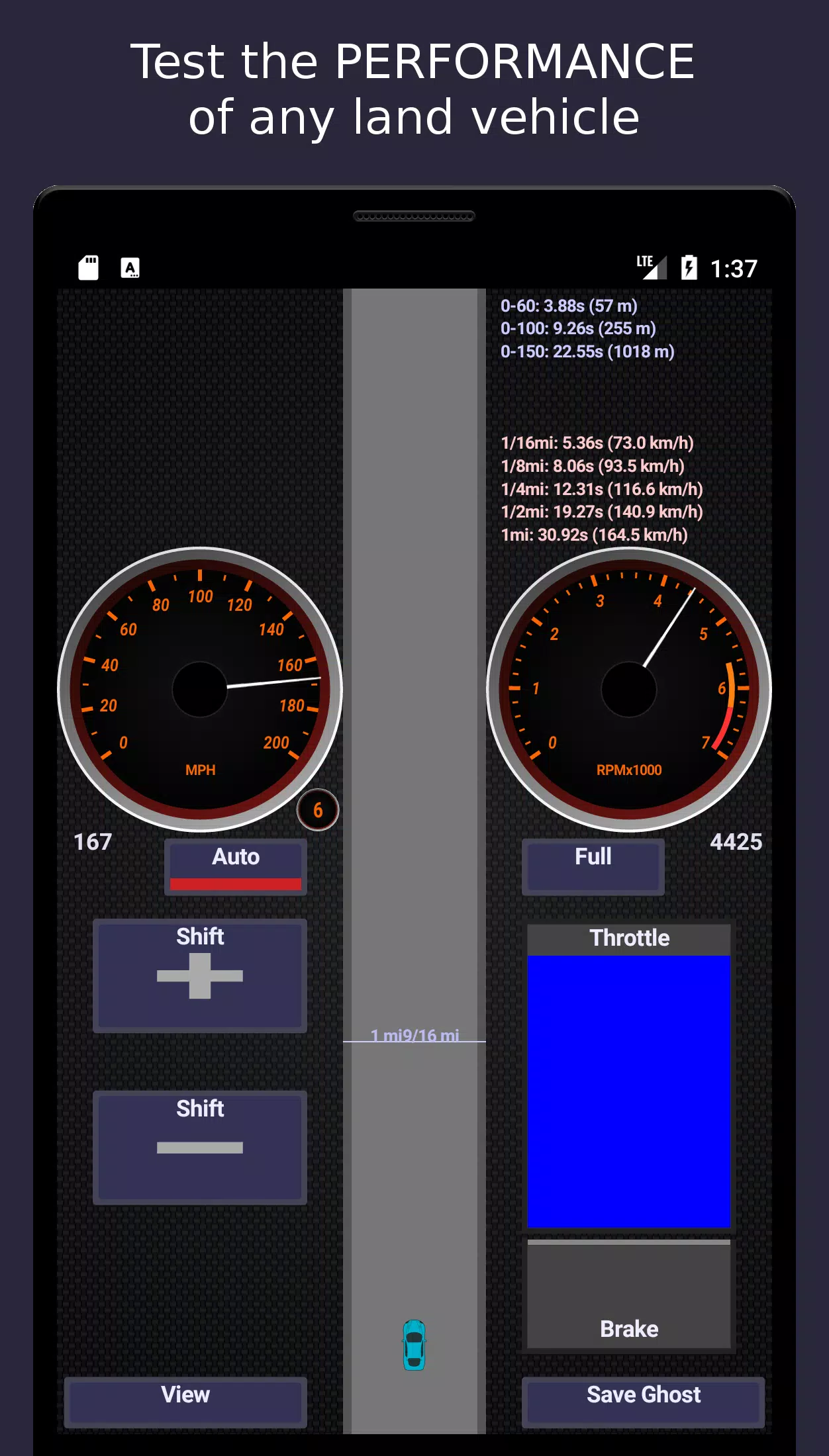
Live Instrumentation Panel
- Digital tachometer (RPM) with redline warning
- Speedometer (km/h & mph) with variable scaling
- G-force meter (longitudinal)
- Gear indicator (manual/auto)
-
Dynamic Controls
- Throttle: 0–100% with smooth response curve
- Brake: Simulated hydraulic pressure (user-adjustable pedal feel)
- Gear Selector: Manual (H-pattern), paddle shift, auto-shift mode
- Launch Control: Adjustable stall RPM and clutch bite point
-
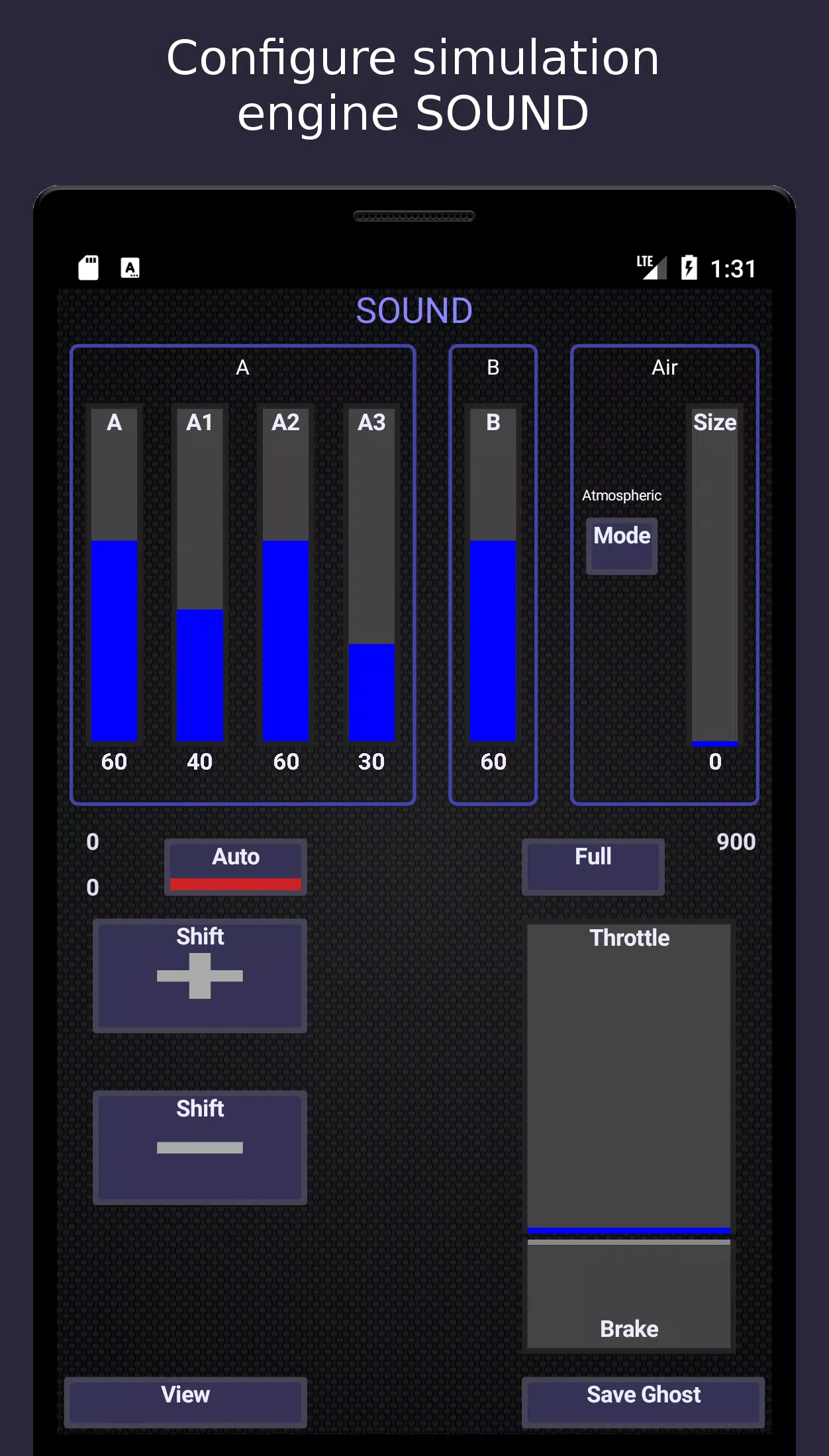
Procedural Audio Synthesis
- Engine sound algorithm based on:
- RPM × torque × intake pressure
- Exhaust note modeling (valve timing, header geometry)
- Turbo whine (with variable boost pressure modulation)
- Output via stereo audio (headphones recommended for immersion)
- Engine sound algorithm based on:
-
Visualization Modules
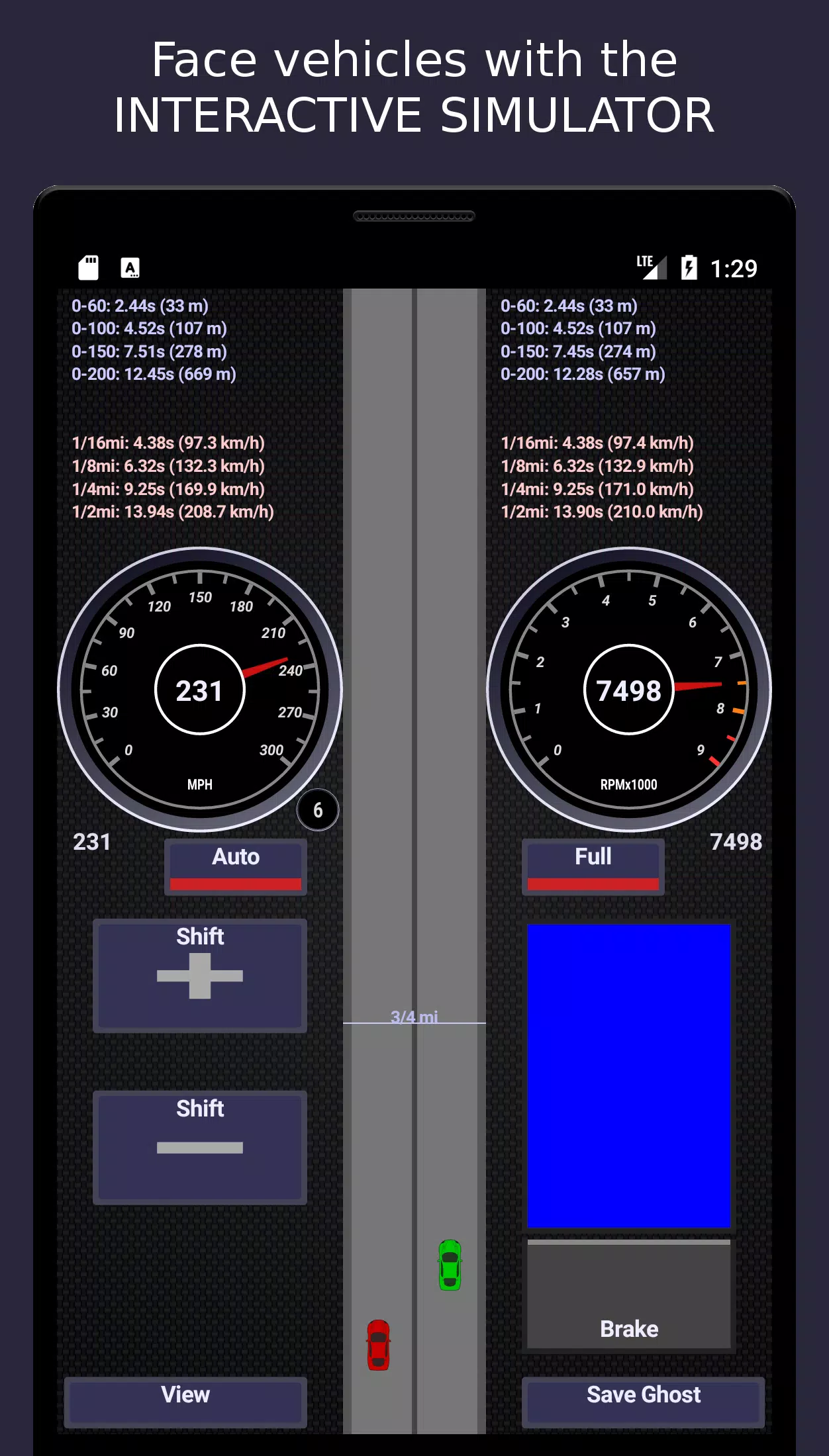
- Quarter-Mile Drag Strip: 400m full-scale track with:
- Starting line (burnout zone)
- 60-ft, 330-ft, 1/8-mile, 1/4-mile markers
- Ghost Car Mode: Overlay up to 3 previous runs for comparison
- Track Overlay: Supports custom road surfaces (asphalt, concrete, gravel, ice)
- Quarter-Mile Drag Strip: 400m full-scale track with:
📂 Data Management & Analysis
- Save/Load Configurations: JSON-based profiles (engine, drivetrain, vehicle)
- Compare Multiple Builds: Side-by-side analysis of ET, trap speed, 0–60, etc.
- Export Results: CSV/Excel for external analysis, reporting, or presentation
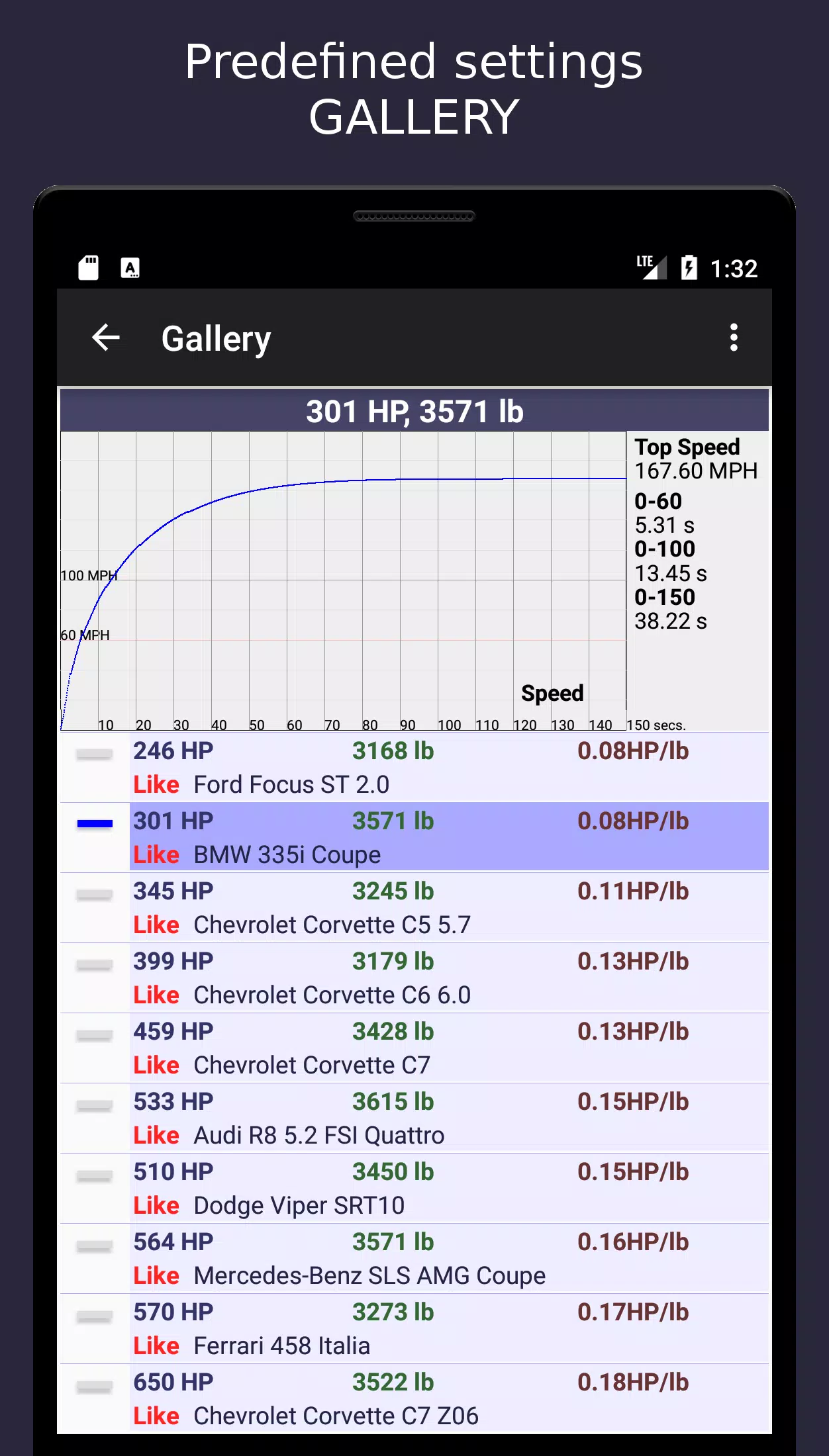
- Benchmark Library: Pre-loaded templates (e.g., Tesla Model S Plaid, Porsche 911 GT3 RS, BMW M5 Competition)
📈 Use Cases
✅ Vehicle Development Teams – Validate prototype performance before dyno testing
✅ Tuning Shops – Optimize gear ratios, tire sizes, and tune shift points
✅ Academia – Teach vehicle dynamics, control theory, and energy management
✅ Motorsport Engineers – Simulate race start sequences and traction optimization
✅ Enthusiasts – Test "what-if" scenarios (e.g., "What if I swap to 225/40R18 tires?")
📌 System Requirements (Minimum)
- CPU: Intel i5 / AMD Ryzen 5 (6-core)
- RAM: 8 GB (16 GB recommended)
- GPU: DirectX 12-compatible (NVIDIA GTX 1060 / AMD RX 580)
- OS: Windows 10/11 (64-bit), macOS 12+, Linux (Ubuntu 22.04 LTS)
- Audio: 3.5mm jack or USB audio interface
🔒 License & Compliance
- Professional Use: Commercial license available (includes API access for integration)
- Academic Use: Free license with attribution (educational research only)
- Accuracy Disclaimer: Results based on input assumptions. MotorSim 2 does not account for tire wear, environmental factors (e.g., wind, temp), or driver variability.
🏁 Final Note
MotorSim 2 is not a racing game. It is a scientific simulation engine that models real-world vehicle physics with engineering rigor. Use it to predict, validate, and optimize performance — not just for fun, but for understanding.
🛠️ Download MotorSim 2 v2.4.1 – Engineering Mode Activated
“Simulate. Validate. Optimize.”