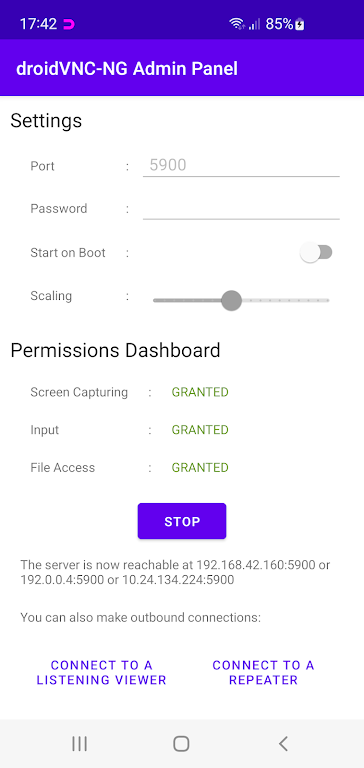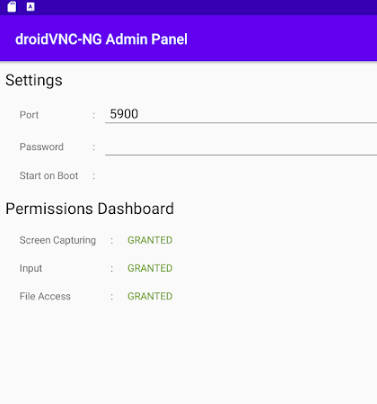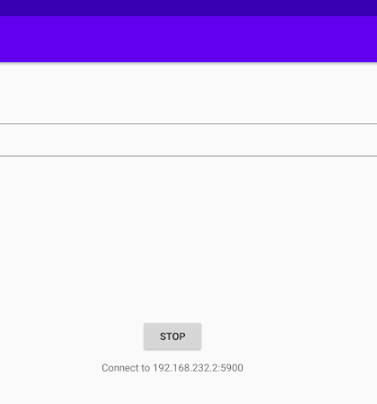

Turn your Android device into a powerful remote control and screen-sharing tool with droidVNC-NG VNC Server – no root needed! Enjoy seamless screen sharing with adjustable scaling for optimal performance, full remote control via VNC clients, access to system functions like Recent Apps and Home button, and effortless text copy-paste between devices. Experience next-level remote access with this innovative solution.
Key Benefits of droidVNC-NG VNC Server:
Remote Access Made Easy: Share your screen over any network and control your device remotely using any standard VNC client, complete with full mouse and keyboard support.
System Control at Your Fingertips: Remotely activate essential Android functions including Recent Apps, Home, and Back buttons for complete navigation control.
Seamless Text Transfer: Enjoy bidirectional clipboard functionality that lets you copy and paste text between your Android device and remote computer effortlessly.
Pro Tips for Optimal Use:
Activate Accessibility Services: Ensure smooth remote operation by enabling Accessibility API Services in your device settings beforehand.
Optimize Display Quality: Balance performance and clarity by fine-tuning the screen scaling settings within the app.
Customize Your Control Setup: Experiment with different input configurations in your VNC client to create your ideal remote control environment.
Why Choose droidVNC-NG:
droidVNC-NG VNC Server redefines remote Android access with its powerful yet intuitive feature set. From professional presentations to technical support scenarios, this app delivers reliable screen sharing, comprehensive remote control, and efficient workflow tools—all without requiring root access. Its streamlined interface and robust performance make it the ultimate solution for anyone needing remote device management.