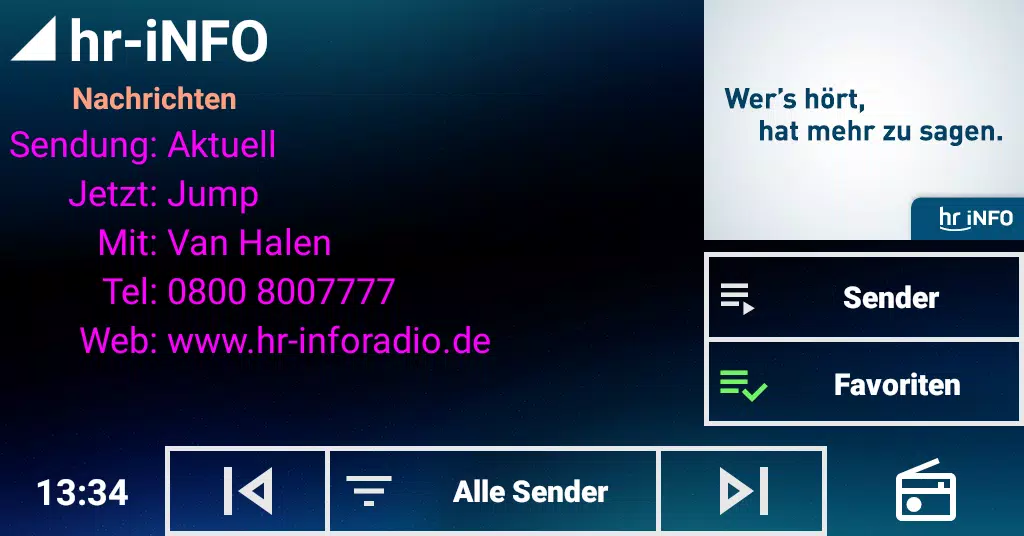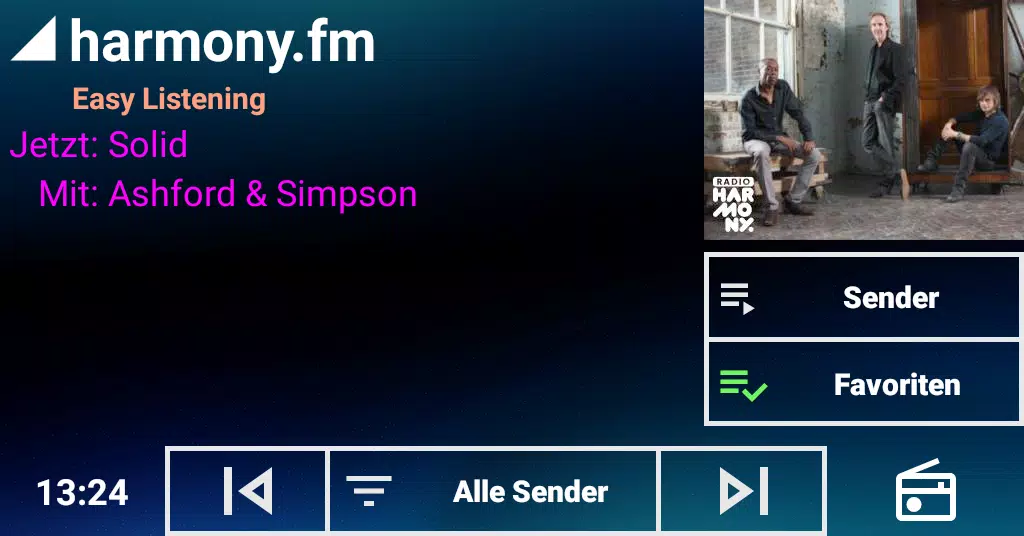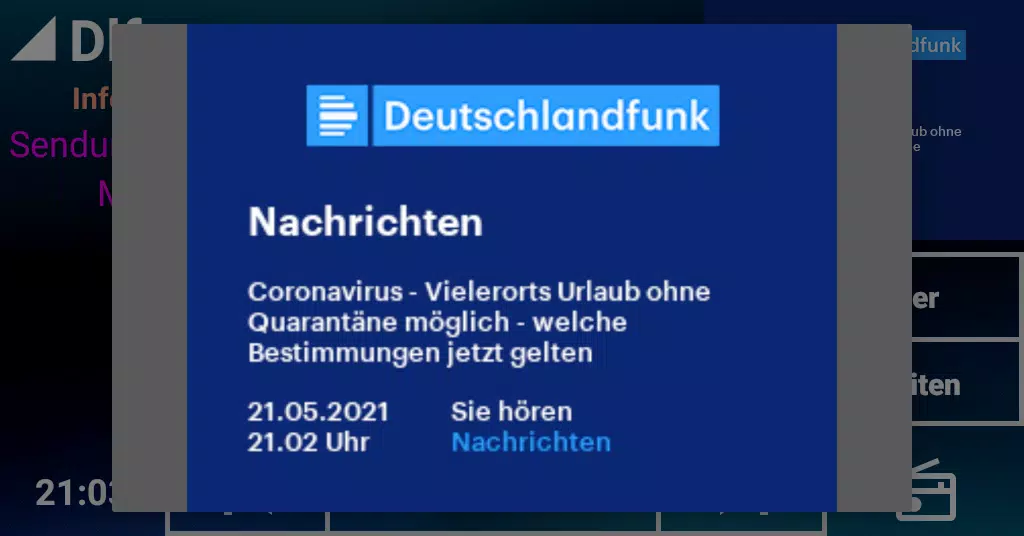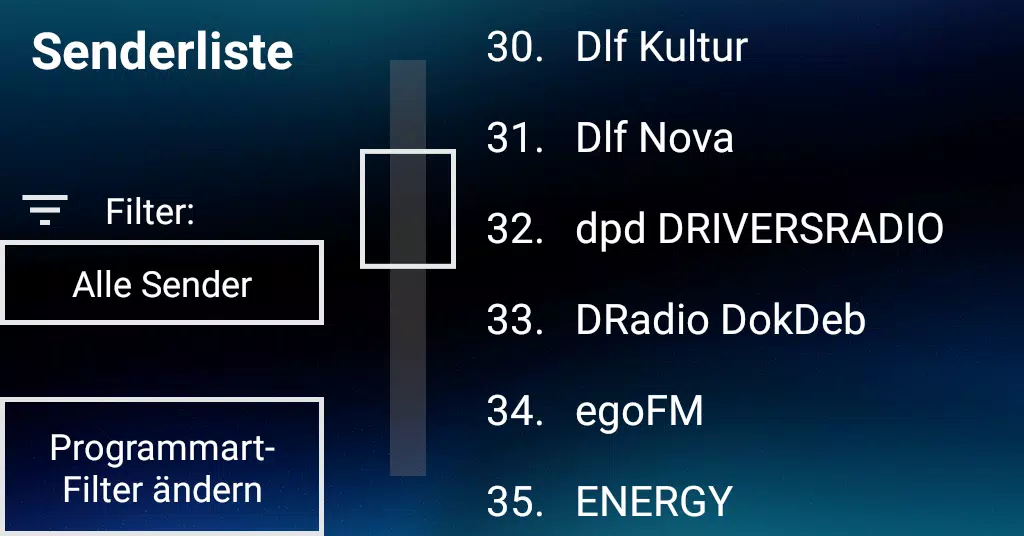
A dedicated radio app for USB DAB+ receivers (excluding SDR), specially designed for car head units
Manage your USB DAB+ receiver with an intuitive, user-friendly interface. Enjoy smooth slideshow functionality. Station logos are not supported. Works offline without internet connectivity.
* Important: Requires a compatible USB receiver with one of the listed device IDs at the bottom. The app will not function without proper hardware !! *
Latest additions:
- Export current information text to file (append mode), with options to share or transfer
Existing features:
- Customizable text colors - simply long-press the info text area
- Beta support for steering wheel controls (details below)
Skip Next = Tune to Next Station
Skip Previous = Tune to Previous Station
Play = Cycle Filter Modes ("All Stations", "By Program Type", "Favorites")
Not intended to compete with the excellent "DAB-Z" app. Designed specifically for users who prefer larger touch targets due to finger size or touchscreen responsiveness issues.
Features an ultra-simplified interface optimized for in-car use, with oversized buttons and touch zones - ideal for less precise automotive touchscreens.
Optimized for standard 1024x600 car displays in landscape orientation. For other resolutions causing display issues, please report at our XDA Developers forum.
Built upon the HRadio sample code (Apache License 2.0) by IRT GmbH's Fabian Sattler.
Compatible USB receiver identifiers:
0416:b003
0fd9:004c
16c0:05dc
1d19:110d
Version 1.1.6 Release Notes
Last updated on Oct 12, 2024
- Added Android 14 compatibility
- Resolved USB detection while running
- Fixed occasional Back button termination issues