Sketch and trace any image onto paper with AR Draw Sketch Trace & Sketch
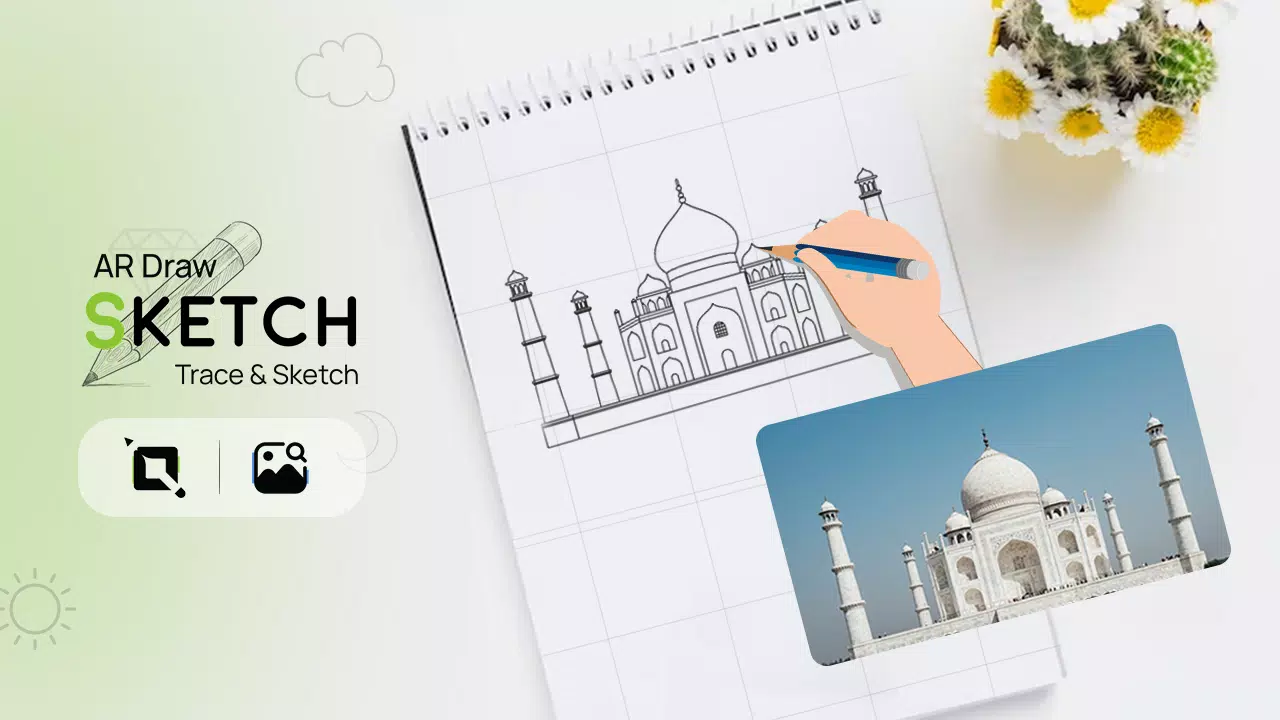
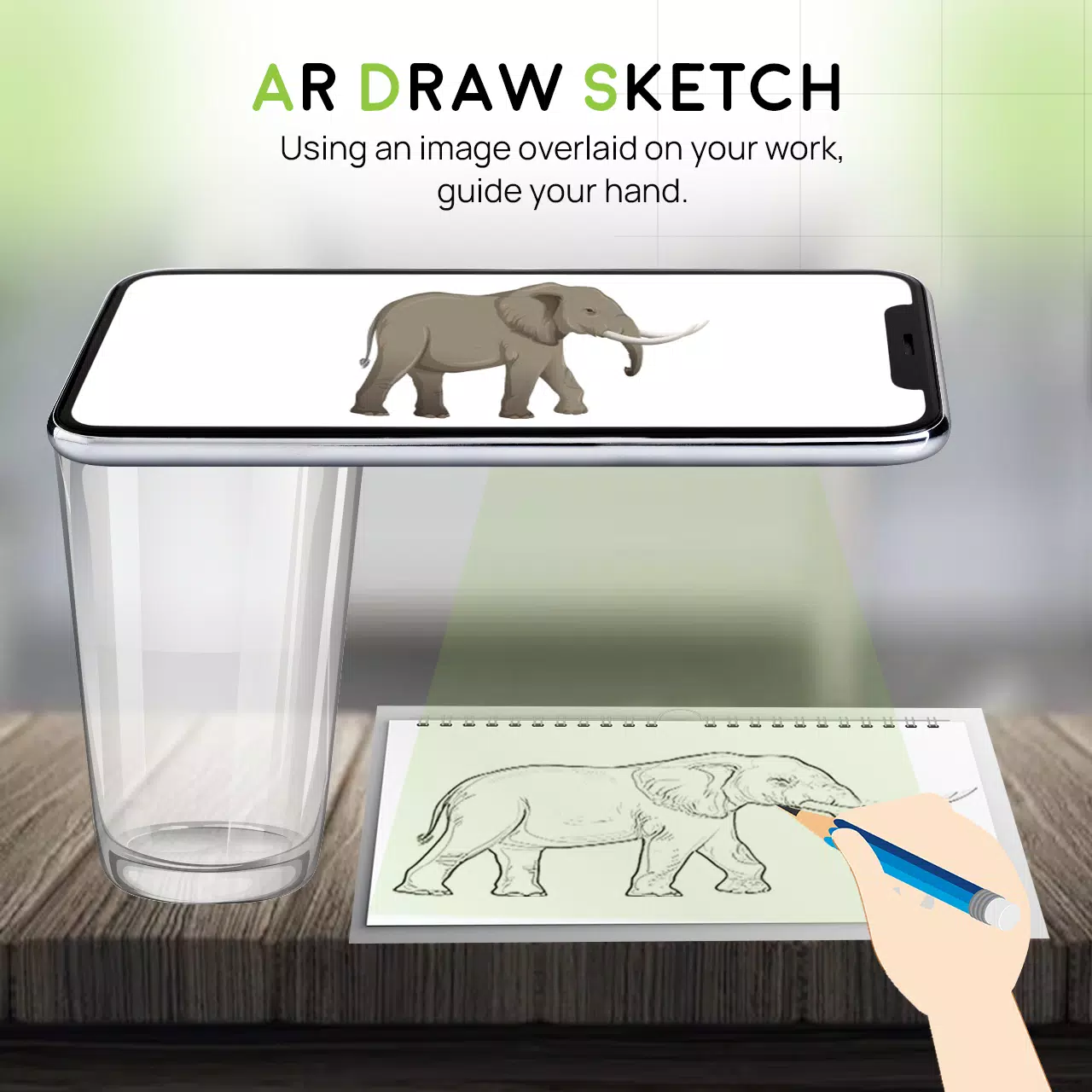
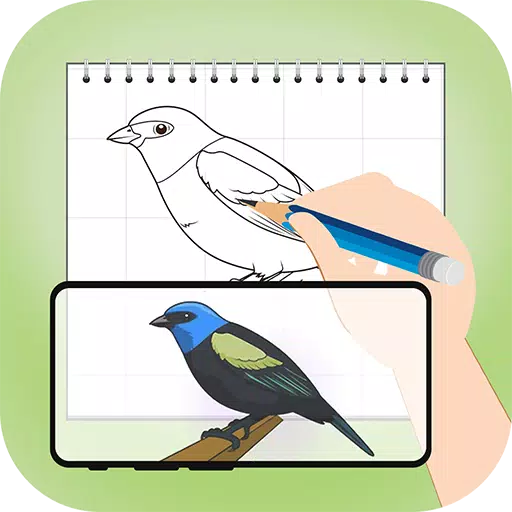
Unlock your creative potential with the AR Draw Sketch Trace & Sketch app. This tool seamlessly transforms any photo into striking sketch artwork. Trace over your chosen image and see it become a beautiful hand-drawn creation. Use the AR Draw Sketch Trace & Sketch app to study and practice your sketching skills. Image tracing is made simple—just pick an image from the gallery or the app, apply a filter, and it becomes traceable. The camera will activate, and your image will appear on-screen. Position your phone above your paper and start drawing while viewing through your device.
Why do we trace?
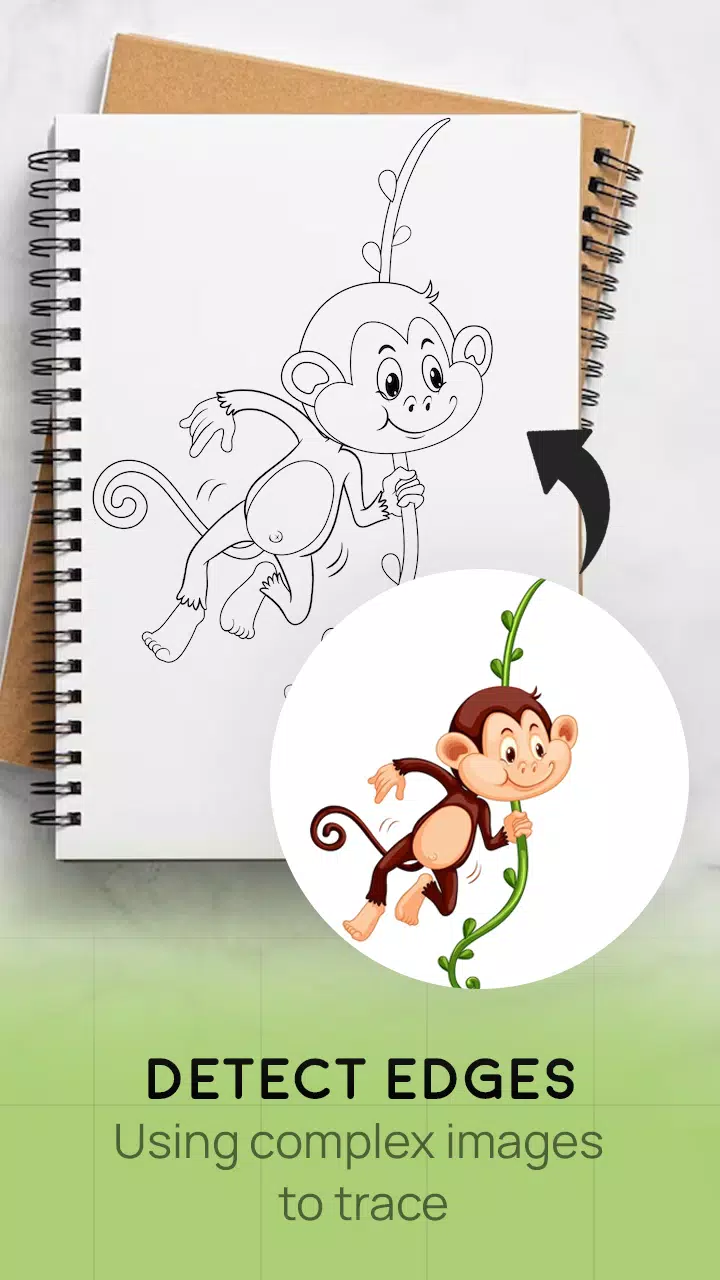
- Tracing converts photos or artwork into outlined drawings. You follow the lines on tracing paper placed over the original. So, sketch it out, then trace it.
- With this app, you can learn to draw by tracing and improve your skills step by step.
How does it work?
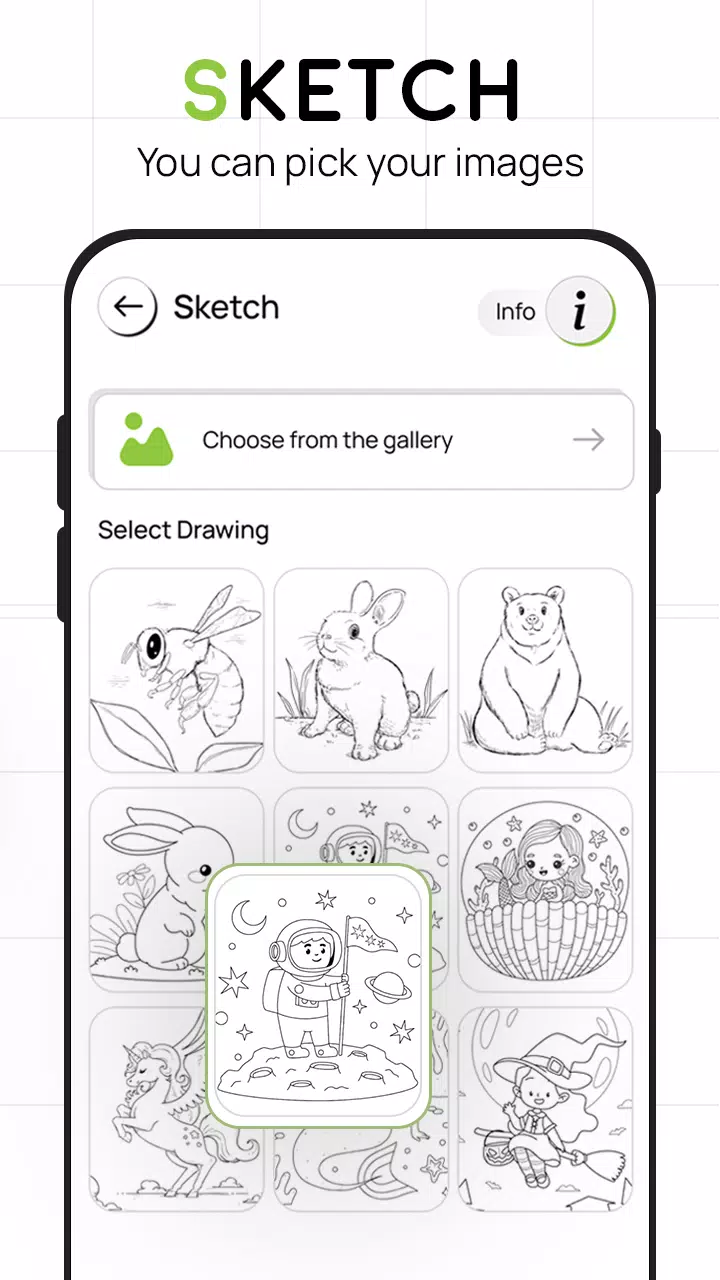
- Pick an image from the app gallery or capture a new one with your camera
- A transparent version of the image will appear on your camera screen. Place your drawing paper or sketchbook underneath to trace the outlines
- Draw on paper while viewing the phone’s screen for guidance
- Turn any photo into a traceable template instantly
FEATURES
- Smart drawing tools to easily enhance your artwork
- A user-friendly way to sketch anything using this app
- Trace images using your camera or choose from the app’s built-in collection
- Draw on paper by viewing a transparent image overlay with your camera open
- Pick sample images from the app and recreate them in your sketchbook
- Import photos from your gallery to make traceable images and sketch on blank paper
- An easy-to-use tool for learning and creating art
- Engaging, intuitive user interface
What's New in the Latest Version 4.0
Last updated on Aug 24, 2023
Minor bug fixes and performance enhancements. Install or update to the latest version to explore the improvements!