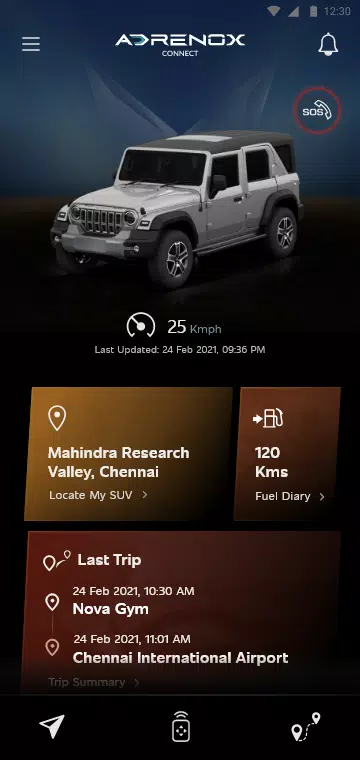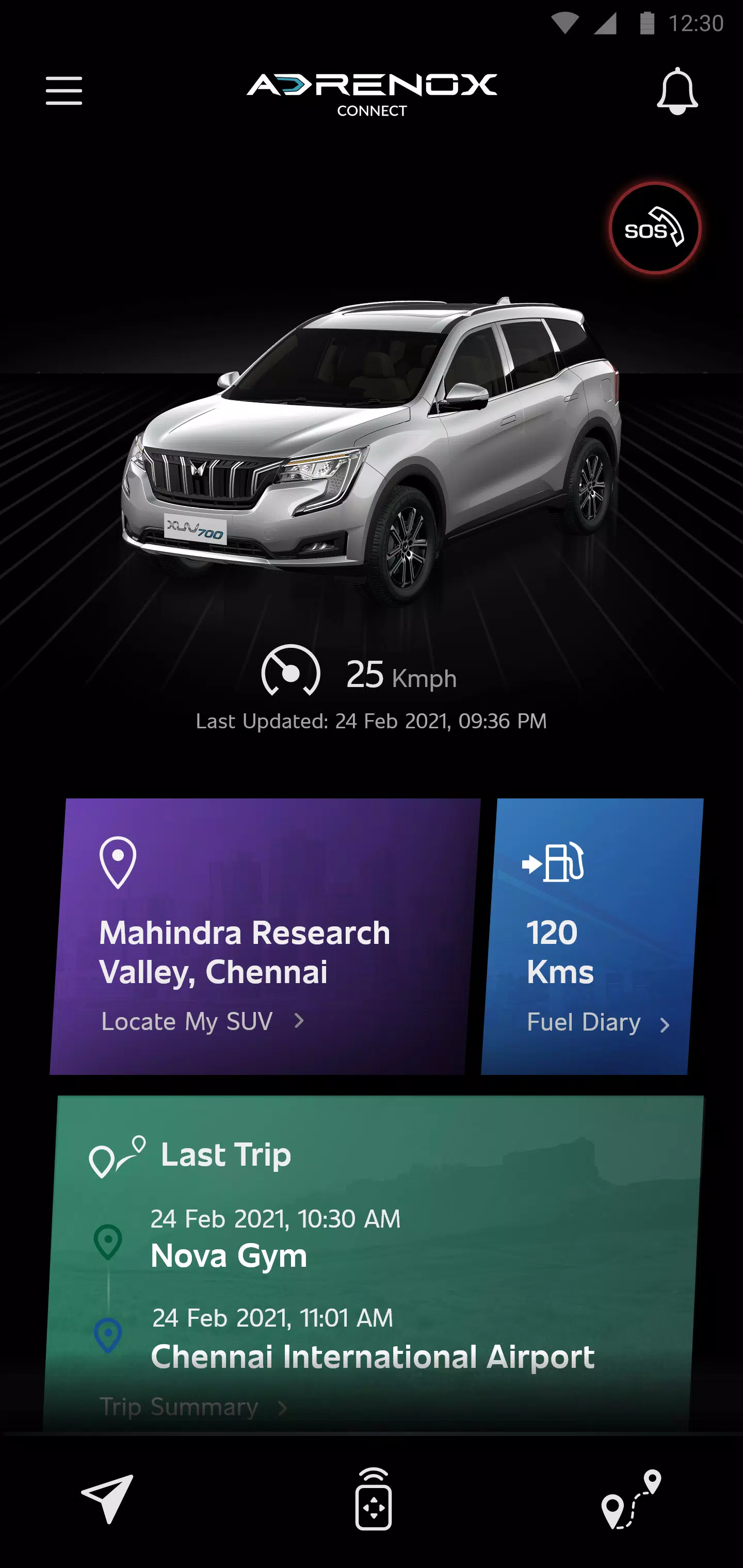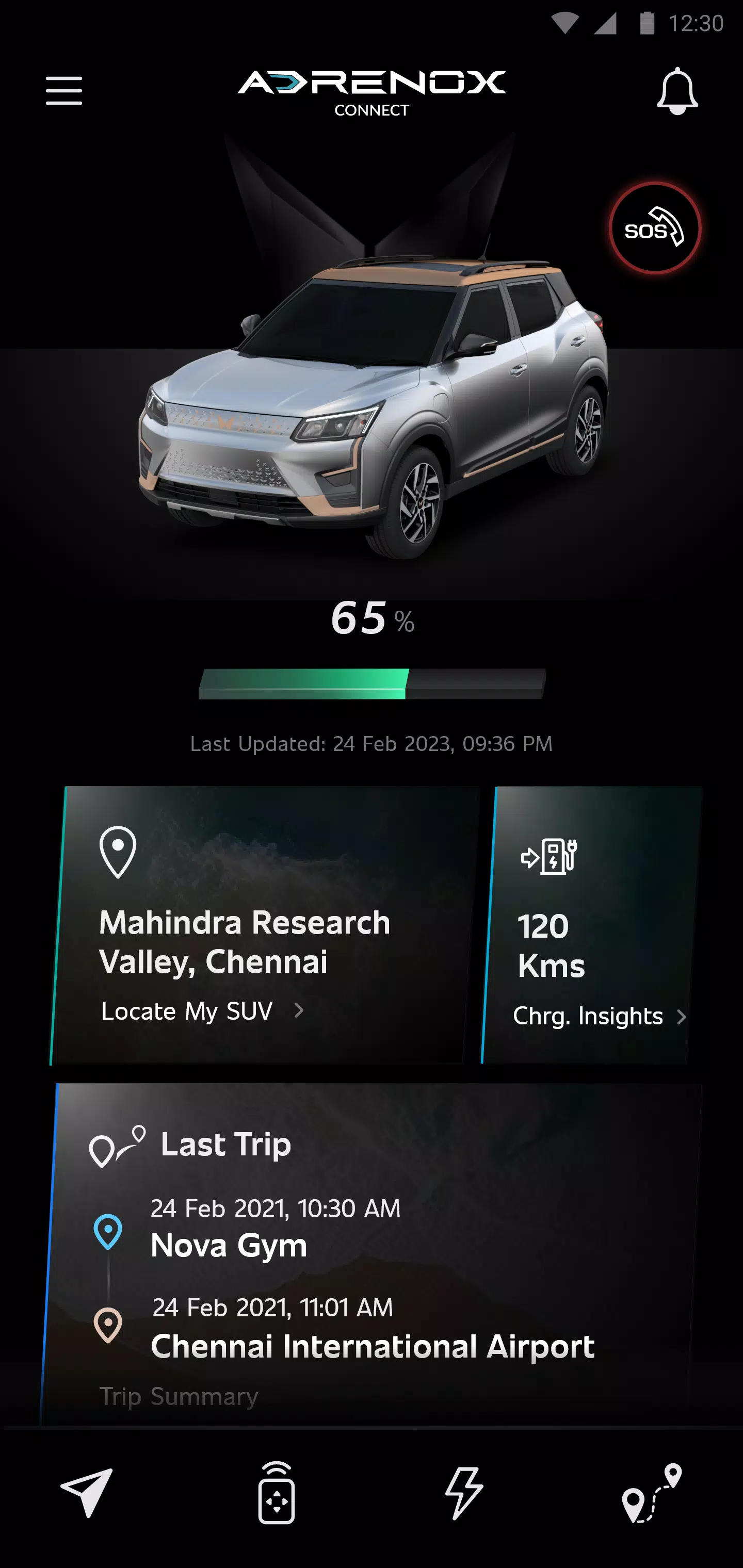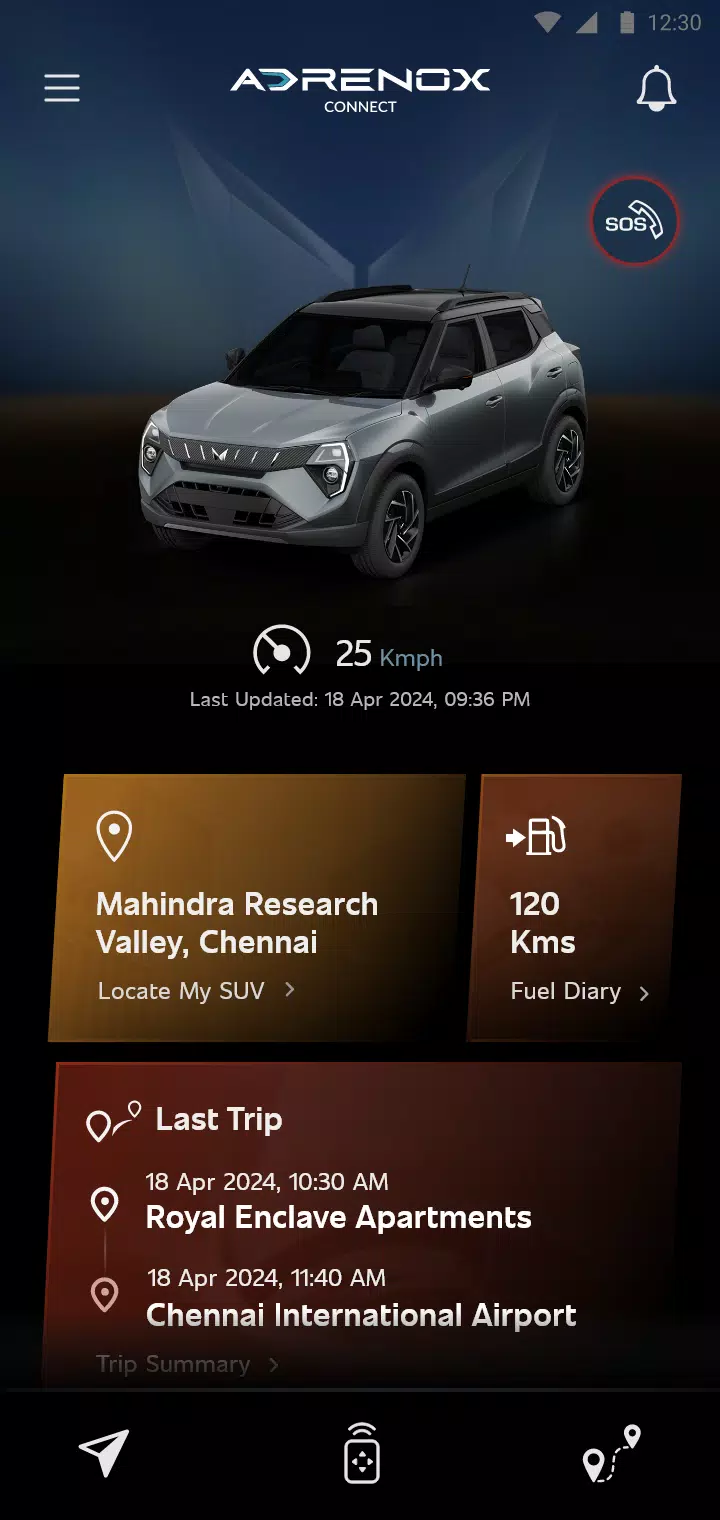
Adrenox Connect is an integrated solution that keeps you seamlessly connected to your vehicle.
Adrenox Connect, Mahindra's advanced connected SUV technology, ensures constant connectivity with your vehicle.
Adrenox Connect revolutionizes your driving experience through smartphone integration!
Experience next-level excitement with intelligent technology at your command. Monitor your vehicle in real-time, remotely lock/unlock doors, activate AC, and more – all with simple taps on your smartphone or smartwatch.
Instant Alerts
Vehicle Status Updates
Remote Control Features
Safety Enhancements
Location-Based Services
Integrated Partner Apps
How to set up Wear OS:
1. Install the "Adrenox Connect" app on your phone and log in using provided credentials
2. Pair your smartwatch with your phone through the "Wear OS" application
3. Access Play Store on your smartwatch and search for "Adrenox Connect"
4. Download and install the "Adrenox Connect" app on your smartwatch
5. Launch the "Adrenox Connect" app on your smartwatch after successful mobile login
6. View Splash, Home, and Read screens directly on your smartwatch