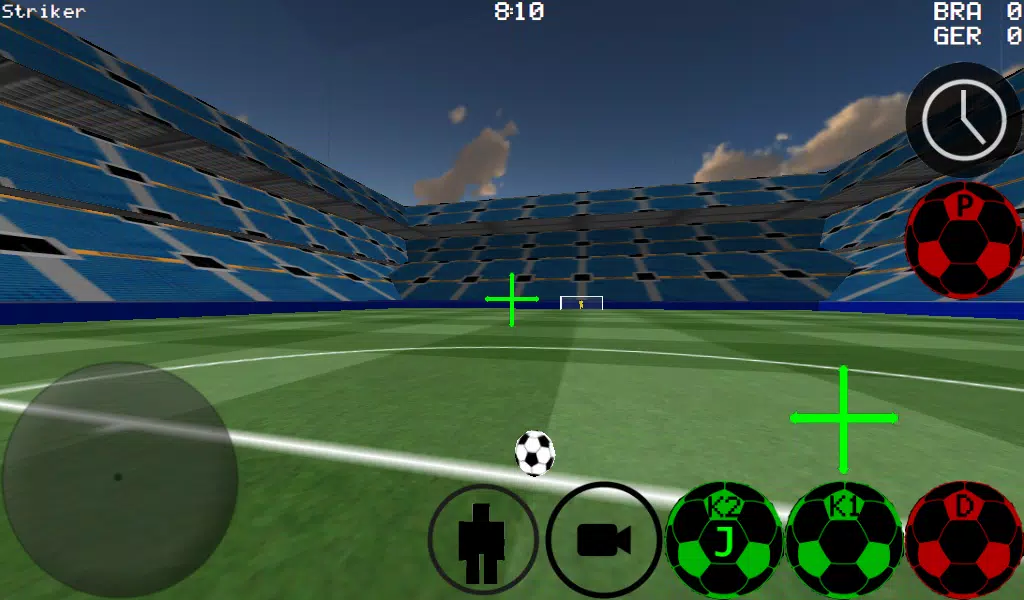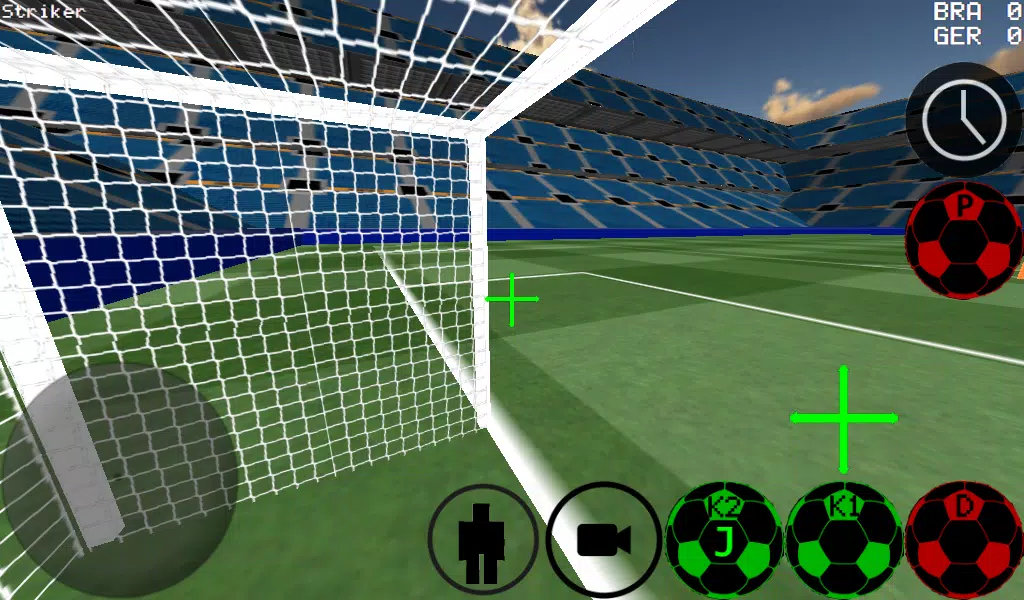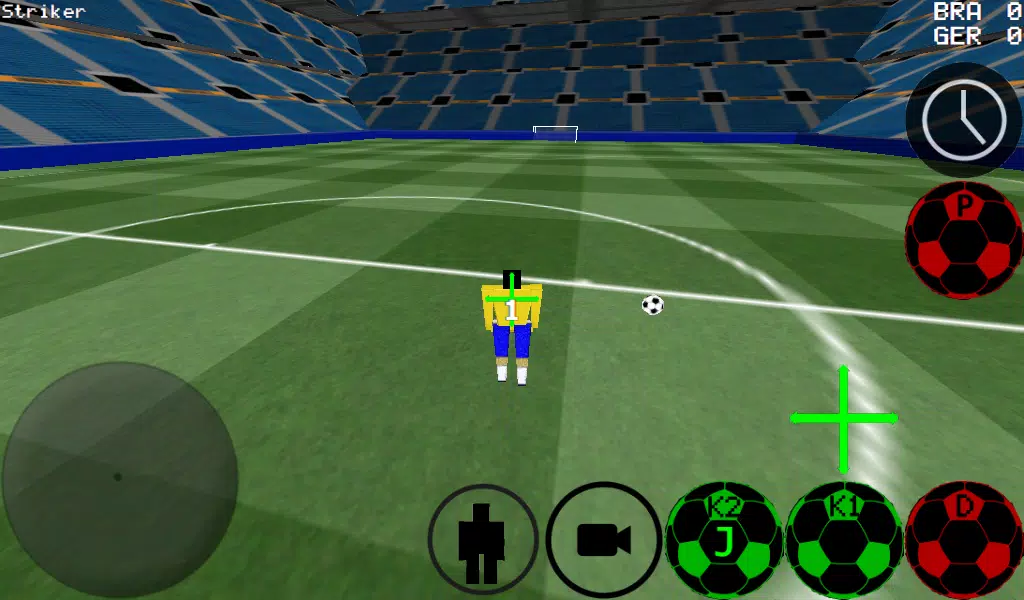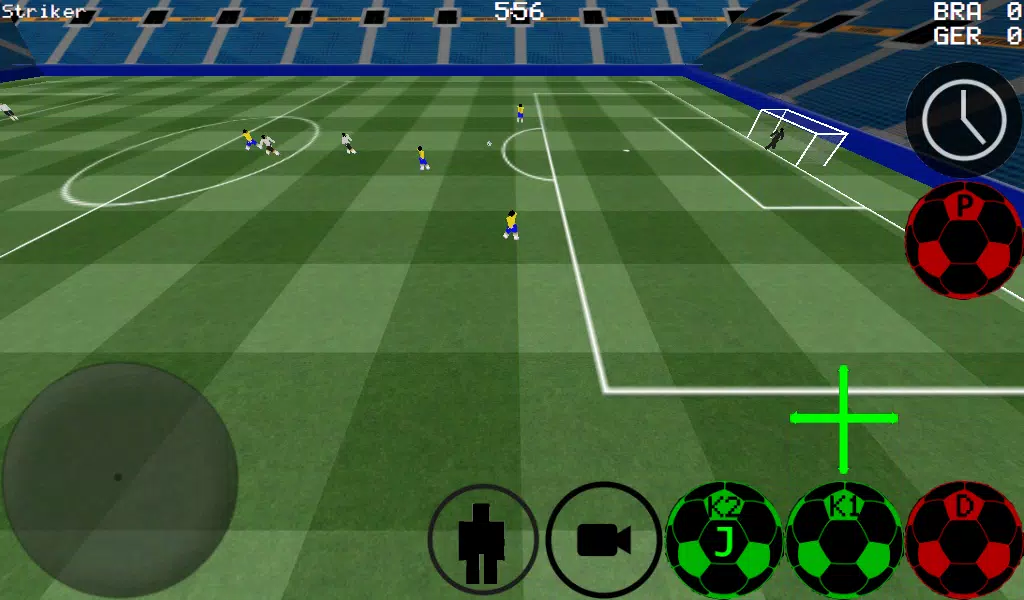
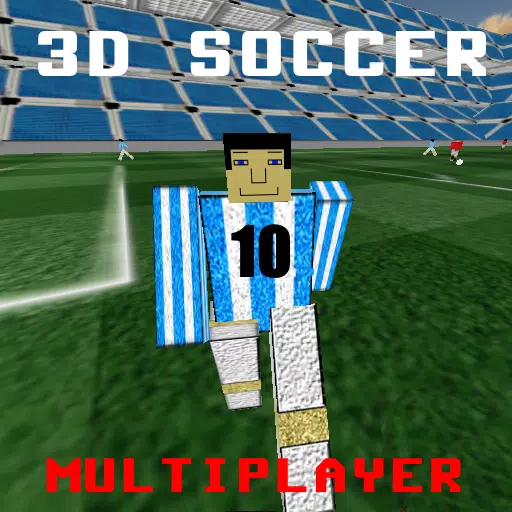
Immerse Yourself in First-Person Soccer Action
Experience soccer from a dynamic first-person perspective, with additional third-person, top-down, and stadium camera views.
-Master advanced ball control for precision dribbling and powerful shots.
-Compete in matches ranging from 4 vs. 4 to full 11 vs. 11.
-Take control of any player on the pitch.
-Choose between auto-dribble, manual dribble, and other gameplay options.
-Step into the role of the goalkeeper.
-Sharpen your skills with dedicated free-kick practice.
-Hone your delivery with corner kick training.
-Improve your passing and control with wall practice sessions.
-Show off your flair in freestyle mode.
-Apply realistic spin to the ball.
-Utilize slow-motion time to line up the perfect shot.
-Enjoy Multiplayer modes over LAN and the Internet, supporting up to 5 vs. 5.
-Assign powerful K1 and K2 kicks directly to where you are aiming.
-Play across two unique stadiums.
-Experimental support for USB Xbox 360 Controllers.
Xbox 360 USB Controller Layout
A = Dribble / Ball Control
X = Medium Power Kick (Aimed in Camera Direction)
Y or RIGHT BUTTON = High Power Kick (Aimed in Camera Direction)
B = PASS (Directs AI Teammate)
START = Cycle Camera View
LEFT Button = Activate Slow Time
UP PAD = Switch Controlled Player
BACK = RETURN TO MAIN MENU
RIGHT HAT = Adjust Camera Angle
LEFT HAT = Control Player Movement
Setting Up a LAN/WAN Server:
1. Enable Wi-Fi (ensure connection to a Router/Modem).
2. Select the LAN GAME option.
3. Click START SERVER.
4. Click CONNECT (once or twice). You are now connected as a player and are hosting the server.
Connecting to a Server (as a second player):
1. Enable Wi-Fi (ensure connection to the same Router/Modem as the server).
2. Select the LAN GAME option.
3. Click CONNECT several times. (You are now connected to the game).
Playing Over the Internet: Creating a Server
1. Forward Port 2500 on your Modem/Router to the IP address of your Phone or Tablet.
2. Select the LAN GAME option.
3. Click START SERVER.
4. Click CONNECT (once or twice). You are now connected as a player and are hosting the server.
CONNECTING TO AN INTERNET SERVER
1. SELECT LAN CONNECT.
2. CLICK IP / TI SERVER.
3. ENTER THE SERVER'S IP ADDRESS (e.g., 201.21.23.21) and click CONNECT IP once or twice until you join.