Nothing is more frustrating than downloading a game, settling in to play, and discovering it won't launch. That's the current reality for many Final Fantasy 7 fans. Here’s how to resolve DirectX 12 (DX12) errors in Final Fantasy 7 Rebirth on PC.
Understanding DirectX 12 Errors in Final Fantasy 7 Rebirth
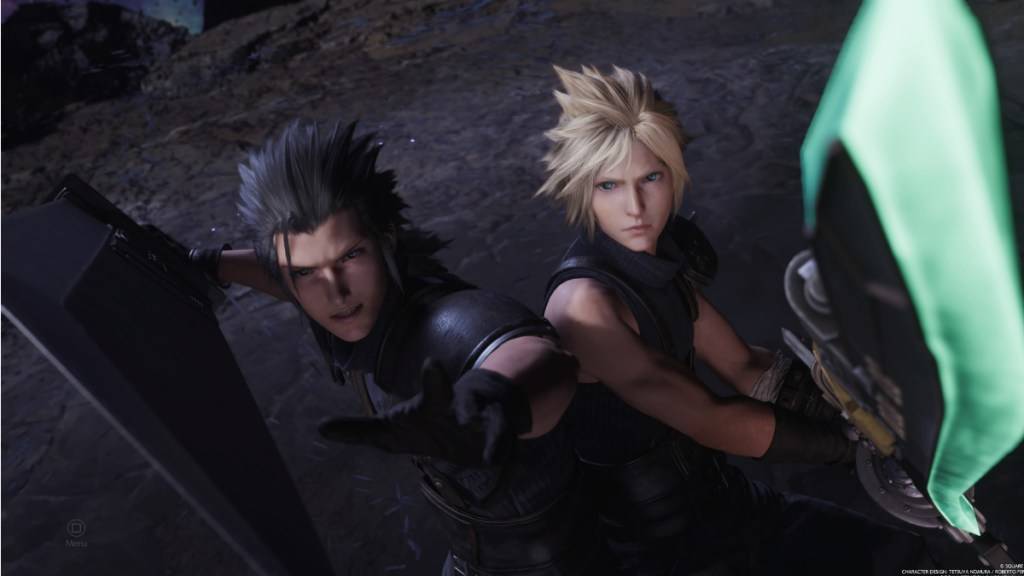
Final Fantasy 7 Rebirth, the sequel to Final Fantasy VII Remake, launched nearly a year ago, and countless players have already completed its expansive content. The benefit of single-player games is their flexibility—you can start or stop playing anytime. However, newcomers who missed the initial launch are encountering a series of errors that are disrupting their gameplay.
DirectX 12 errors are preventing players from starting Final Fantasy 7 Rebirth, and the game offers no built-in solutions. Before getting too frustrated, understand that the issue is likely related to the Windows version on your system. Simply put, your PC needs DirectX 12, which is only supported on Windows 10 and 11.
Related: Final Fantasy VII Rebirth’s Briana White Forges Community By Wearing Her Heart on Her Sleeve [Interview]
Resolving DirectX 12 (DX12) Errors in Final Fantasy 7 Rebirth on PC
If you're confident your PC runs the latest Windows, the next step is to verify your DirectX version. Follow these steps on a Windows 10 or 11 system:
Type “dxdiag” into the Search bar from Start Click on “dxdiag” Head to the System Information section and figure out which version of DirectX is installed
Unfortunately, users with older Windows versions are out of options. Check for any available updates, but if none exist, consider requesting a refund or exploring other games.
If you have DirectX 12 but the error continues, your graphics card might be the culprit. Final Fantasy 7 Rebirth players are expressing their frustration on Reddit, with many attributing the problem to the game's minimum requirements rather than their OS.
Square Enix’s official website lists the full system requirements. Here are the recommended GPUs:
AMD Radeon™ RX 6600* Intel® Arc™ A580 NVIDIA® GeForce® RTX 2060*
Accepting that your GPU falls short is difficult, especially after purchasing the game, but these requirements exist for a reason. Square Enix aims to deliver an optimal experience, and incompatible hardware leads to poor performance. If you're determined to play Final Fantasy 7 Rebirth but lack the necessary hardware, an upgrade may be your only option.
That covers how to fix DirectX 12 Errors (DX12) in Final Fantasy 7 Rebirth on PC. For more guides, check out the best deck and strategy to defeat the Shadowblood Queen in this Square Enix release.
Final Fantasy 7 Rebirth is available now on PlayStation and PC.