One of the most frustrating issues in Ready or Not is the inability to connect to multiplayer games. While developers may address this problem eventually, players need immediate solutions. Here's how to troubleshoot the "Can't Connect to Host" error in Ready or Not.
What Causes 'Can't Connect to Host' Error in Ready or Not
The "Can't Connect to Host" error typically indicates a connection problem between your system and the game servers. Multiple factors can trigger this error, including unstable internet connections, corrupted game files, version inconsistencies, or conflicting background applications. While identifying the exact cause can be challenging, several proven solutions exist.
Related: How to Fix 'Serialization Error Action Needed' in Ready or Not
How to Fix 'Can't Connect to Host' in Ready or Not
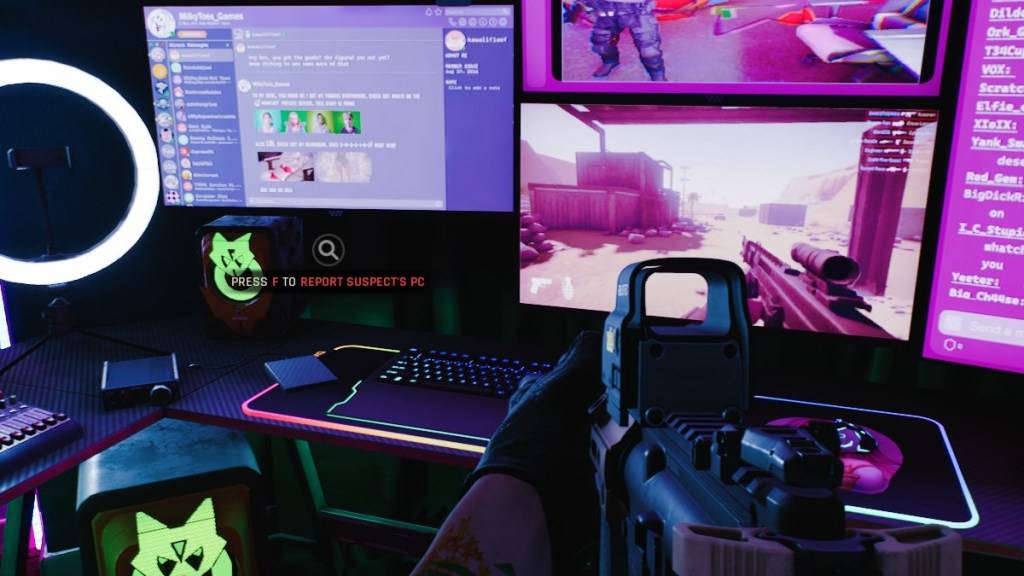
Basic Troubleshooting Steps
Restart Your Game: Begin with a simple game restart. For better results, completely exit Steam or your gaming platform before relaunching.
Verify Game Files: On Steam, right-click Ready or Not in your library, select Properties > Installed Files > Verify Integrity of Game Files. This process automatically repairs any corrupted or missing files.
Update Network Drivers: Outdated network drivers can cause connectivity issues. Check your manufacturer's website for the latest drivers.
Advanced Solutions
Configure Firewall Settings: Navigate to Control Panel > Windows Defender Firewall > Allowed apps and add Ready or Not to the whitelist.
Disable VPN Services: While VPNs can improve ping, they may interfere with game connections. Temporarily disable any active VPN during gameplay.
Adjust Display Settings: Try switching between DirectX versions through the game's launch options if other methods fail.
Last Resort
Complete Reinstallation: If problems persist, perform a clean install. After uninstalling through Steam, manually delete any remaining game files in both the installation directory and %localappdata% folder.
The "Can't Connect to Host" error can be particularly vexing in Ready or Not, but these troubleshooting steps typically resolve most connectivity issues.
Ready or Not is currently available exclusively for PC.